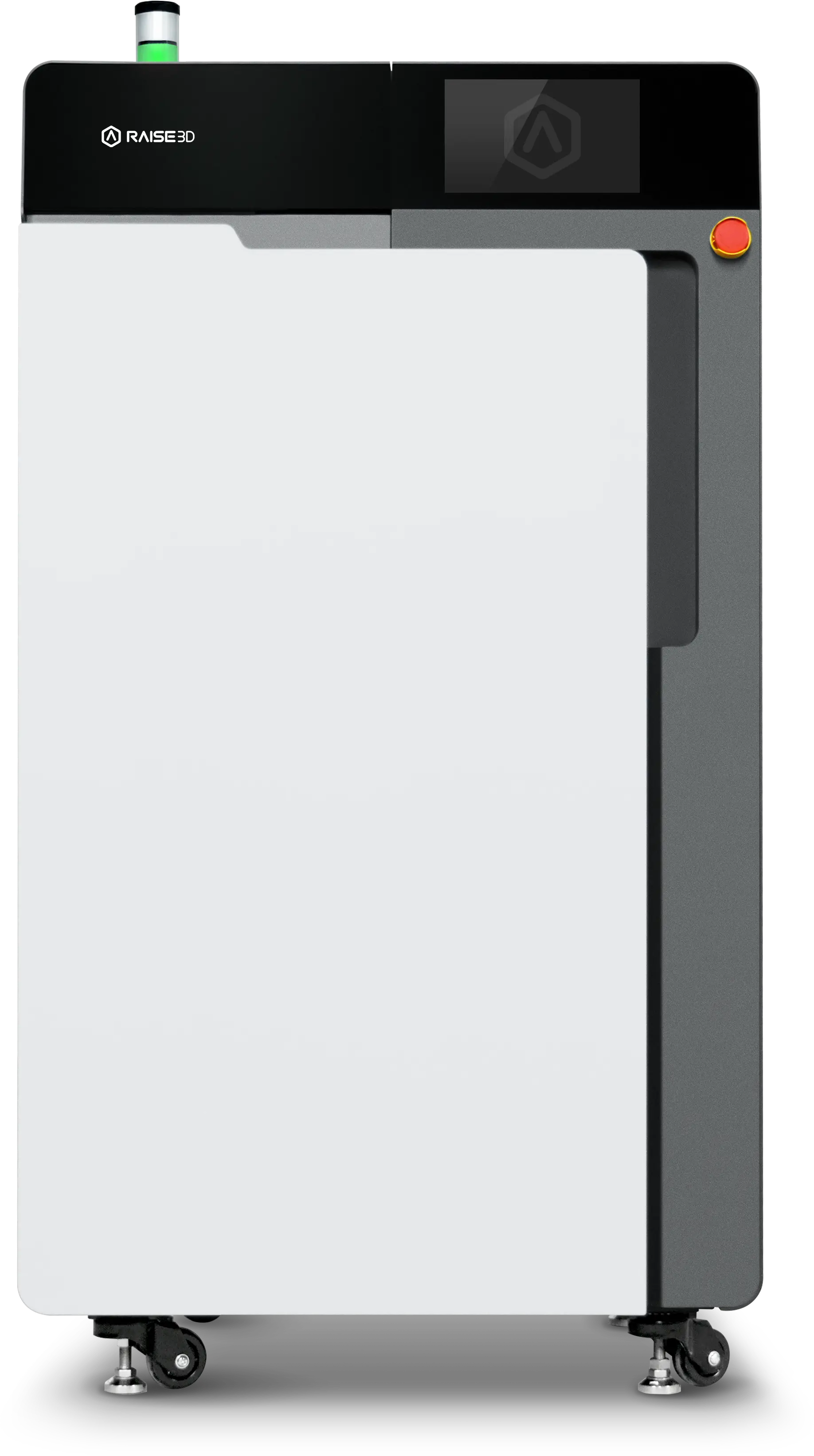
Please read the articles on this page in order to understand the complete usage process of the RMS220 Printer.
¶ RMS220 Intro
- RMS220 Parameters
- Product Illustration
- Electrical Environment & Amosphere Preparation
- Tools
- Unboxing Instructions
- Work Area Requirements
- Security Statement
- Accessories List
¶ How To Use The RMS220 Printer
This section will guide you through the process from unpacking and assembling the device to your first print. Please follow the steps outlined in this section to complete your first use of the RMS220.
¶ RMS220 Unboxing
¶ Installation
- Install The TowerLight
- Prepare The Gas
- Install The IRSensor
- Install The Optical Window
- Connect The PowerCord
- Start The Printer
- Leveling The RMS220
- Set Printer Language
- Connect To WiFi
¶ Preparation Before Printing
- Check The IR Sensor
- Check The Optical Window
- Check The Filter
- Prepare The Build Unit 220
- Insert The Build Unit 220
- Check The Powder Volume
- Pour In New Powder (No C220-P Cleaning Station Purchased)
- Pour In New Powder (C220-P Cleaning Station Purchased)
- Powder Mixing
¶ First Print
¶ Post-processing
¶ FAQ
¶ Powder
¶ Print Design Guide
¶ Maintenance
The table below lists the consumable parts that require maintenance for the RMS220. Please maintain the corresponding consumable parts according to the maintenance schedule specified in the table.
| No. | Duration (hours) | Pictures | Items |
|---|---|---|---|
| 1 | 0/150 | 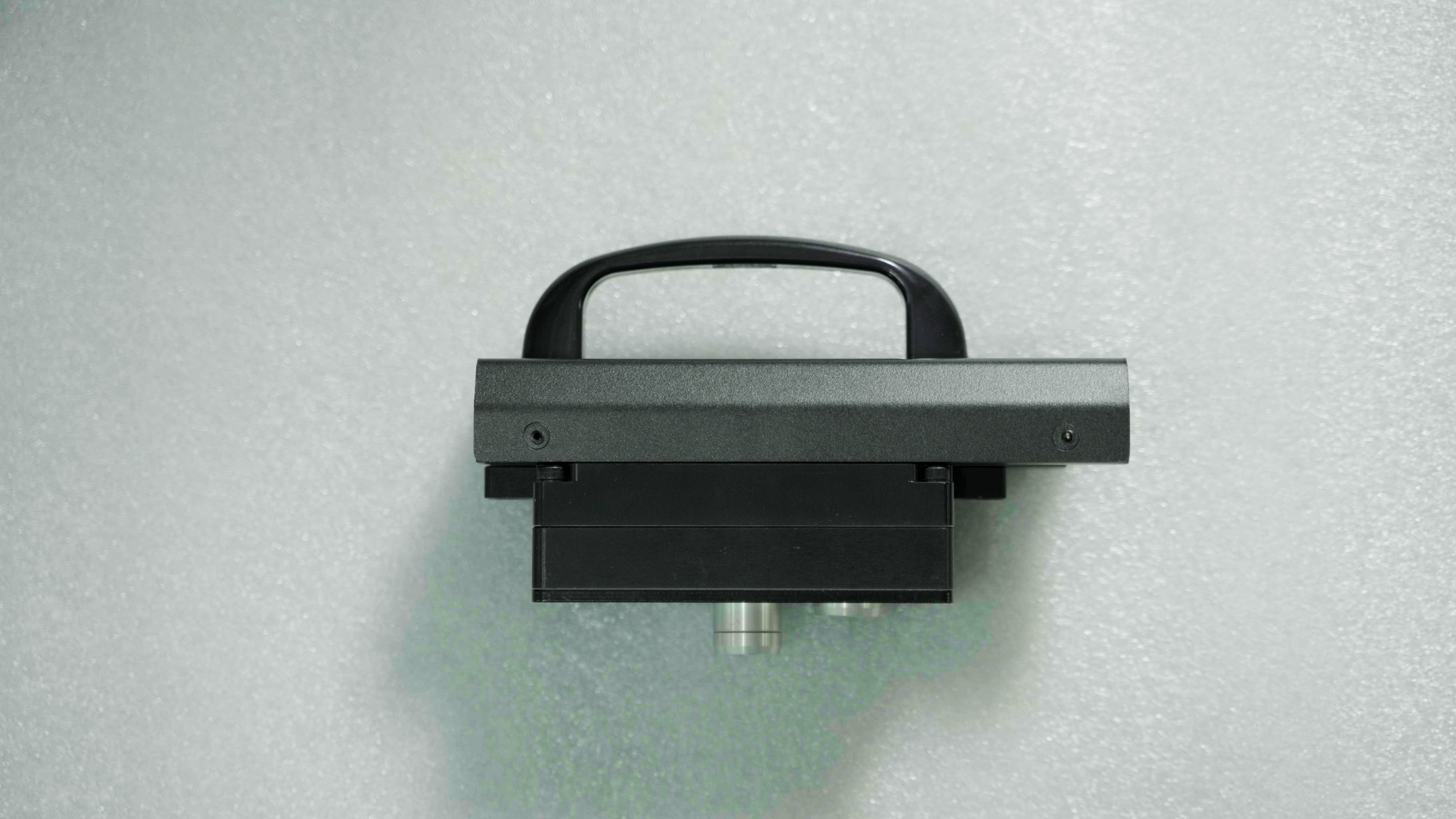 |
Clean The IRsensor |
| 2 | 0/1200 | 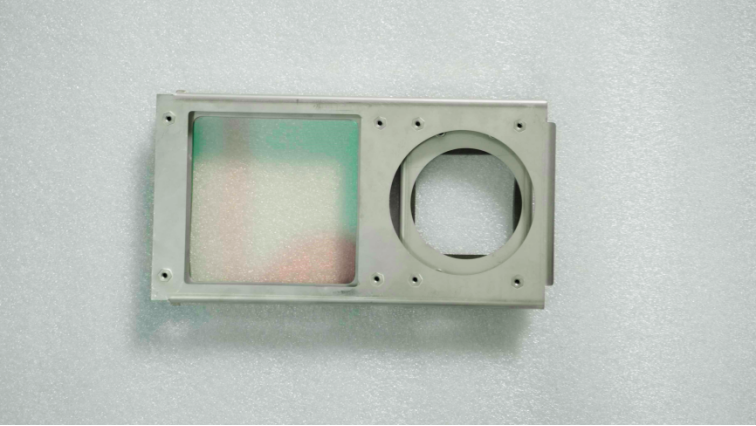 |
Clean The Optical Window |
| 3 | 0/150 | 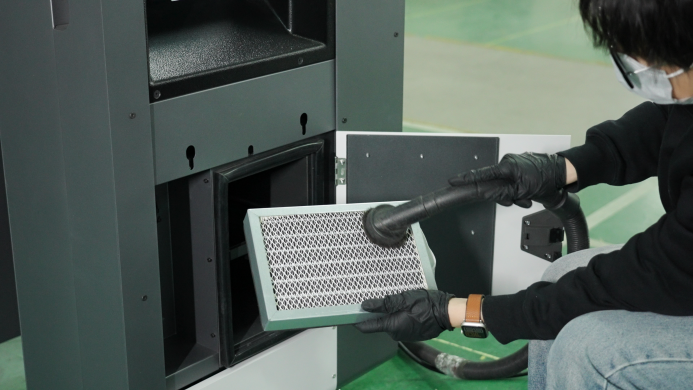 |
Clean The Air Exhaust Filter (Small) |
| 4 | 0/9000 | 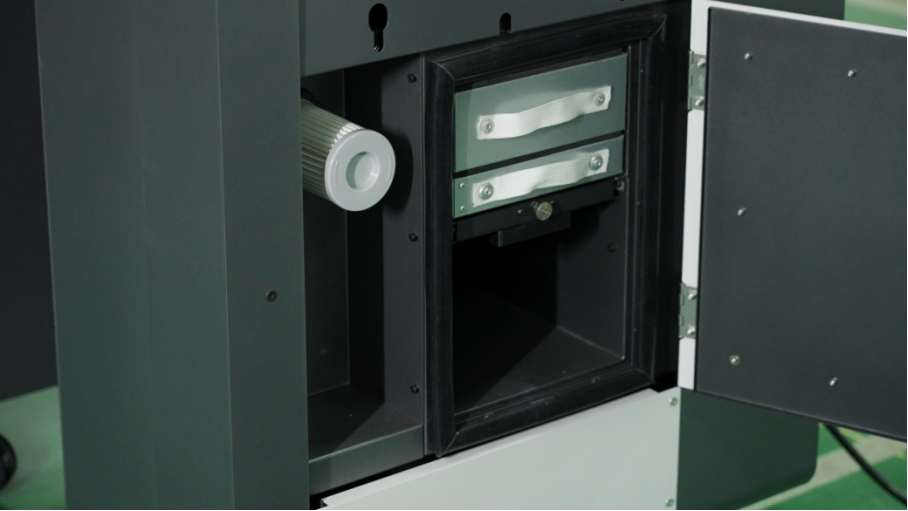 |
Repalce The Air Exhaust Filter (Small) |
| 5 | 0/150 | 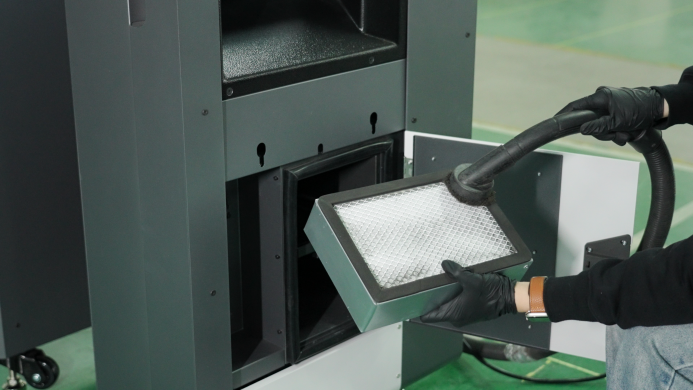 |
Clean The Activated Carbon Filter(large) |
| 6 | 0/9000 | |
Repalce The Activated Carbon Filter(large) |
| 7 | 0/150 | 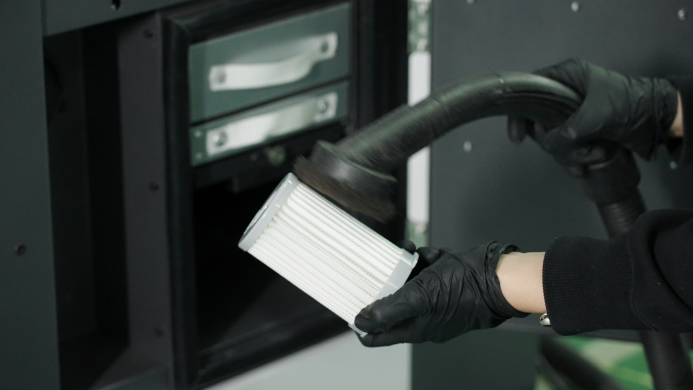 |
Clean The Air Intake Filter |
| 8 | 0/9000 | 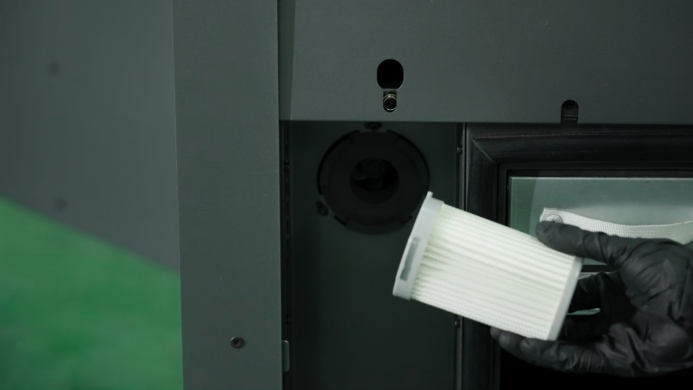 |
Replace The Air Intake Filter |
| 9 | 0/150 | 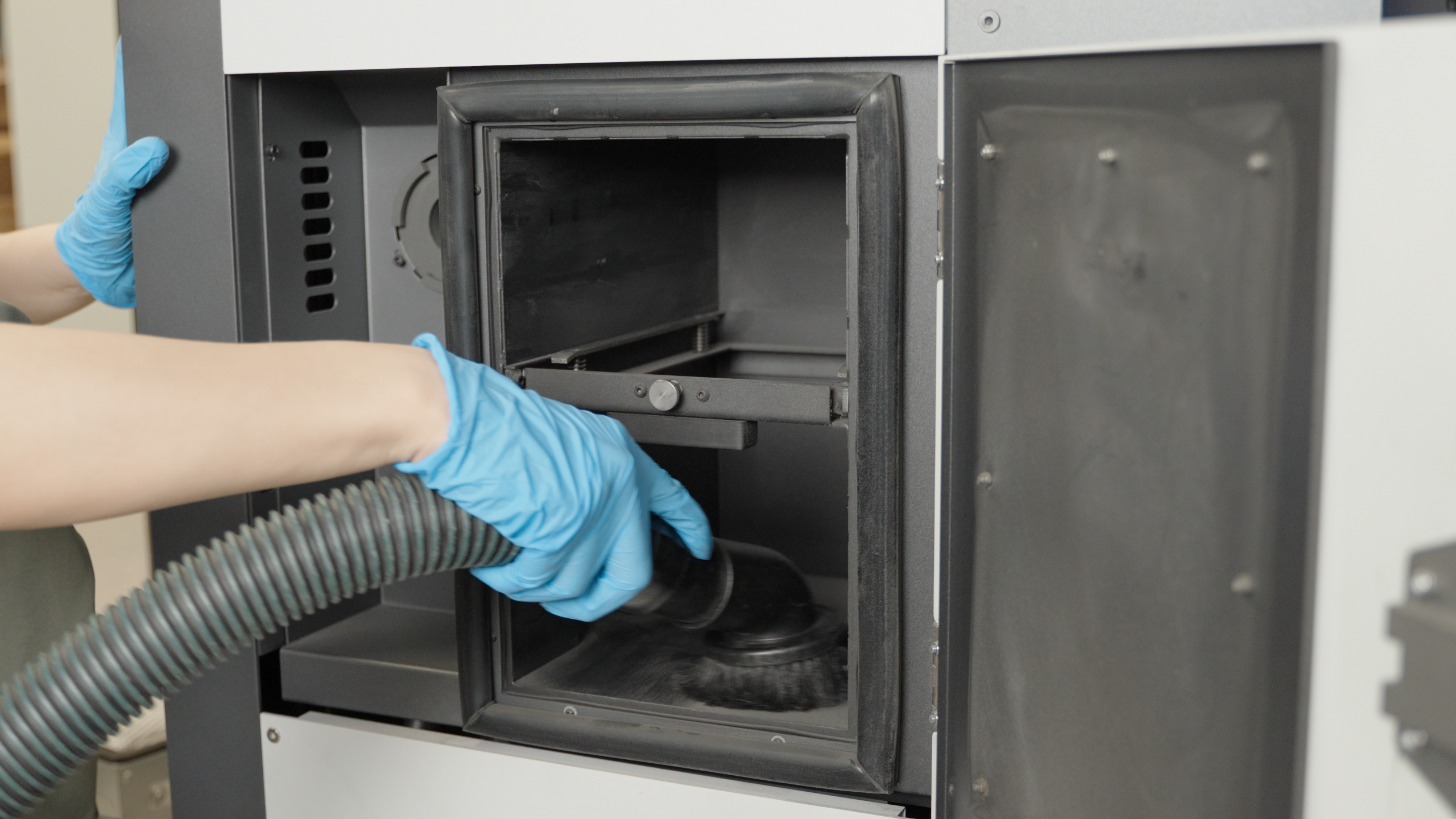 |
Clean The Circulation Duct |
| 10 | 0/150 | 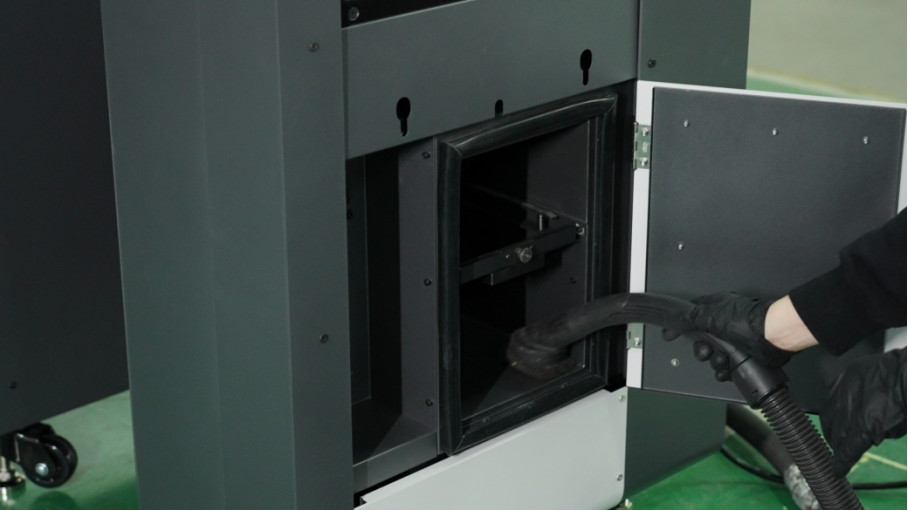 |
Clean The Filter Chamber |
| 11 | 0/150 | 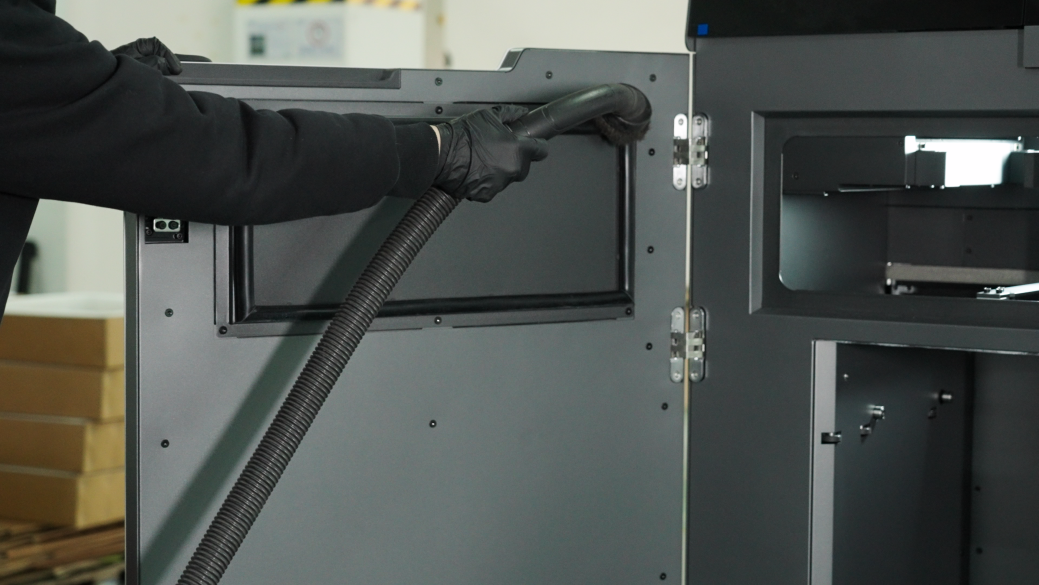 |
Clean The Printer Chamber And The Floor |
| 12 | 0/500 | 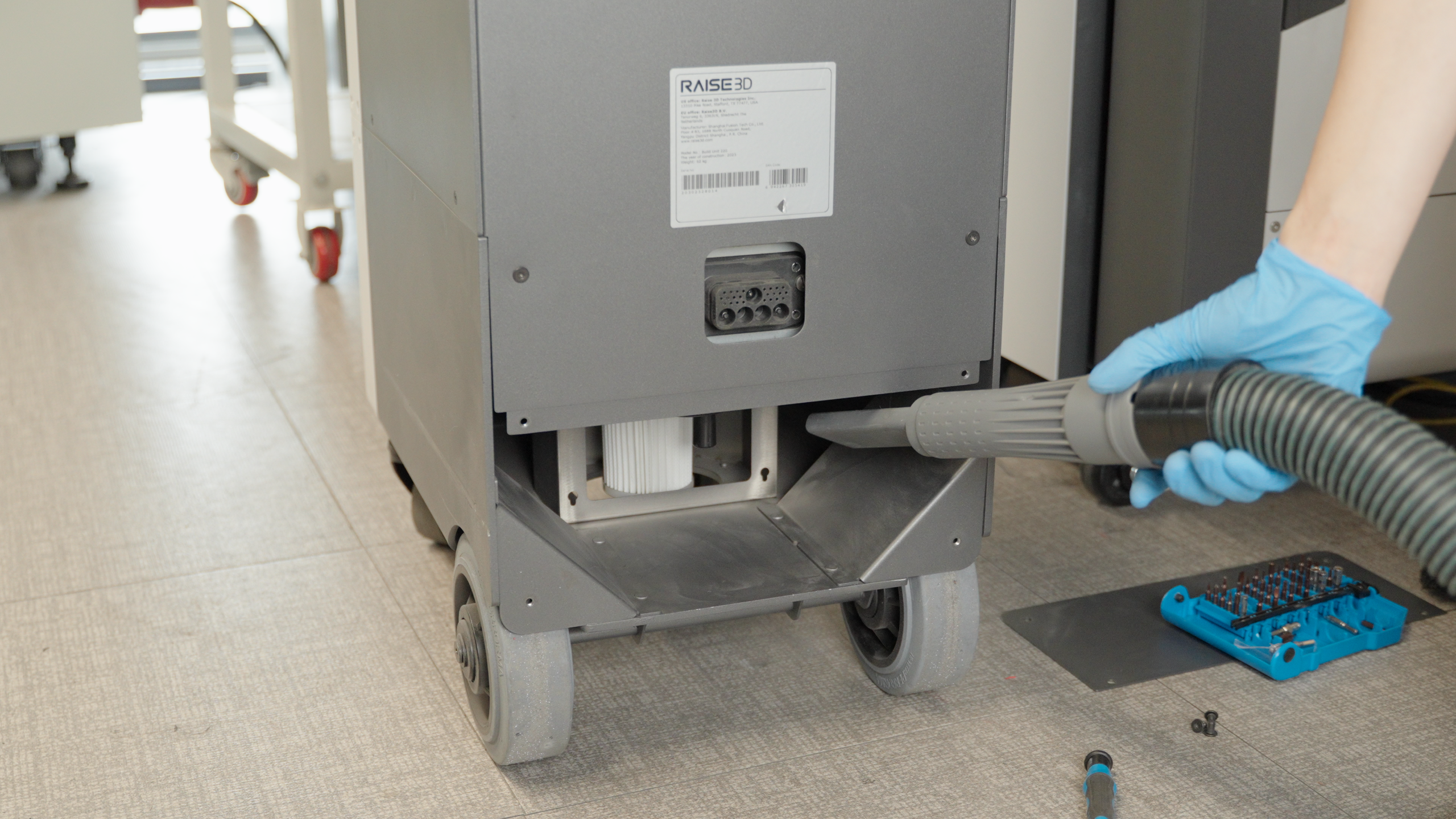 |
Clean The Accumulated Powder Inside Build Unit 220 |
¶ Service and Support
If you encounter hardware or software problems that are not mentioned in this manual when using the RMF220, or need to order spare parts, please contact Raise3D for after-sales support:
| Region | Phone | Email/Support Tickets |
|---|---|---|
| US | +1 888 963 9028 (9:00 a.m-5:00 p.m.) |
support.raise3d.com |
| China | +86 400 6367 888 (9:00 a.m-6:00 p.m.) |
support@f3dp.cn |
| Europe | - (9:00 a.m-6:00 p.m.) |
support@raise3d.eu |
When you contact after-sales support, please make sure to provide the device firmware version number and device serial number. If you need to order spare parts, please also provide the invoice number or contract number.
¶ Read and Retain Disclaimer
Before using the Raise3D C220-P Cleaning Station, please carefully read and fully understand the contents of this manual, especially all safety precautions. Ignoring these instructions may result in serious injury or even death. Please retain all safety information and operating instructions for future reference and share them with other users as needed. To avoid fire, explosion, electric shock, or other accidents that could result in property damage or serious injury, strictly follow all operating procedures in this manual.
Raise3D assumes no responsibility for any damage to the device or personal injury caused by improper operation or failure to follow safety instructions, and the associated warranty will automatically become void.
¶ Warranty
This product is covered by a warranty. Please carefully read the warranty terms to understand the specific warranty policy and coverage applicable to your region.