If you have a previous print job and there is a large amount of powder left after cleaning the model at the cleaning station, you can mix the old powder with the new powder and refill it again at the cleaning station.
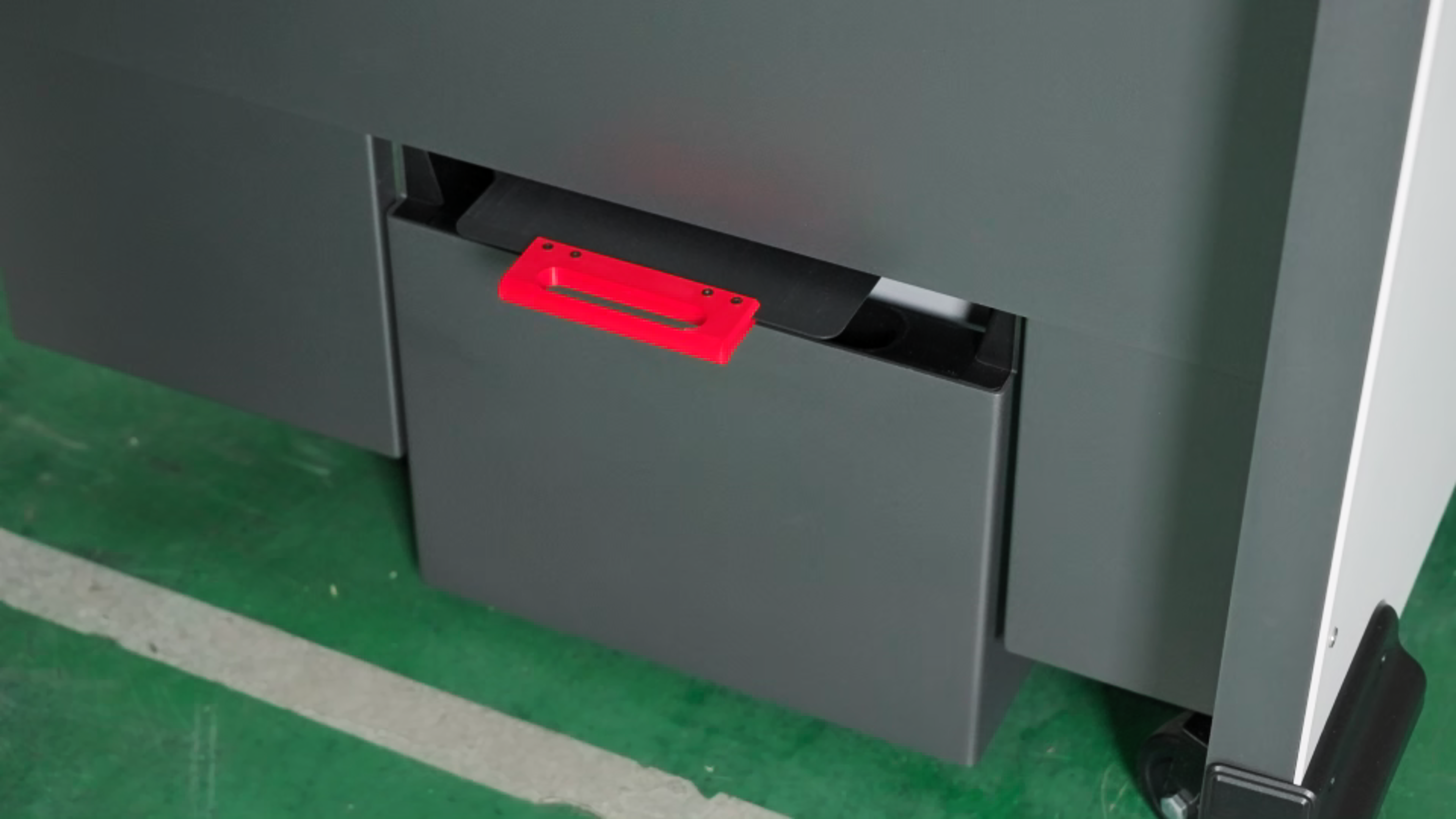
- Open the powder cartridge valve and put it into the drawer at the bottom of the cleaning station. The red handle is facing out.
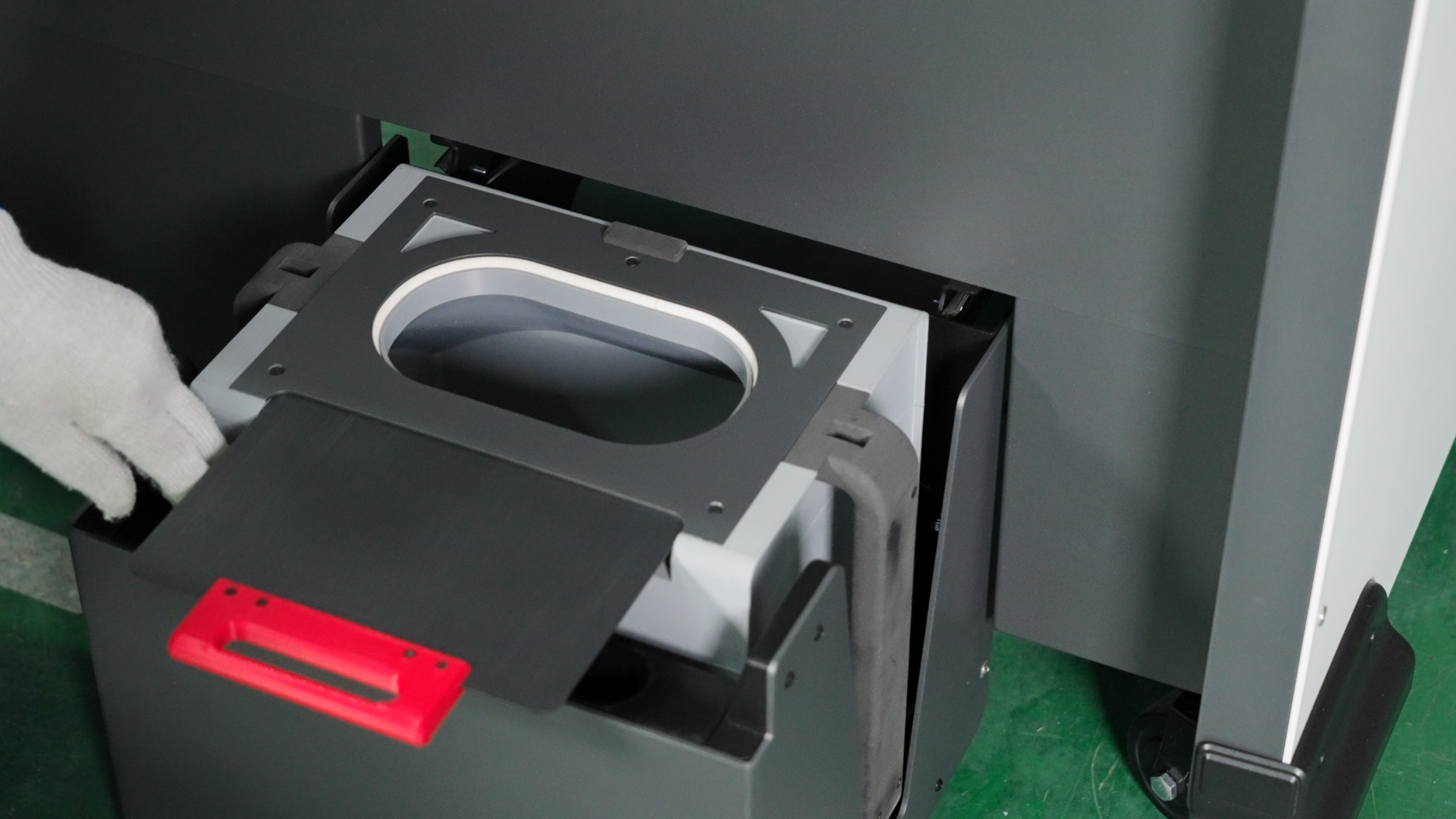
Note: The resistance of opening the cartridge valve is large, please open it with force.
-
Close the bottom weighing mechanism.
-
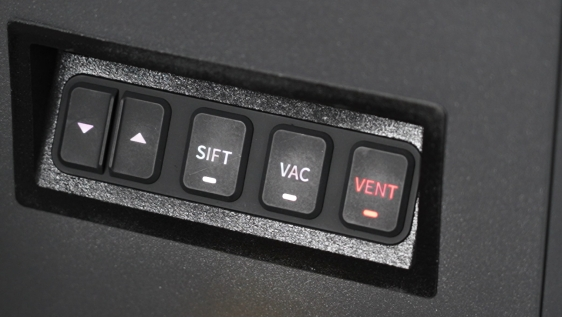
Click the "VENT" button on the front right side of the operation panel of the cleaning station to open the ventilation and lighting of the equipment operation platform.
-
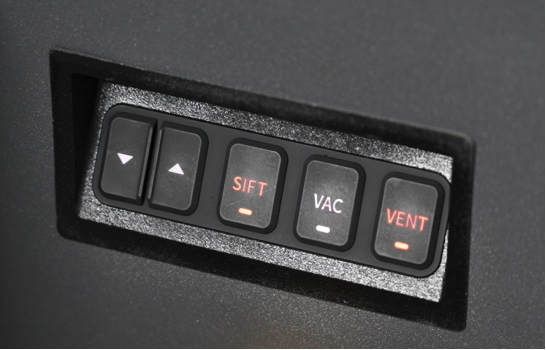
Click the "SIFT" button on the cleaning station, and the vibrating screen will start vibrating, adsorbing the used powder into the screen. You can wear gloves and manually collect the used powder.
-
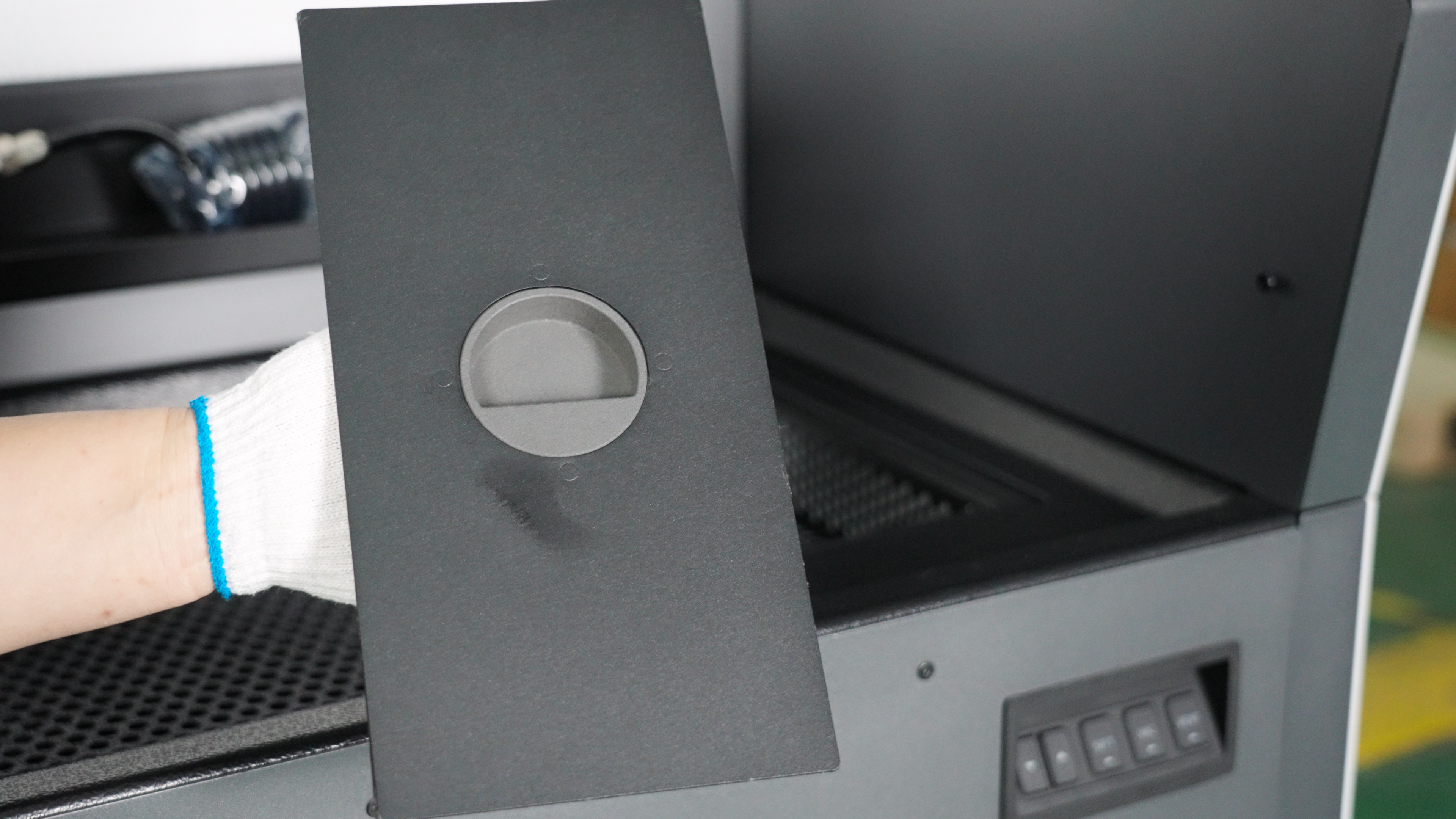
Open the new powder hopper cover plate on the right side of the operation platform of the cleaning station, and pour the new powder into the new powder hopper. You can use gloves to prevent dust pollution.
-
According to your material, input the required powder refresh rate on the touch screen, click the "Mix" button. Wait for the powder mixing to complete.
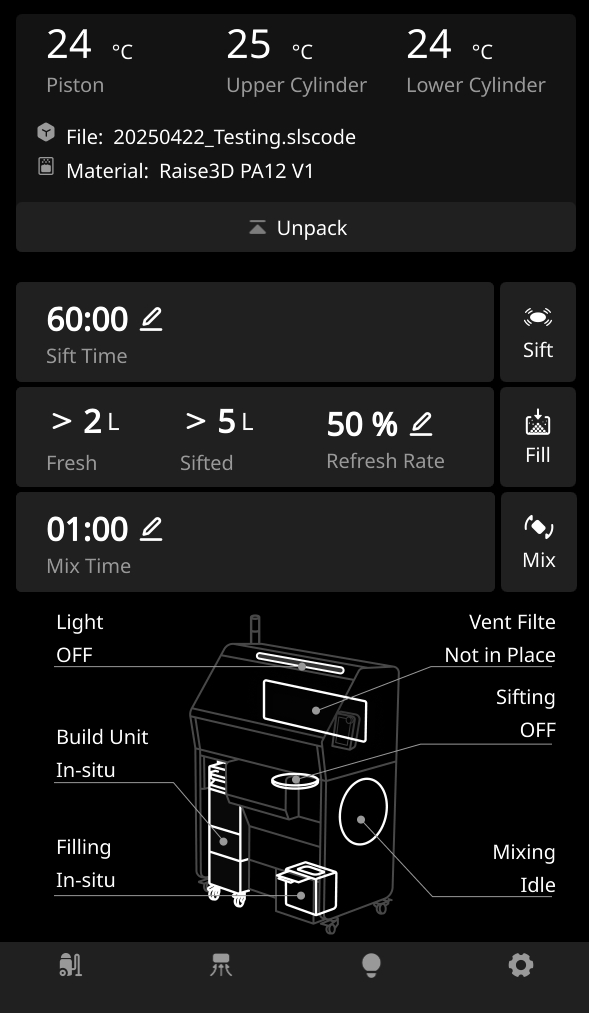
Note: Powder refresh rate refers to the ratio of new powder to old powder. For example, 20% means that new powder accounts for 20% and old powder accounts for 80%.
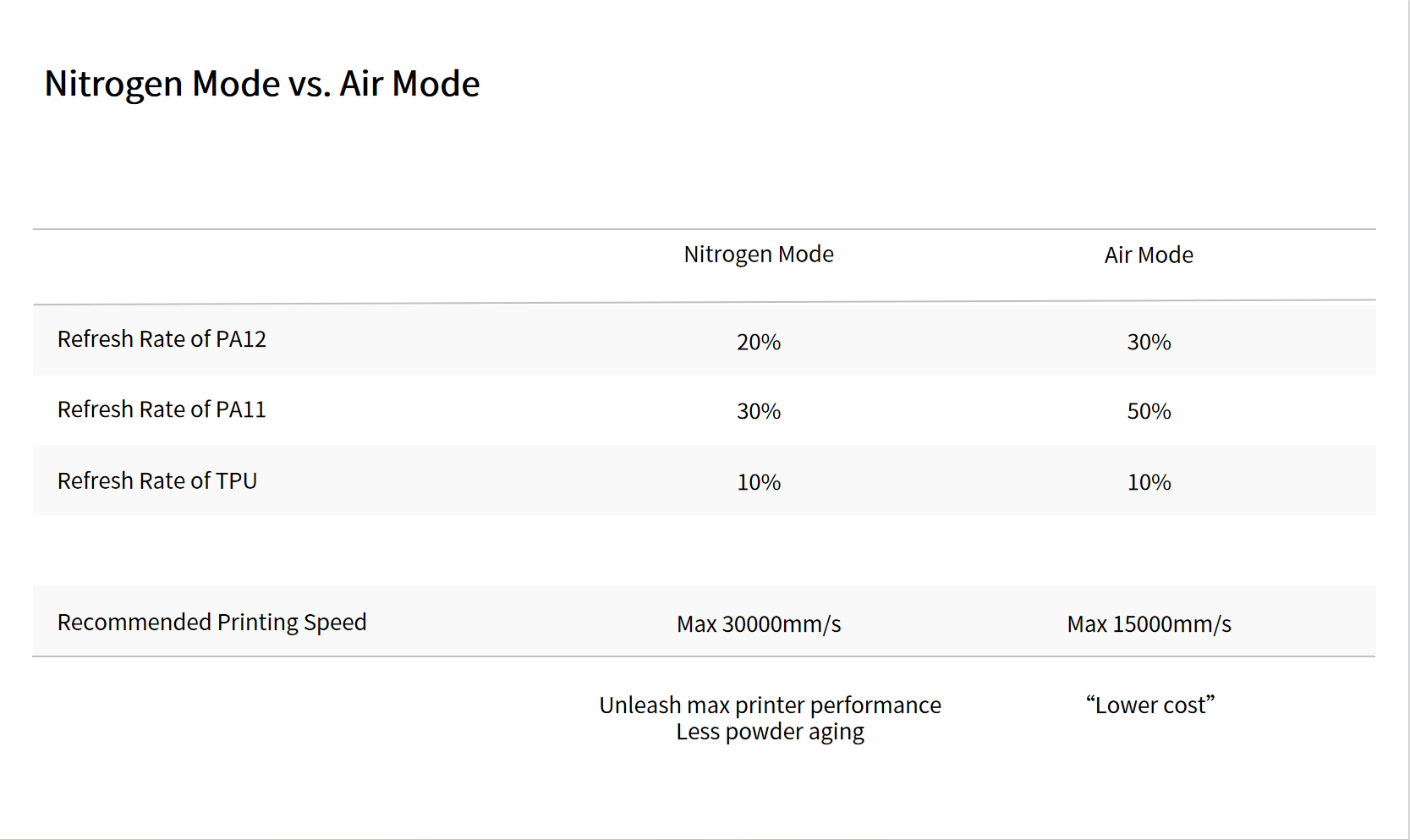
- The refresh rate for each material differs slightly between air and nitrogen modes. We recommend using nitrogen mode.
For example, for PA12, the refresh rate is approximately 30% in air mode, while in nitrogen mode, only about 20% new powder is needed. Less new powder is required in a nitrogen environment because nitrogen mode allows for faster printing speeds, thus preventing rapid powder aging.
We provide a list of recommended refresh rates for each material. You can refer to the following values to select the appropriate atmosphere mode and set the material's refresh rate based on your material.
-
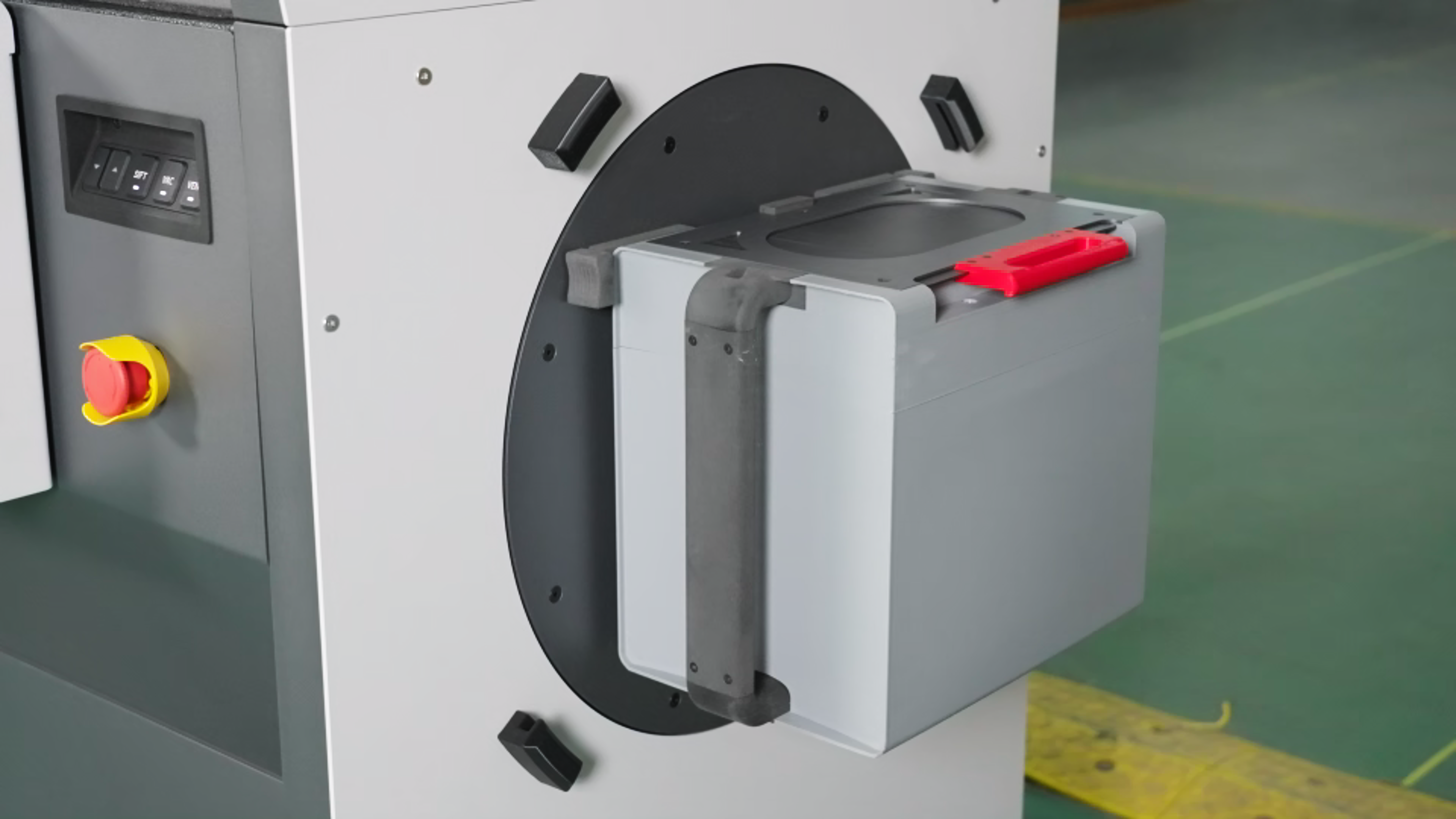
After the powder is mixed, close the lid of the cartridge and transfer the cartridge to the mixing station on the right side of the machine. Align the long slot below the cartridge with the snap under the mixer, and align the two slots above the cartridge with the snap above the mixer.
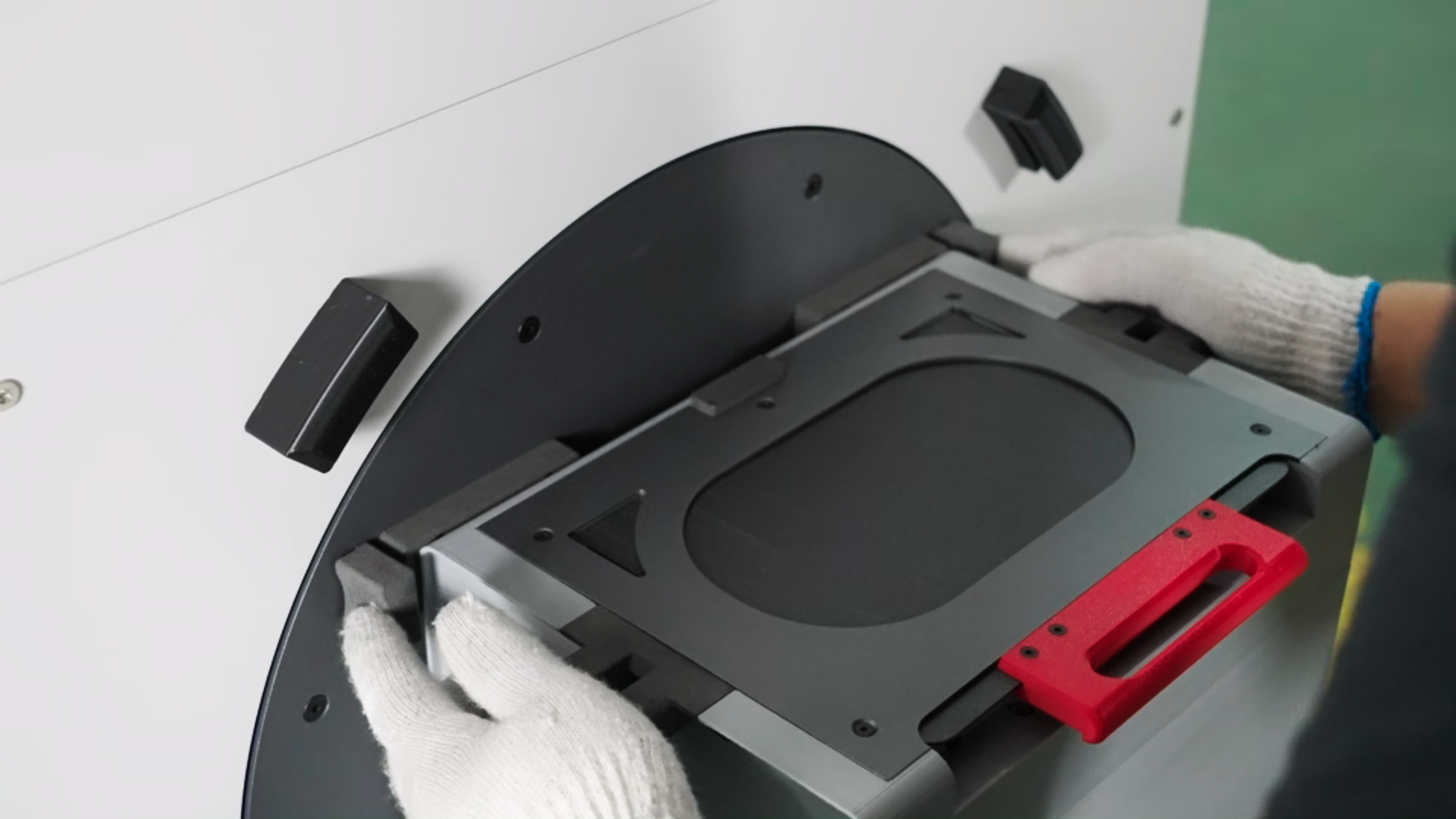
-
Cover with the transparent protective cover, making sure it is secured to the clips.
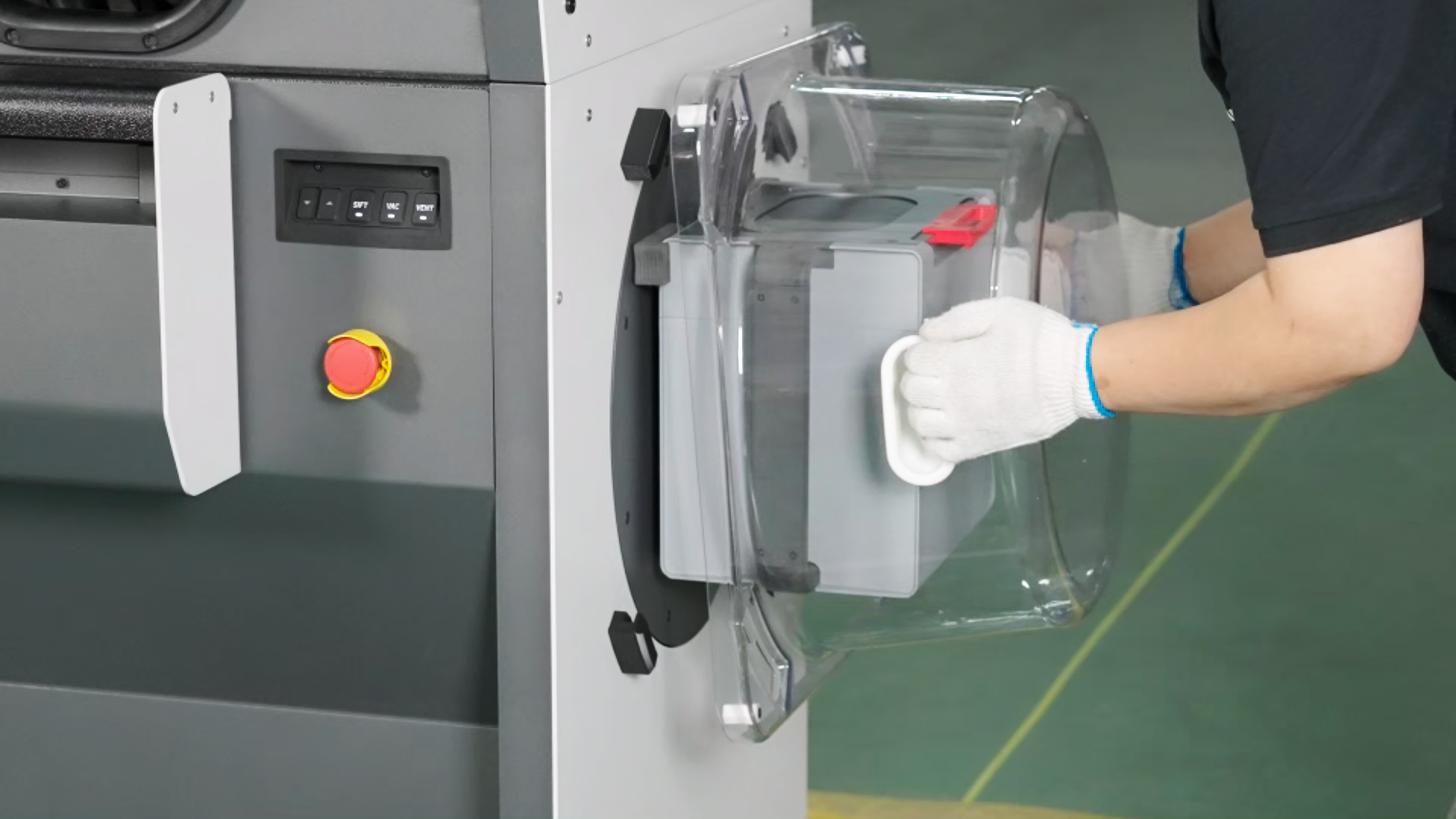
-
Click the "Mix" button on the touch screen to let the C220-P mix the powder until it stops
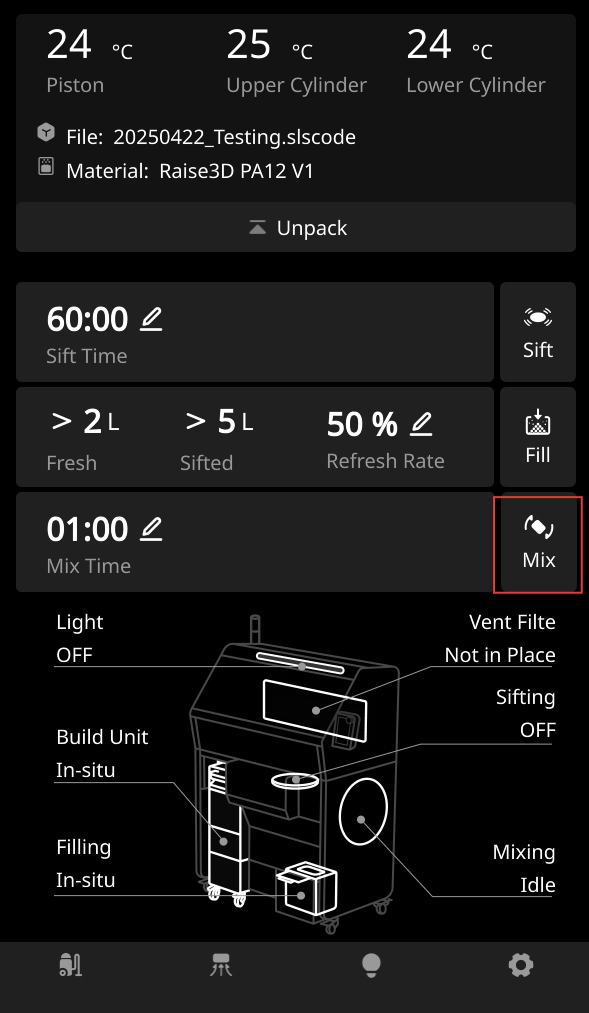
-
After mixing the powder, remove the transparent protective cover, and then pinch the buckle to remove the powder cartridge.
-
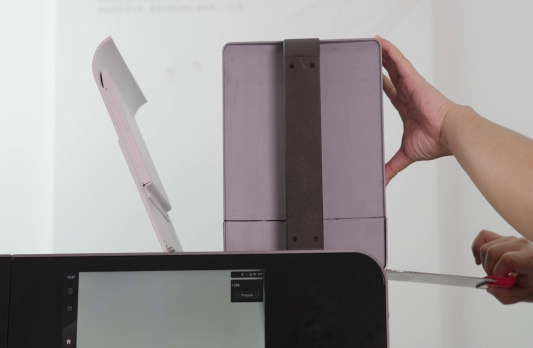
ransfer the cartridge to the top of the RMS220 hopper. Open the cartridge cover. Place the cartridge upside down on top of the hopper with the handle (red part) facing outward.
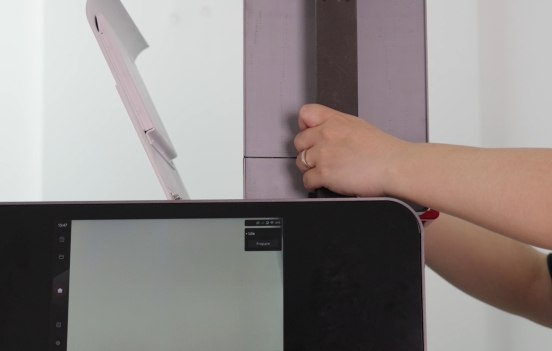
-
Pull the cartridge valve handle. Wait for the powder to fall into the hopper.
-
Next, you can prepare to print the model.