The RMS220 printer has a filter on the right side to filter out dust, smoke, and other pollutants generated during the printing process, reducing their impact on the printing process and the environment in which the printer operates. Please regularly check the filter for cleanliness, integrity, and proper installation according to the maintenance intervals indicated on the printer.
-
Pinch the spring button on the door to open the filter door on the right side of RMS220 to the right.
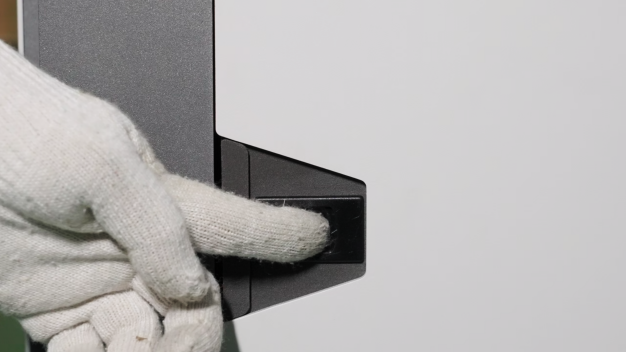
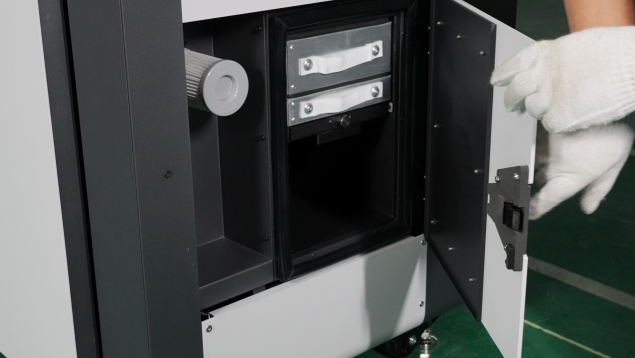
-
Check whether the filter assembly, HEPA filter element and activated carbon box are installed in place.
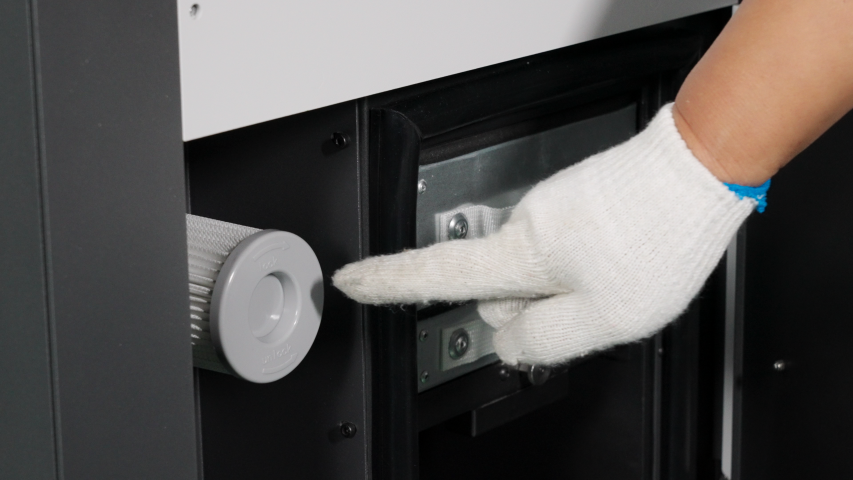
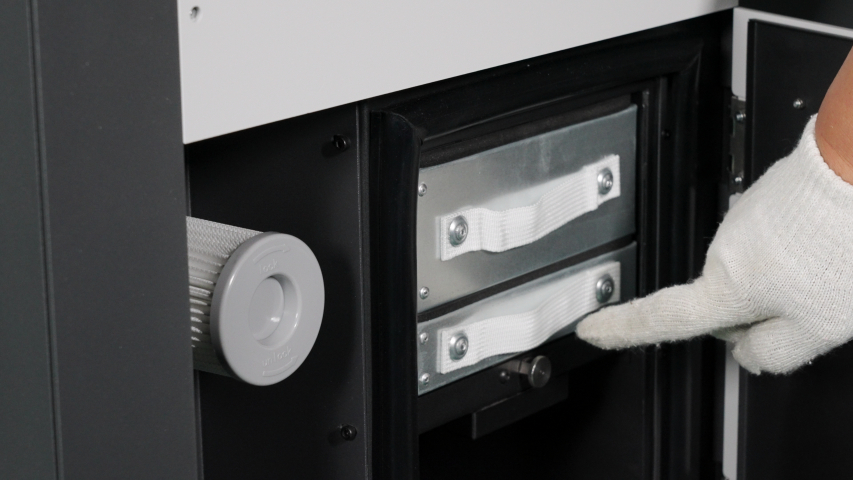
Note: It is recommended that you check the air filter every 100 hours of operation, and replace the HEPA filter and activated carbon every 1000 hours.