The IR sensor in the Raise3D RMS220 printer is primarily used to monitor and control the temperature of the powder bed, providing feedback to the control system. This allows the laser energy output and scanning path to be adjusted according to temperature changes, ensuring the accuracy and stability of the laser sintering process.
-
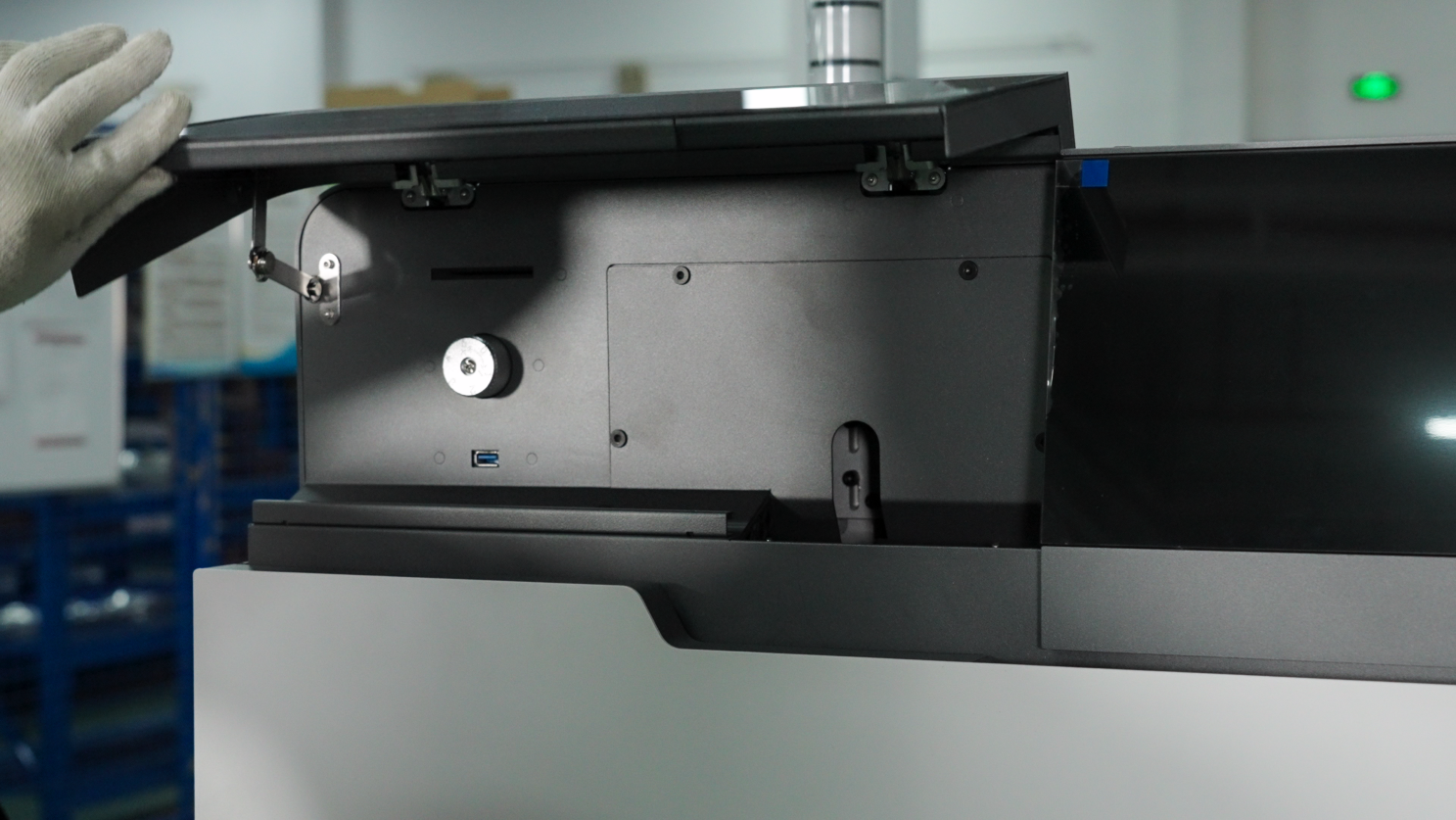
Open the maintenance window cover on the top left of the printer.
-
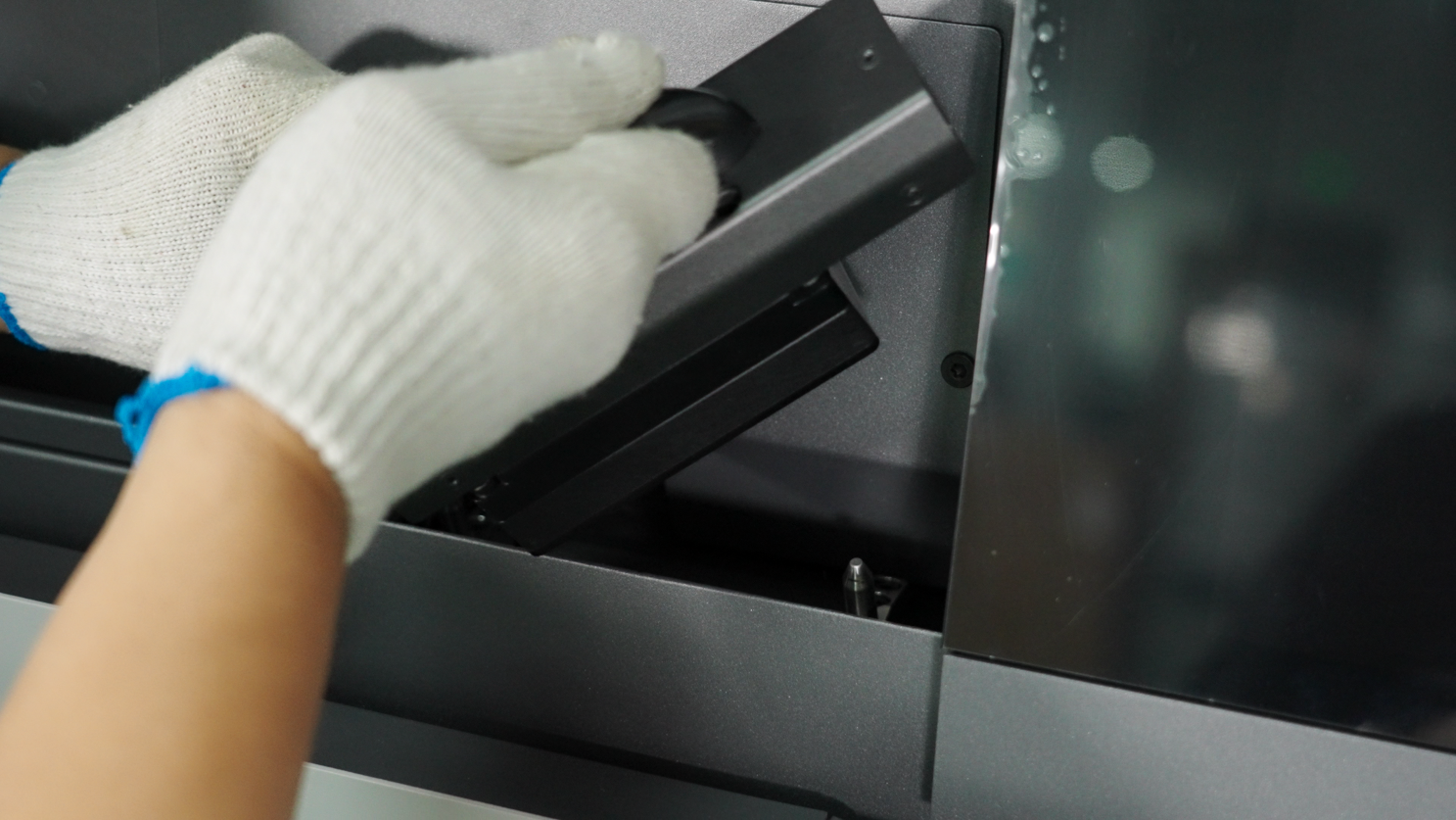
Locate the IR sensor, which has a black handle. Hold the black handle and remove the IR sensor.
-
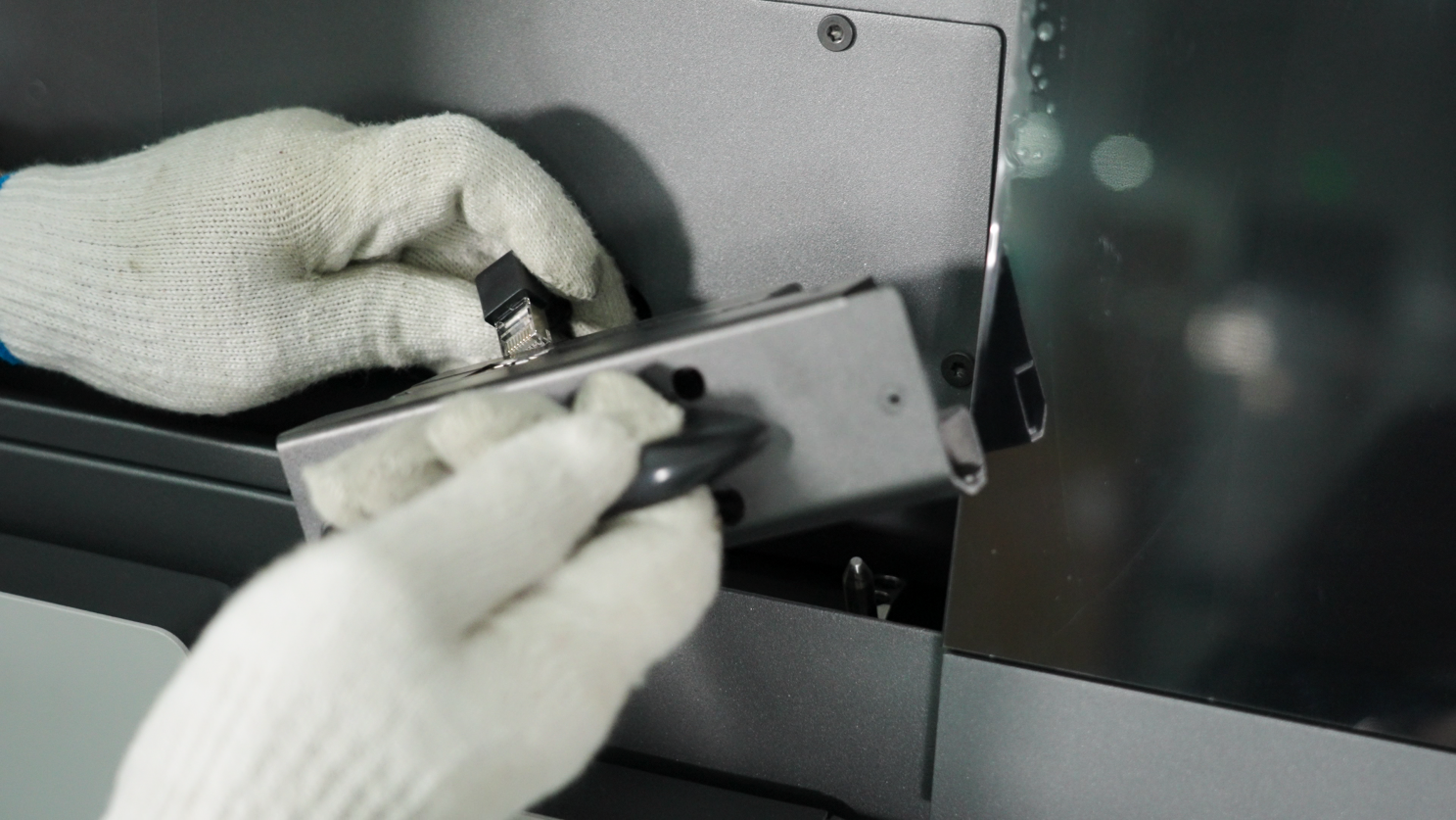
Check that both lenses of the IR sensor are clean. The RMS220 IR sensor contains two sensors: a single-point infrared sensor for accurately measuring the surface temperature of the powder bed; and a thermal imager for measuring the temperature distribution trend on the powder bed surface. You can check the IR sensor by unplugging the network cable after removing it.
-
If the lenses are clean, reconnect the IR sensor to the printer and return it to its original position. If contamination is found, wipe the lens clockwise with an optical cleaning cloth dampened with a small amount of anhydrous ethanol or isopropyl alcohol, ensuring no solvent residue remains. If any dust particles or fibers remain on the lens after cleaning, blow them away with clean compressed air.
-
Reinsert the IR sensor into the printer and close the maintenance window cover.