- Prepare a clean Build Unit 220 before printing. If you have completed the previous print, you need to clean the Build Unit 220 first for the next print. You can use a vacuum cleaner to absorb the floating powder on the Build Unit 220.
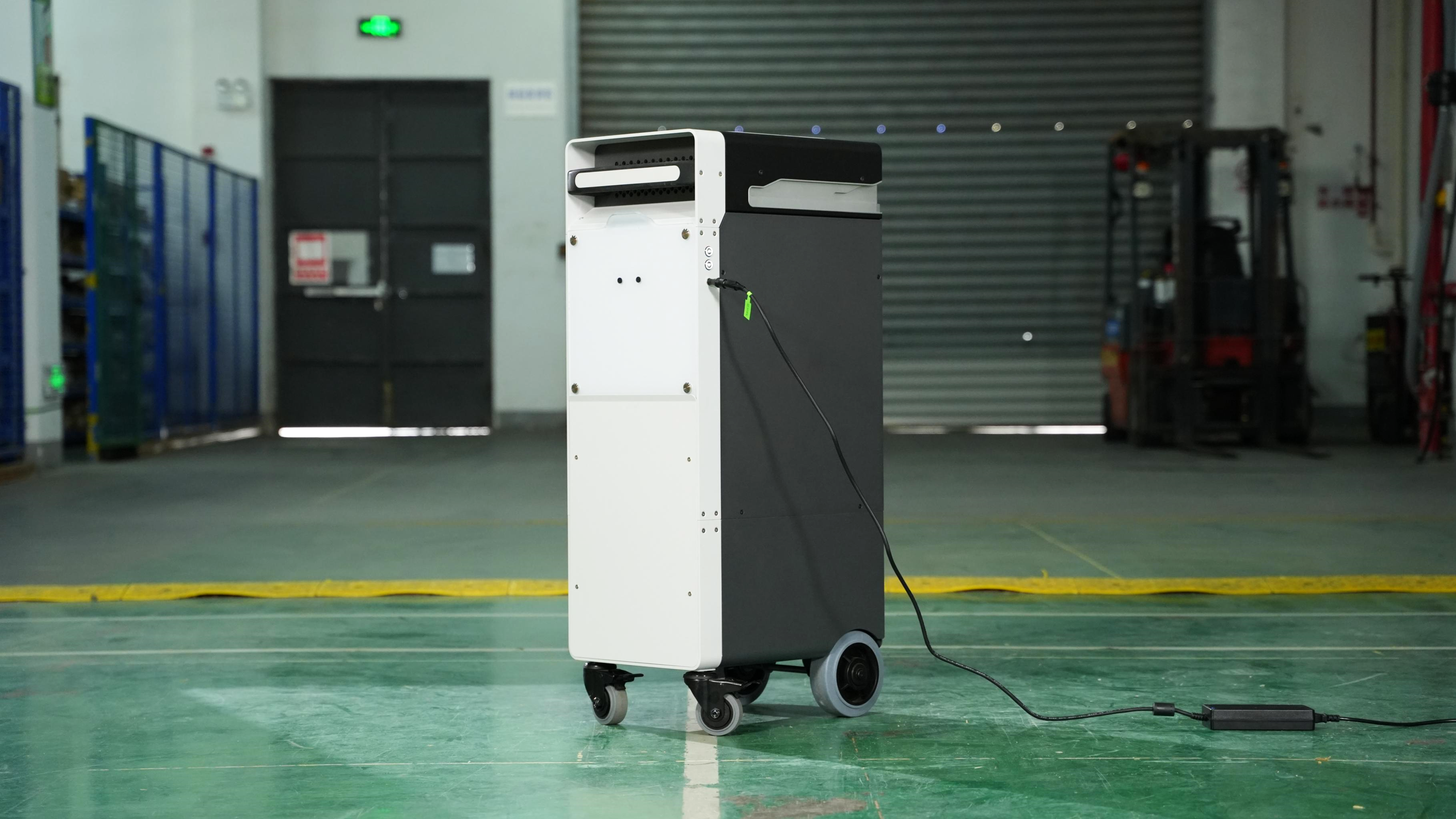
The RMS220 system only contains one Build Unit 220. To improve printing efficiency, we recommend that you purchase a separate Build Unit 220.
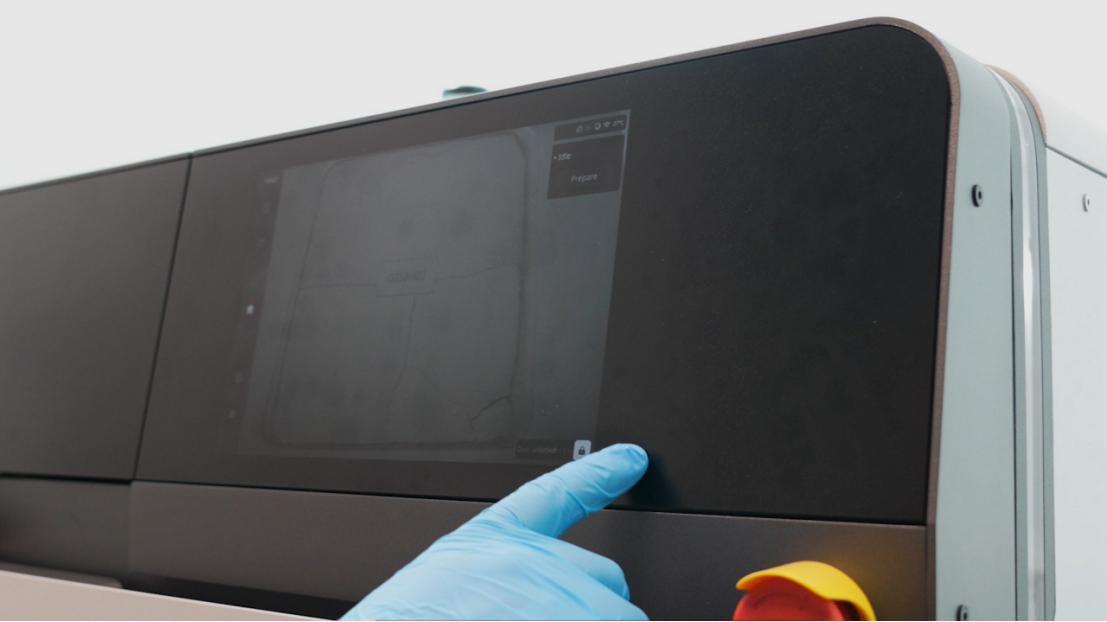
- Touch the "Unlock front door" button on the touch screen to unlock the RMS220 housing door. At this time, the warning light turns yellow.
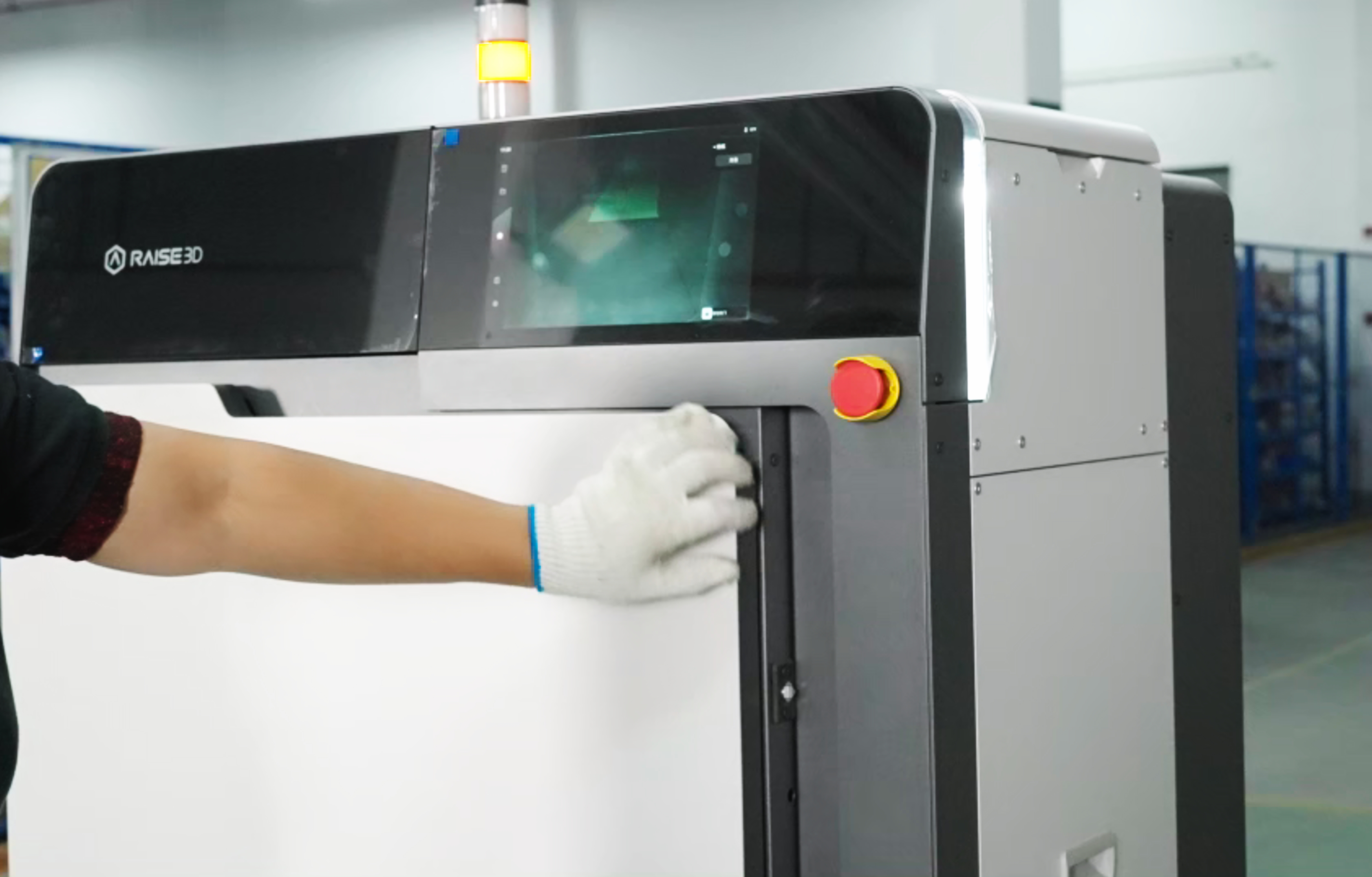
- Open the outer door of the printer and leave enough space.
- Hold the handle of the Build Unit 220 and push it into the innermost part of the RMS220 printer until the Build Unit 220 can not be moved. The "Interlock" interface shows that the Build Unit 220 is installed in place.
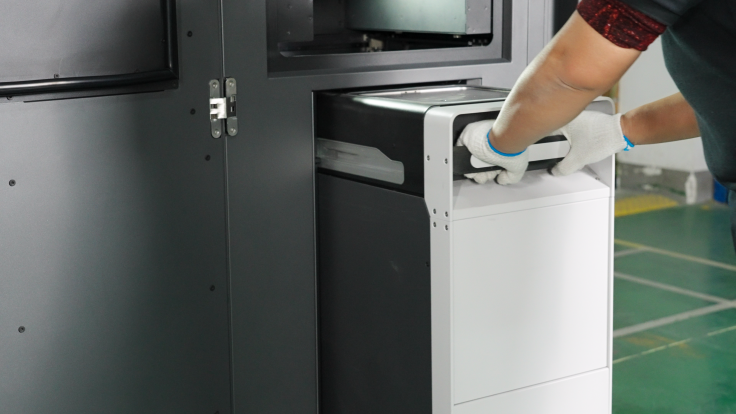
- Close the printer door and press hard to ensure that the door is completely locked. The "click" sound indicates that the printer door has been closed correctly, and the warning light turns green. The interlocking interface shows that the printer has been closed.
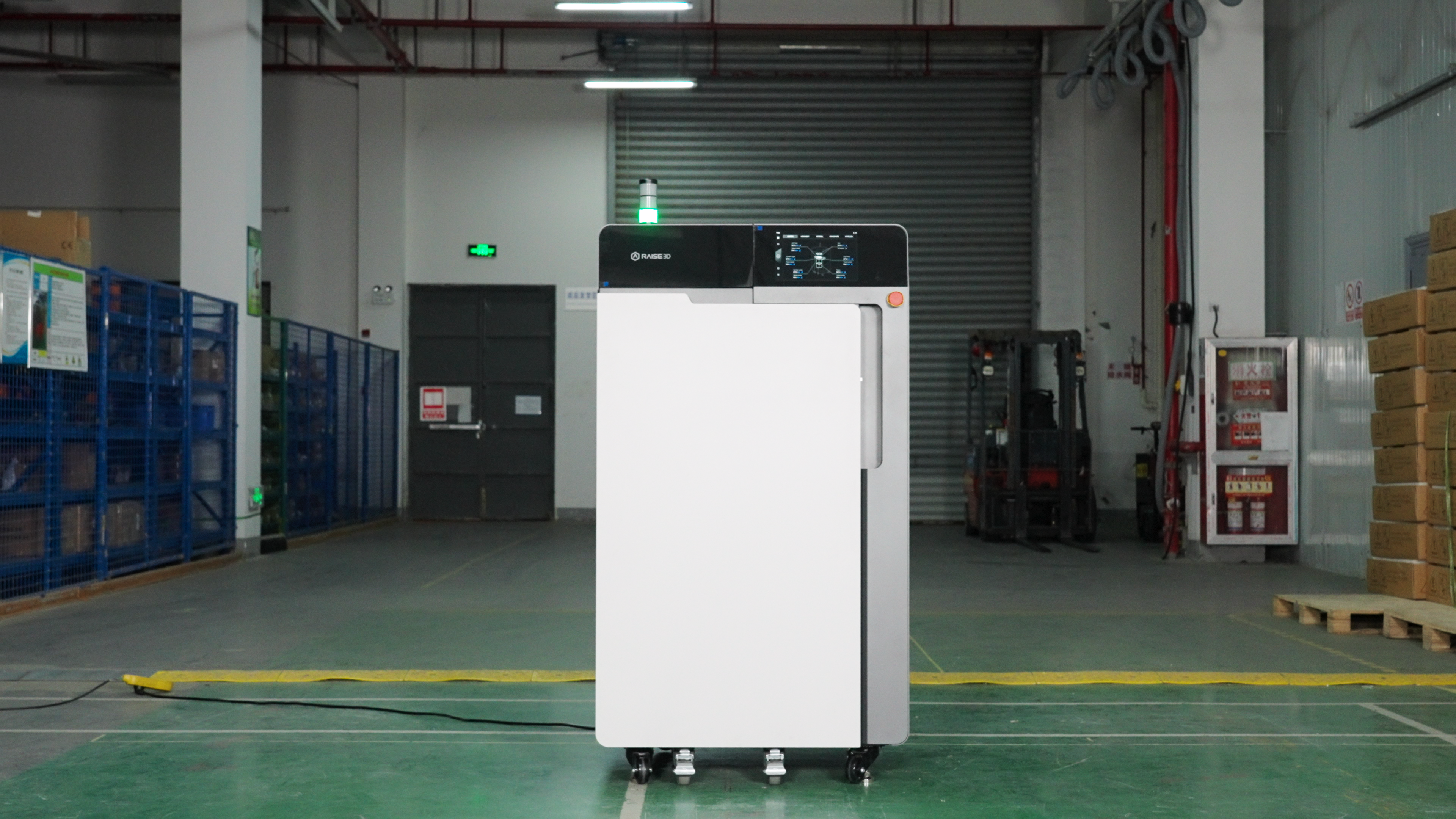
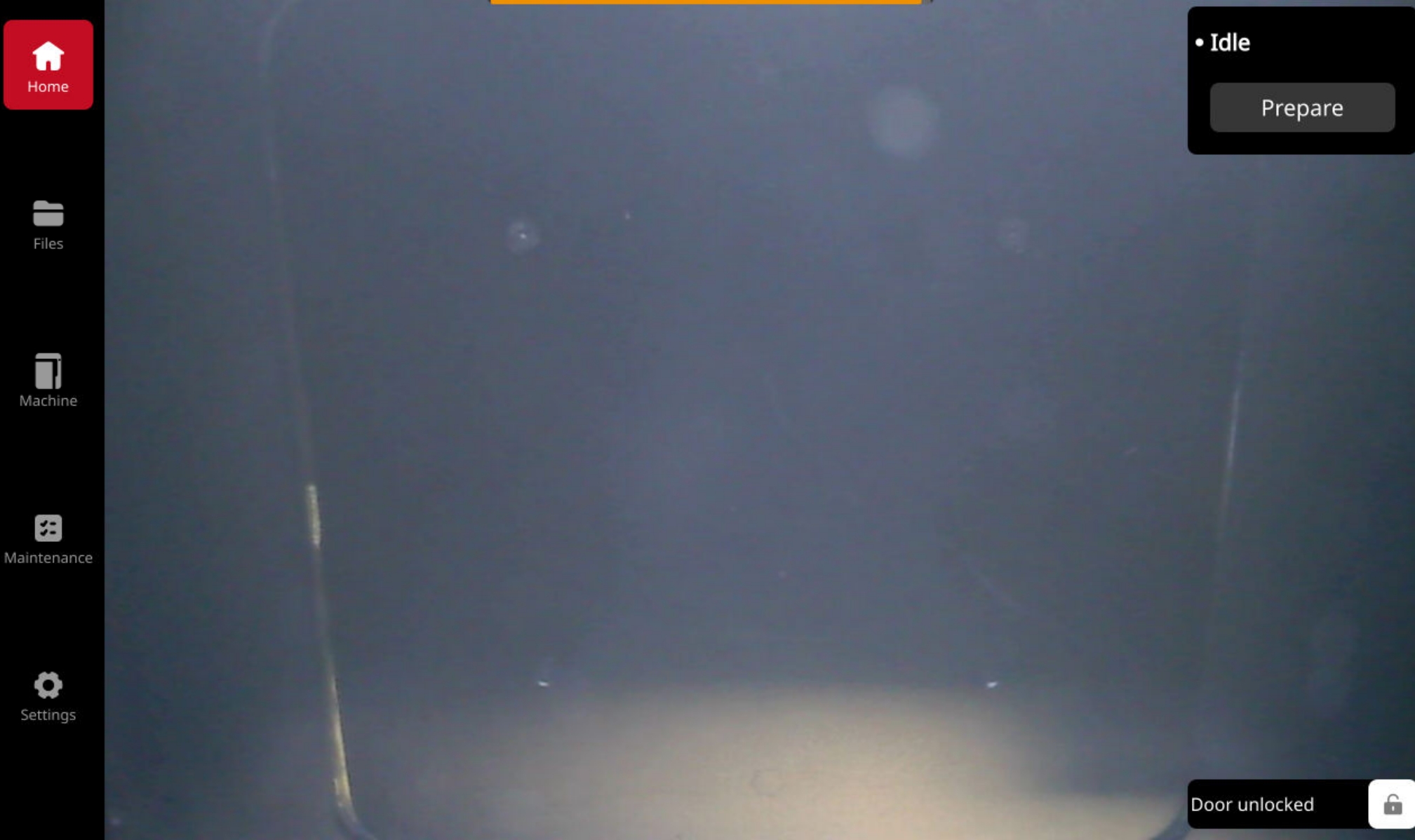
- You can observe the status of the Build Unit 220 on the touch screen.