-
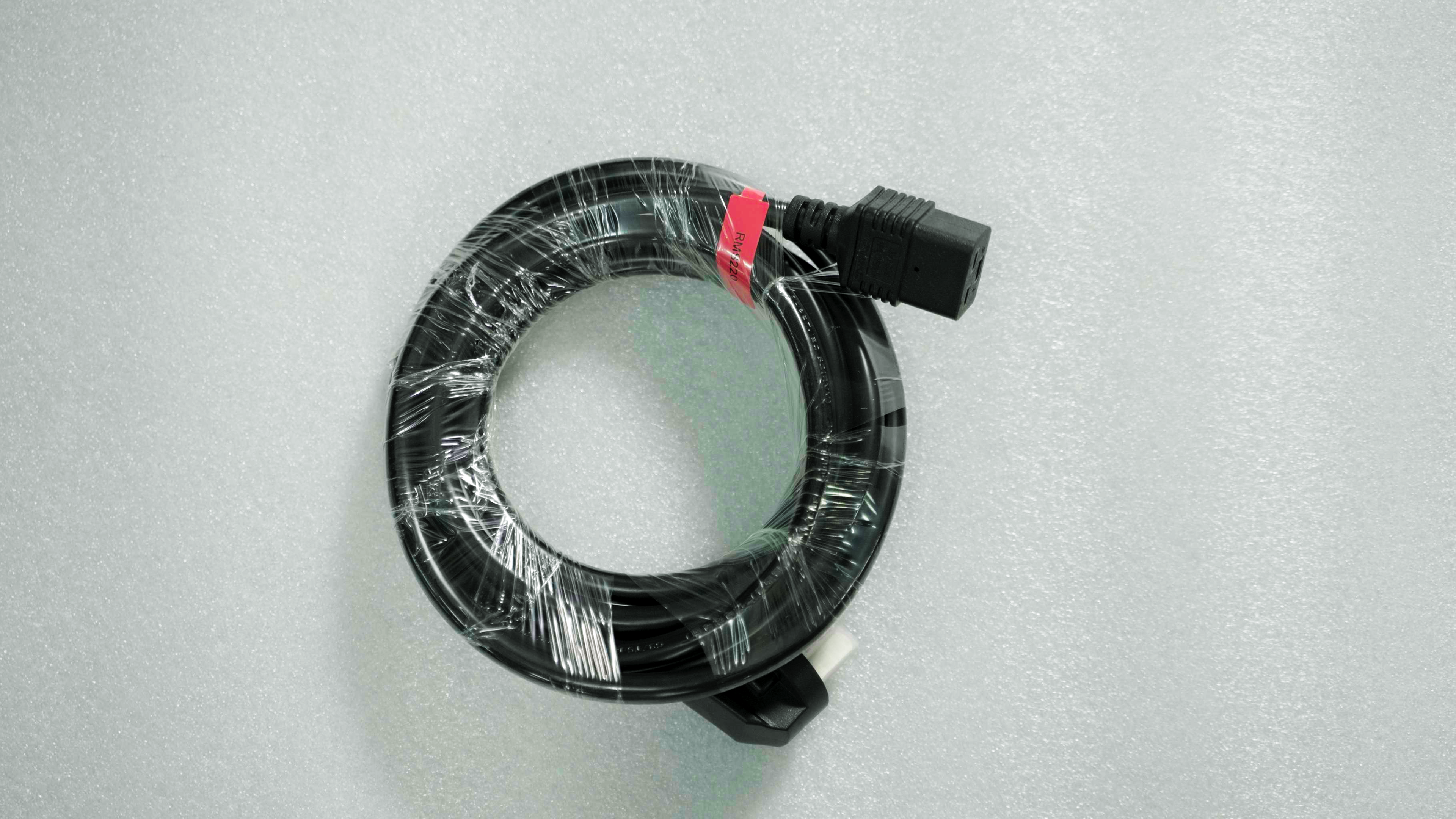
Remove the power cord that came with the printer. Unpack the power cord and check the outer sheath of the entire cable for damage. If there is any problem, please contact after-sales personnel for replacement.
-
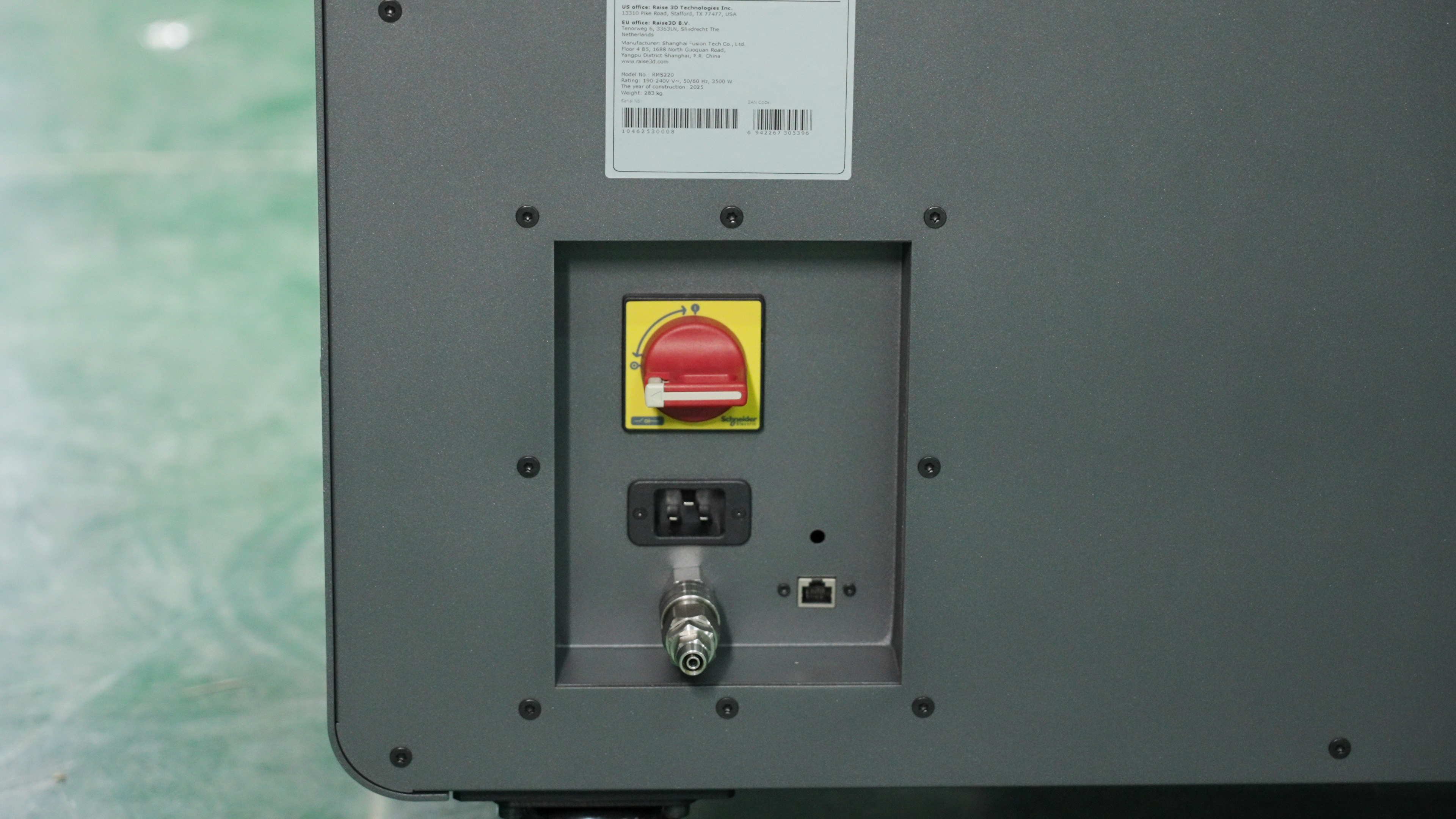
Check if the main power switch on the back of the printer is in the OFF position as shown in the picture.
-
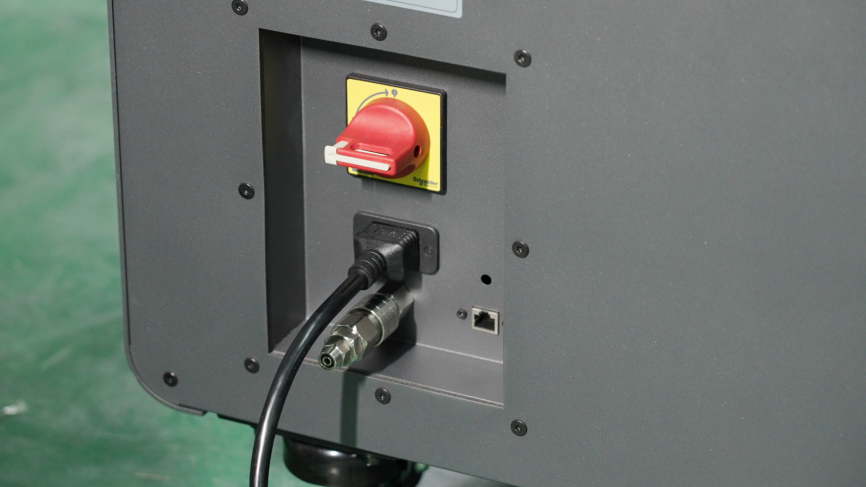
Plug the power cord into the main power outlet. The power connector is located on the back of the RMS220. You need to connect the power cord to a dedicated circuit.