- After connecting the main power cord, please check that the emergency stop switch is turned clockwise.
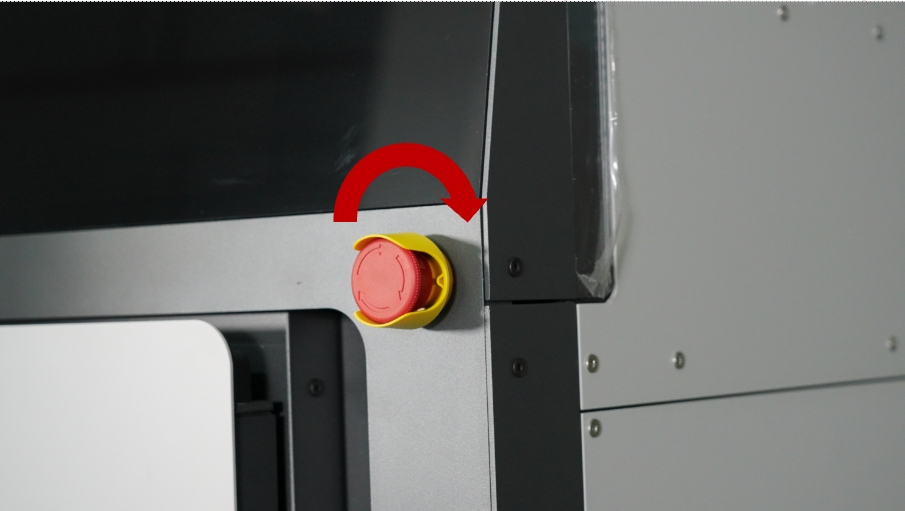
Note: Before using the RMS220, be sure to turn the emergency stop switch clockwise; otherwise, an error message will appear after powering on.
-
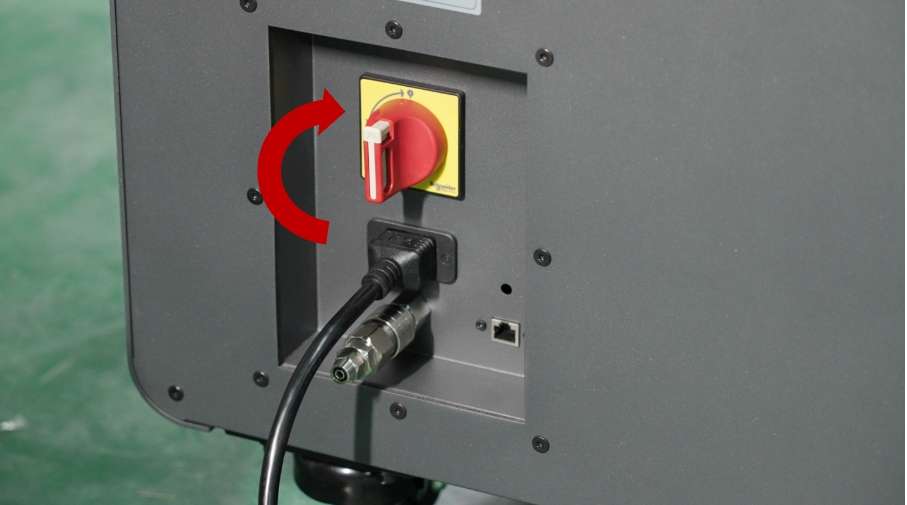
According to the markings on the main power switch, turn the main power switch clockwise to the ON position to start the printer.
-
Wait for the “Raise3D” progress bar to appear on the touchscreen, then the boot process is successful.