-
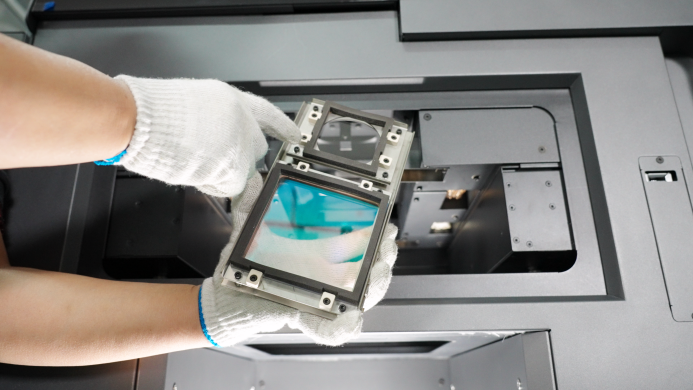
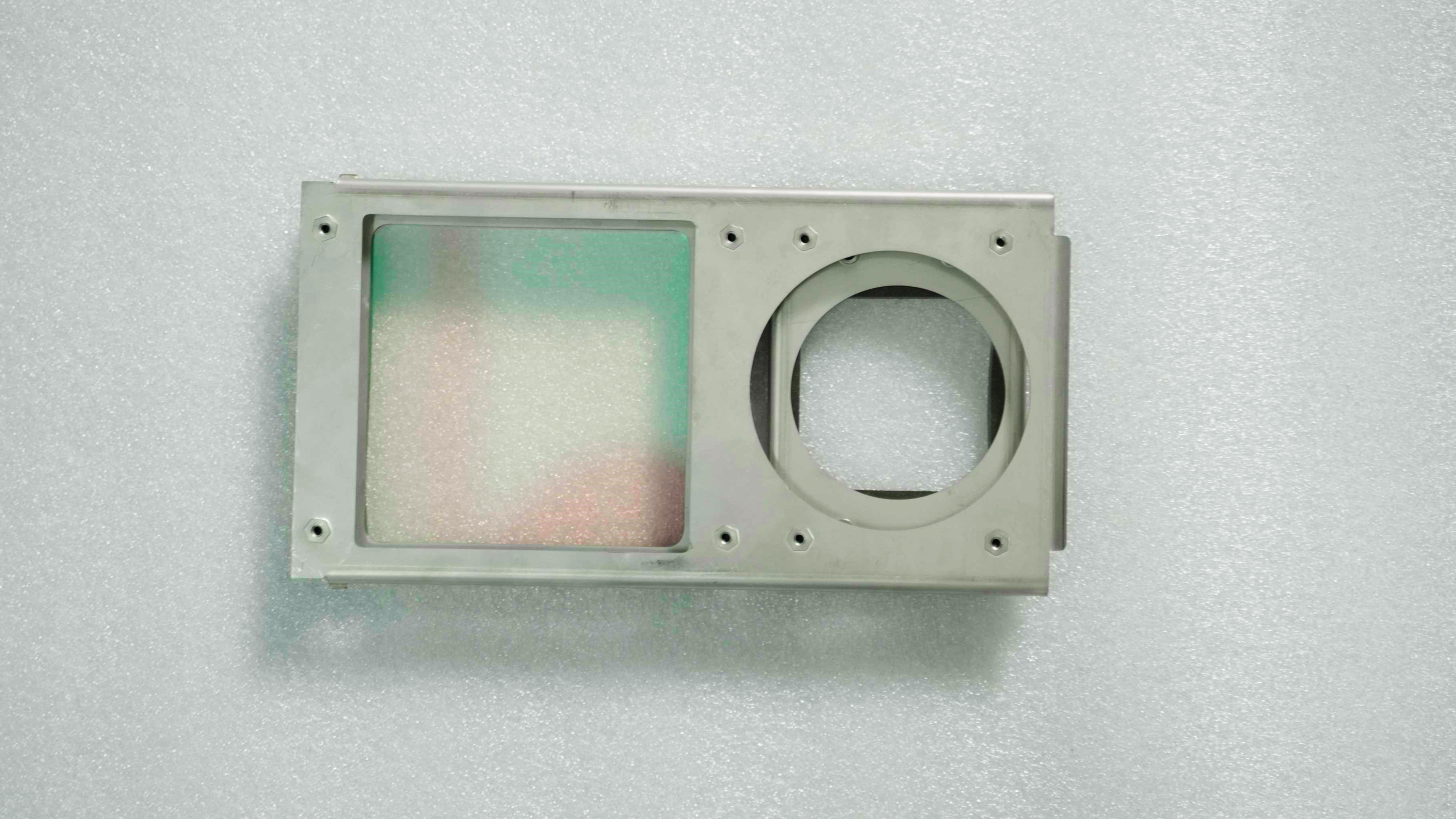
Take out the optical window, along with the accompanying alcohol bottle and Cleanroom Wiper.
-
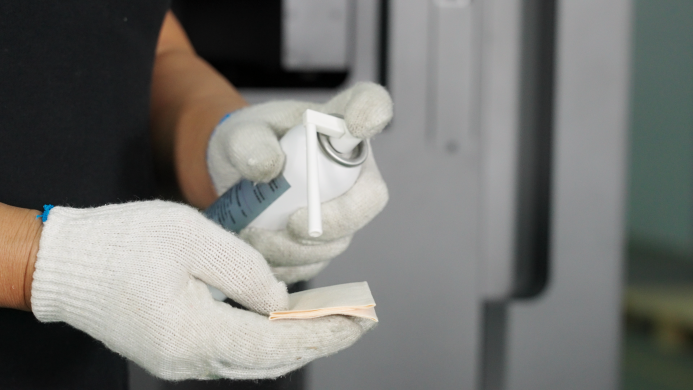
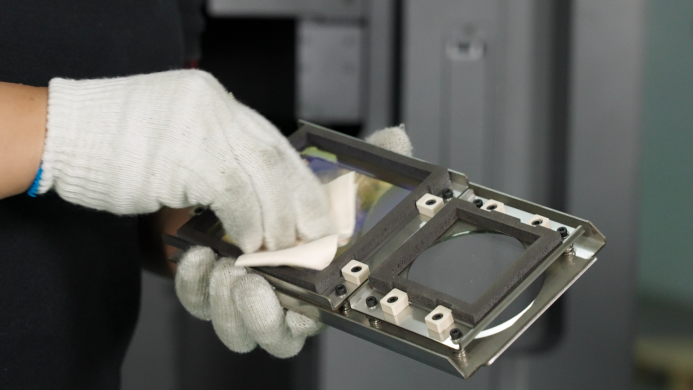
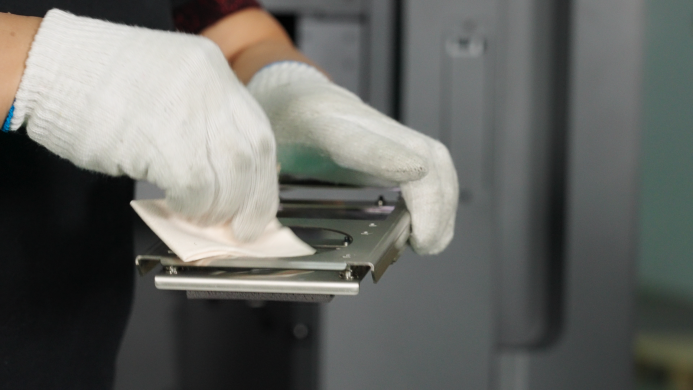
Use a Cleanroom Wiper dampened with alcohol to wipe the inside and outside of the Optical Window. You can first wipe it with a Cleanroom Wiper dampened with alcohol, and then wipe it again with a dry Cleanroom Wiper while the alcohol is still wet to avoid leaving any marks.
-
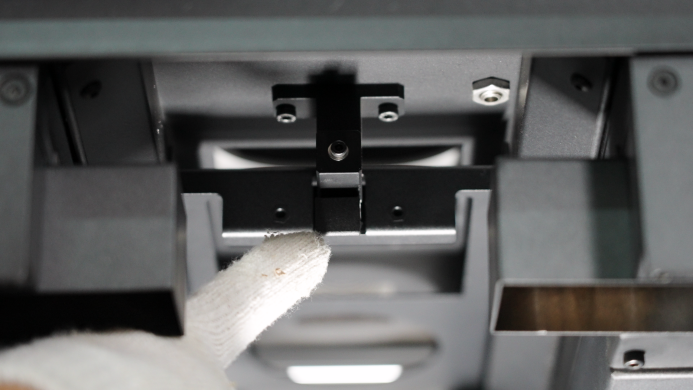
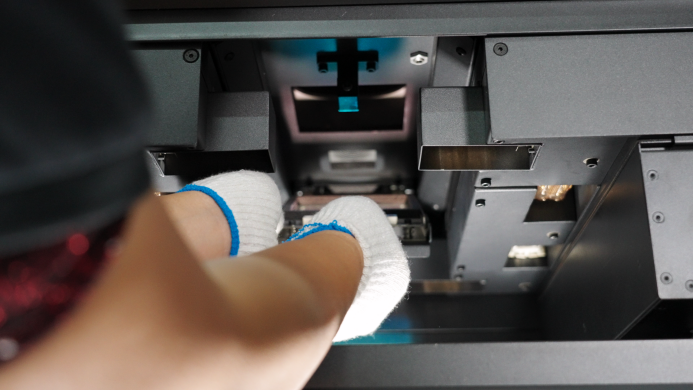
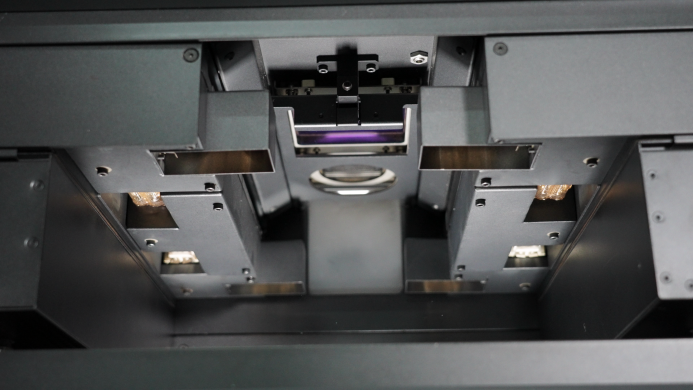
After the alcohol has completely evaporated, install the optical window back into the RMS220. Make sure the side of the optical window with the screws is facing upwards. There is a latch inside the RMS220. After opening the latch, insert the protective lens into the printer cavity and install it onto the latch. Then close the latch. You will hear a "click" sound when it is installed successfully.