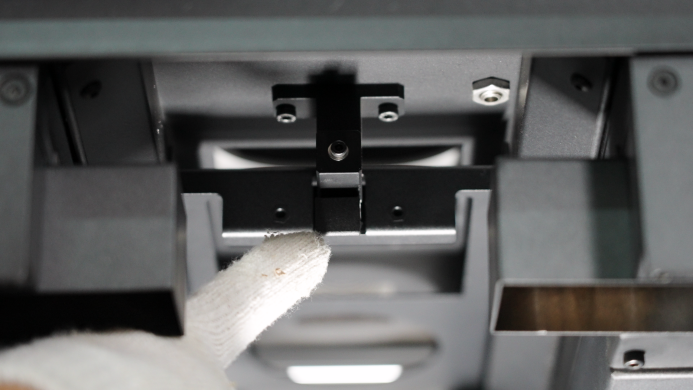
Optical Window primarily protect the mirrors in laser scanning systems, preventing contamination or damage from powders and dust to ensure precise beam scanning and print quality. The RMS220 has a lens purge protection function that can reduce the degree of contamination of the Optical Window. However, we still recommend that you check to make sure it is clean before each print to ensure that the print job can achieve the expected quality.
-
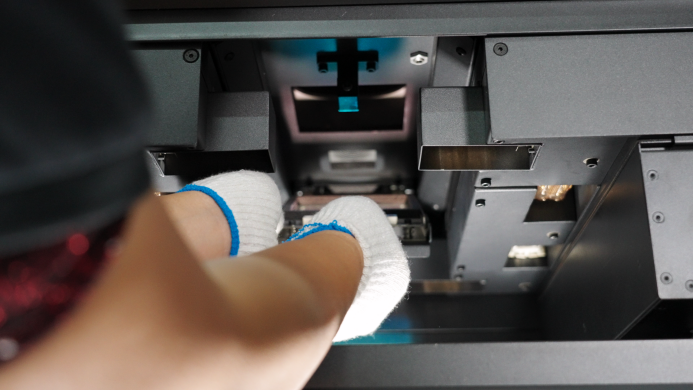
Open the printer door and remove the Optical Window module from inside the printer.
-
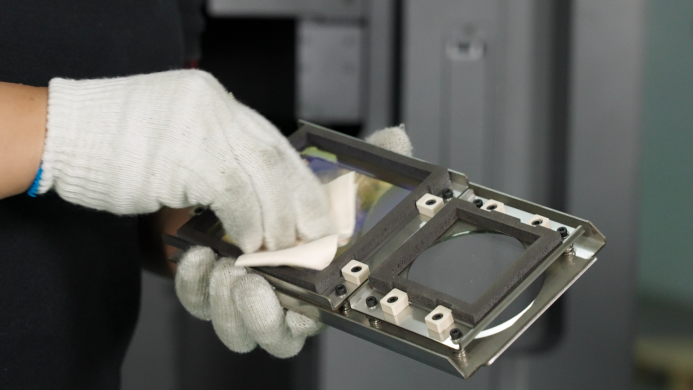
Check the Optical Window. If contamination is found, wipe it clean clockwise with an optical cleaning cloth dipped in a little anhydrous ethanol or isopropanol, without leaving any trace of solvent evaporation residue. If there are still some dust particles or fibers on the lens after cleaning, blow it clean with clean compressed air.
-
install the optical window back into the RMS220. Make sure the side of the optical window with the screws is facing upwards. There is a latch inside the RMS220. After opening the latch, insert the protective lens into the printer cavity and install it onto the latch. Then close the latch. You will hear a "click" sound when it is installed successfully.