- Please configure your wireless network/Ethernet connection in Settings > Network & Remote.
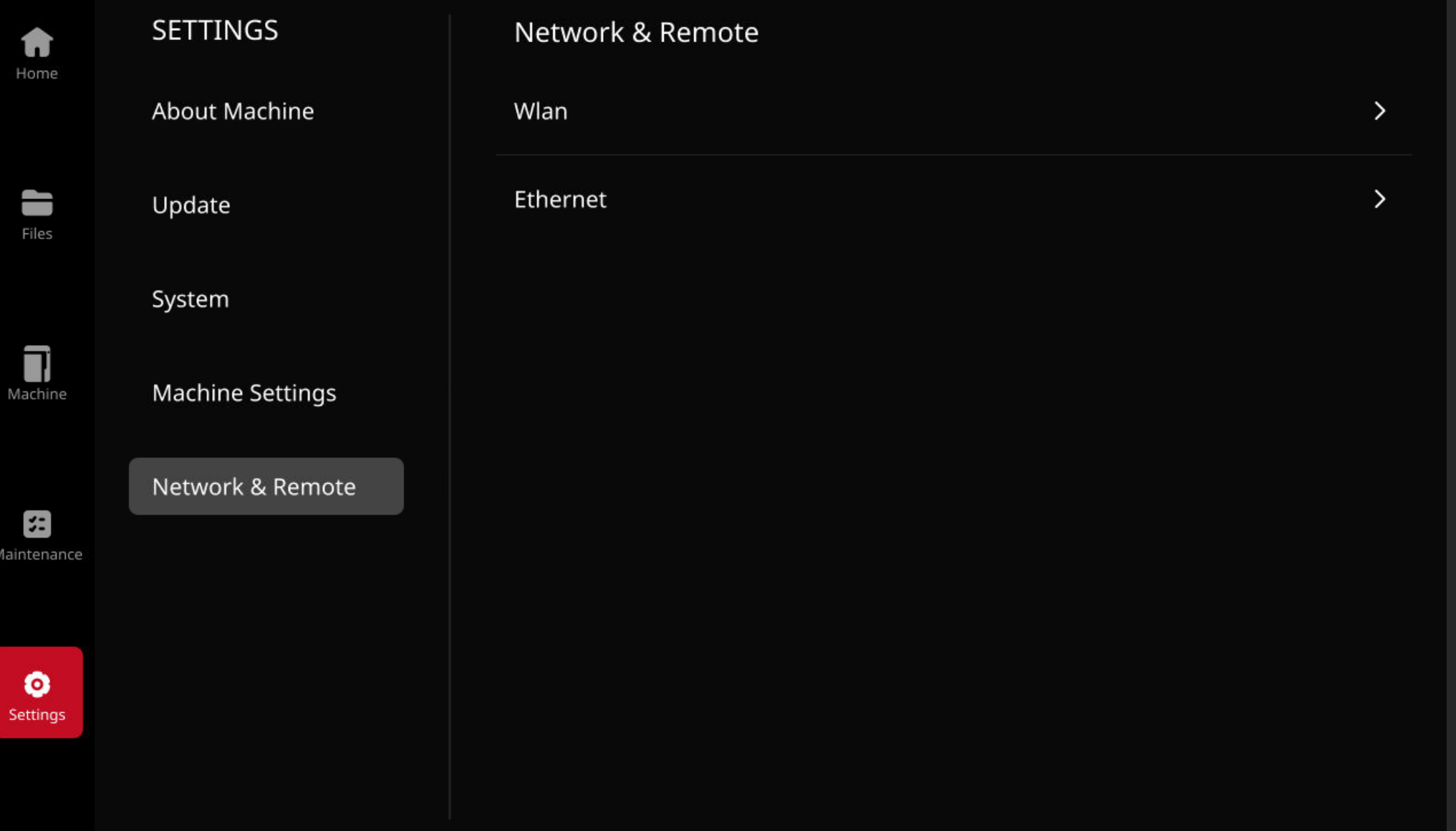
- You can connect the RMS220 to a secure network via Wi-Fi or Ethernet, which provides internet access. Once connected, you can transfer print files, perform remote troubleshooting, send diagnostic logs, and receive firmware updates.
- For remote printing and monitoring, the RMS220 supports wired (Ethernet) and wireless (Wi-Fi) connections. Connect the Raise3D slicing software ideaMaker to the same local area network (LAN) as the printer to send print jobs.