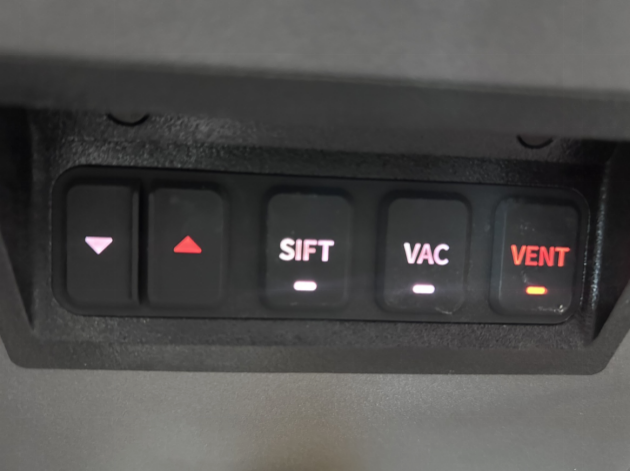
¶ About Build Unit 220
The Build Unit 220 is a key component in the printing process. Before printing, the Build Unit 220 needs to be pushed into the RMS220 printer cavity. During printing, powder is spread onto the surface of the Build Unit 220's build platform by a powder recoater. A laser sinters the powder on the platform, which then gradually descends to collect the sintered powder cake and any unsintered powder. After printing, the Build Unit 220 can be removed from the RMS220 printer and placed in the C220-P cleaning station for cooling, parts removal, and material recovery.
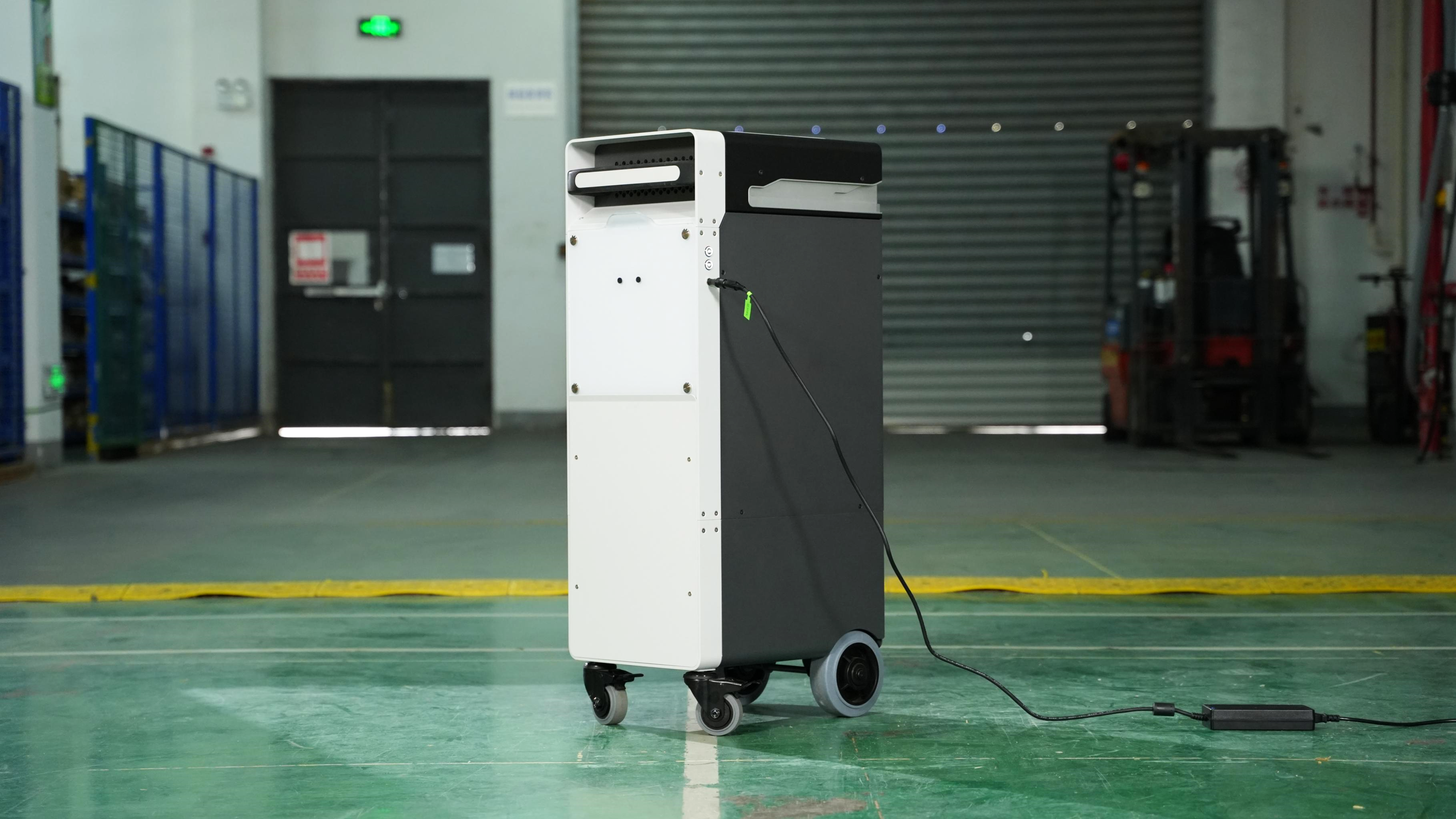
¶ Prepare the Build Unit 220
-
Take out the 24V power adapter from Build Unit 220.
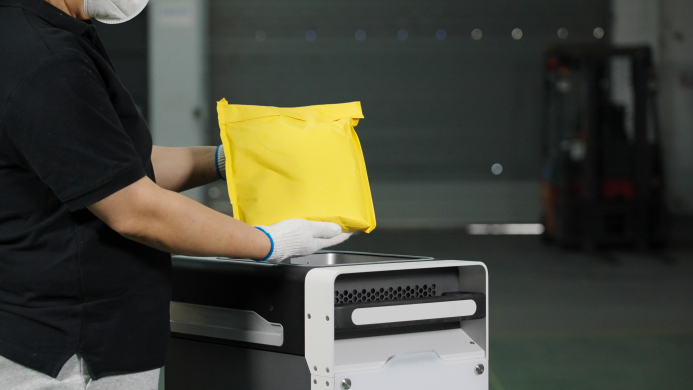
-
Connect the 24V power adapter to the port on the right side of Build Unit 220. Connect the other end to a power source. Build Unit 220 is now powered on.
¶ Function
Build Unit 220 can perform the following functions:
-
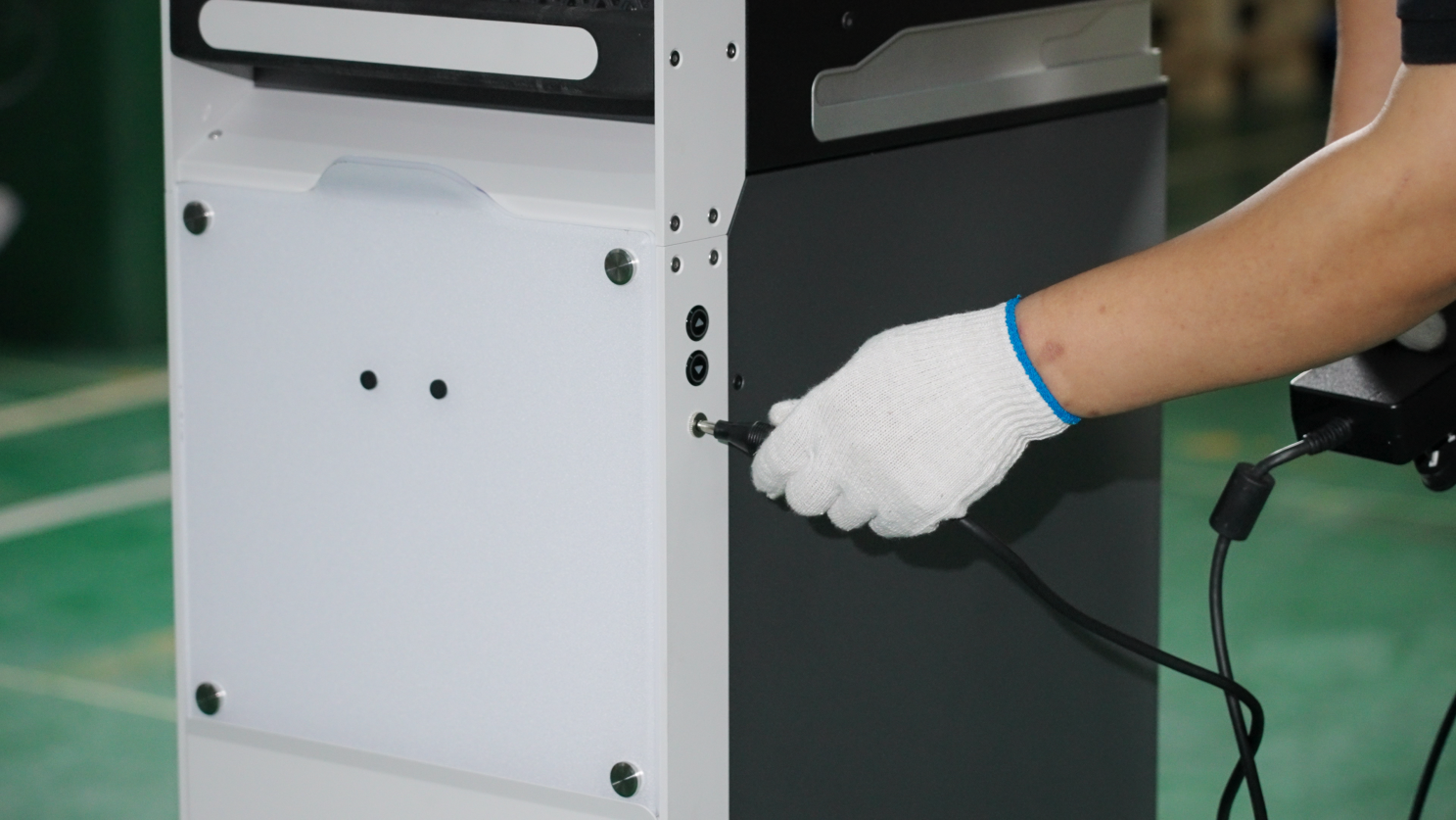
Lifting Build Platform: The Build Unit 220 has "⬆" and "⬇" buttons on the right side. Press the buttons to raise or lower the Build Platform.
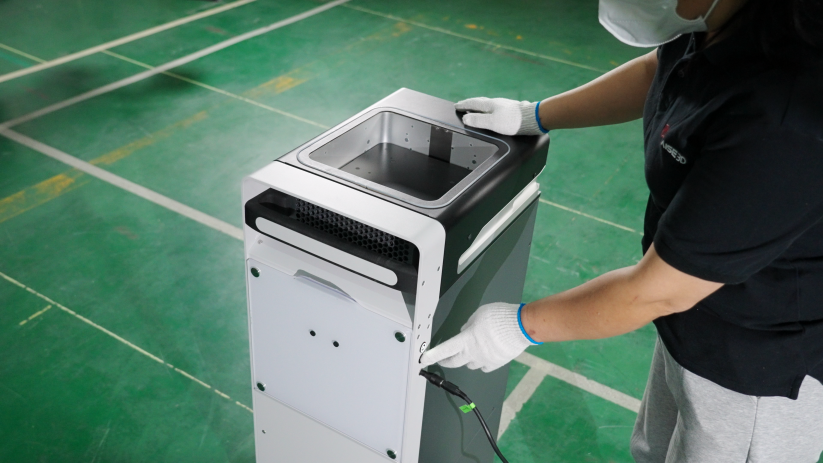
-
Activate cooling function: Once the Build Unit 220 is connected to an external power source, the cooling function will automatically activate. The internal fan of the Build Unit 220 will start running to help cool the model after printing, shortening the cooling time.
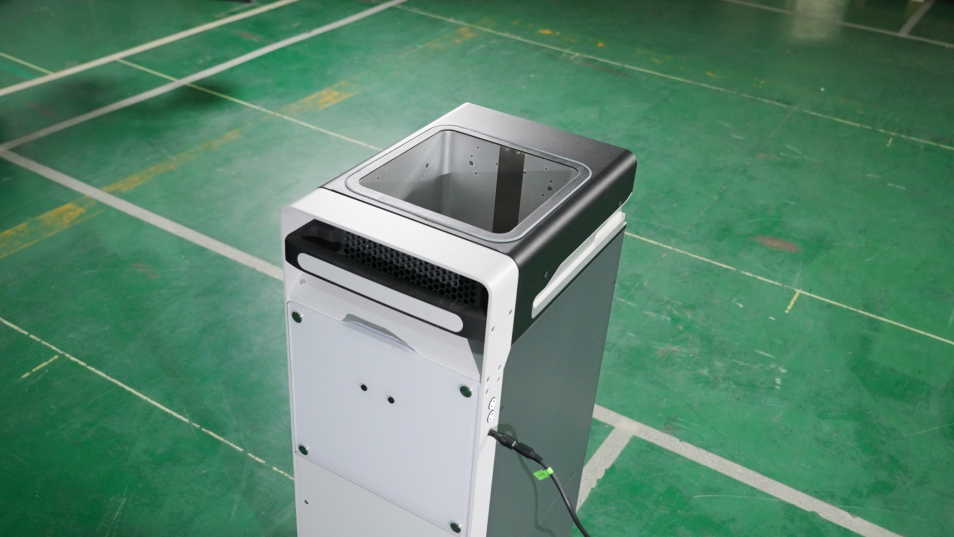
¶ Prepare the Build Unit 220 before each printing
-
Before printing, the build platform needs to be raised to its highest position. If you have not purchased the Raise3D C220-P cleaning station, connect the 24V power adapter to the Build Unit 220, press the "⬆" button to raise the build platform to its highest position, and then unplug the 24V power adapter.
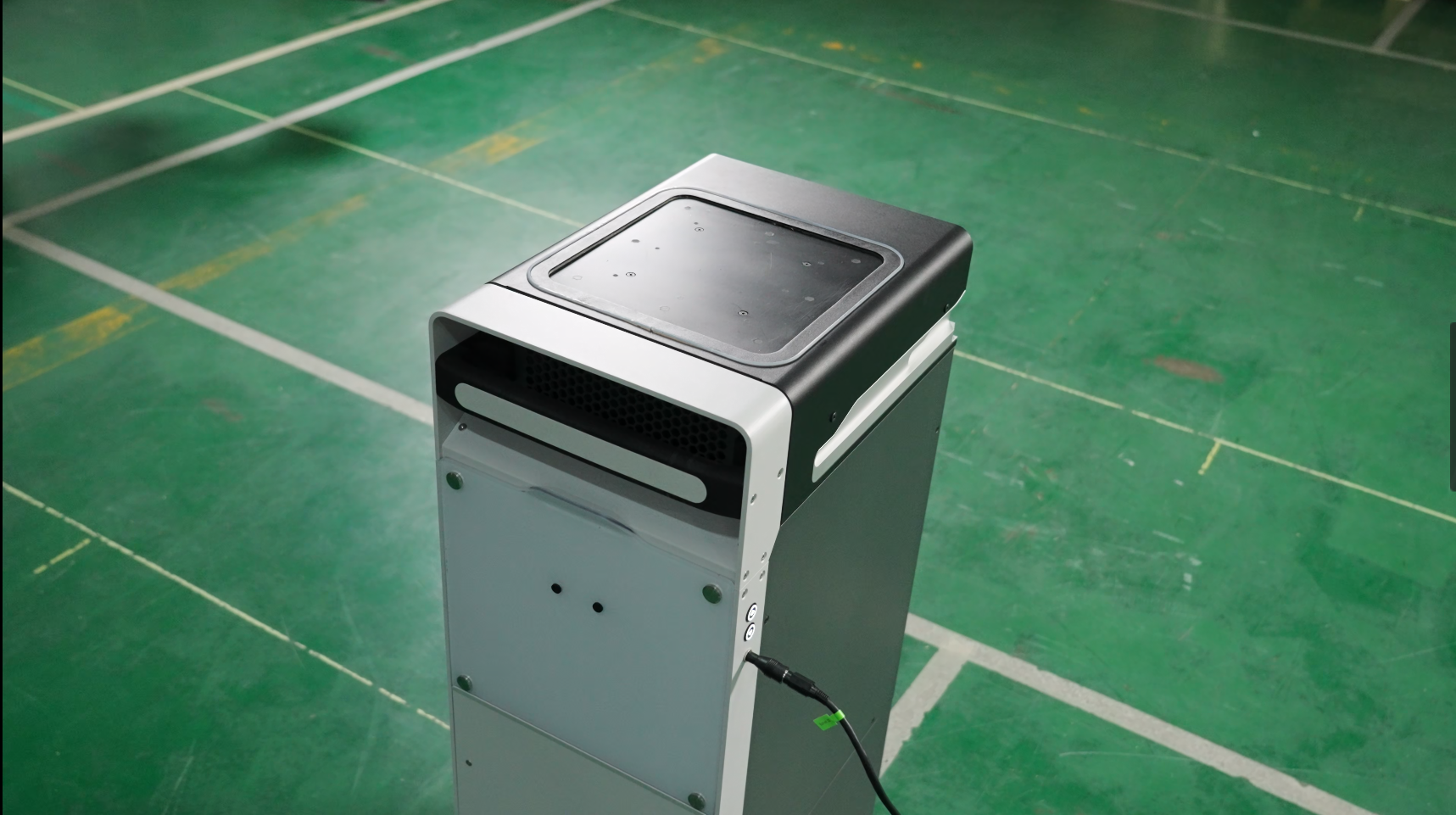
-
If you have purchased the Raise3D C220-P powder removal station, push Build Unit 220 into the C220-P. Ensure Build Unit 220 is fully pushed into the powder removal station.
Note: The screen will then display whether Build Unit 220 is fully pushed in.
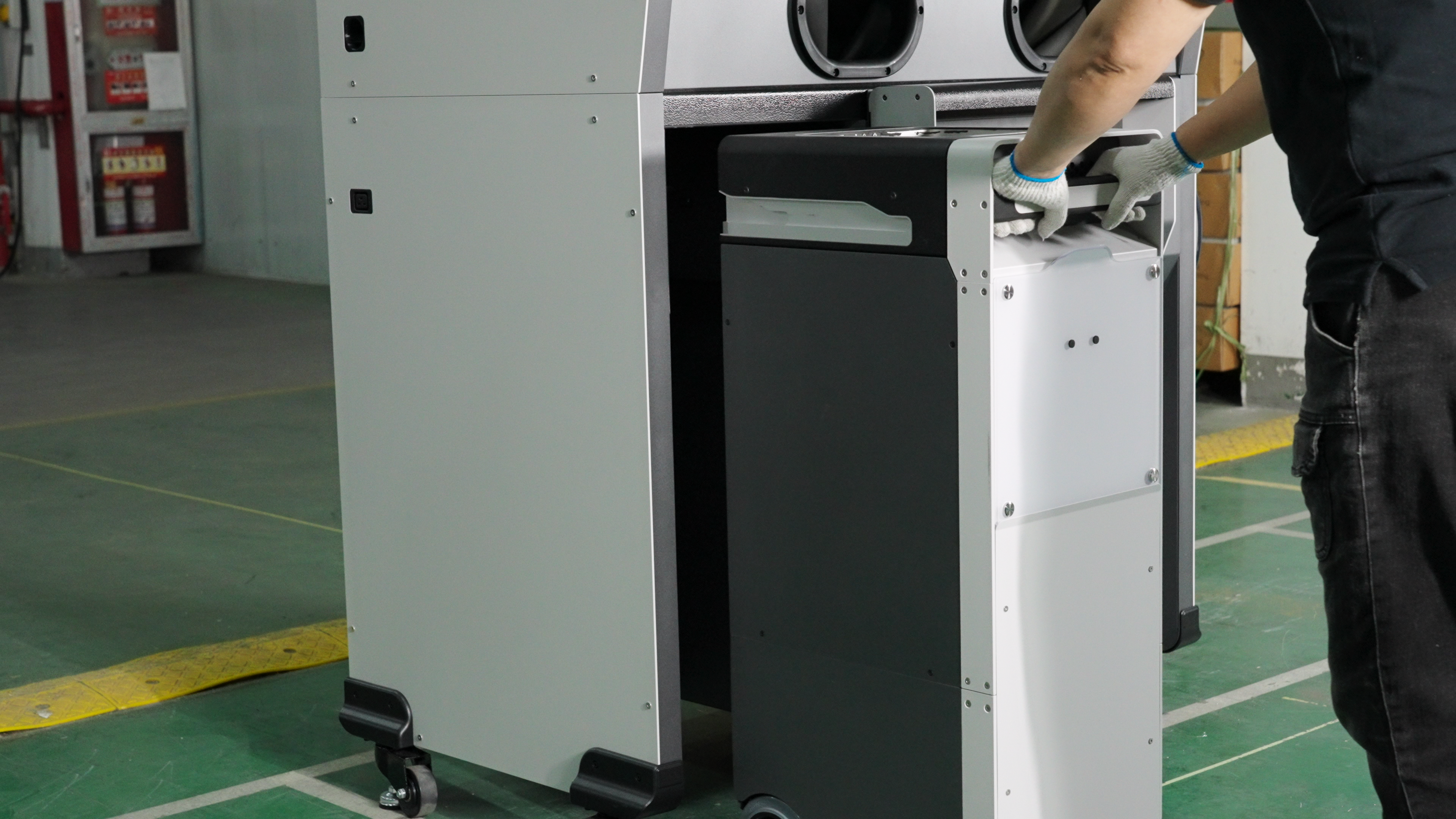
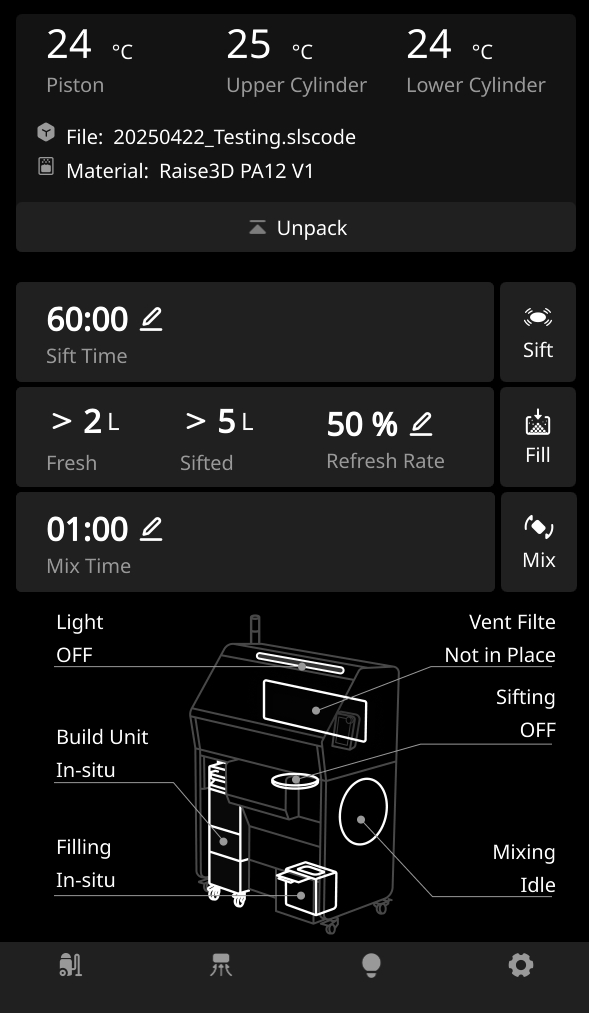
- After fully inserting the Build Unit 220, press and hold the "↑" button on the cleaning station until the build platform reaches its highest position and the printing platform can no longer rise. Then, eject the build platform from the cleaning station.