¶ RMS220 Series
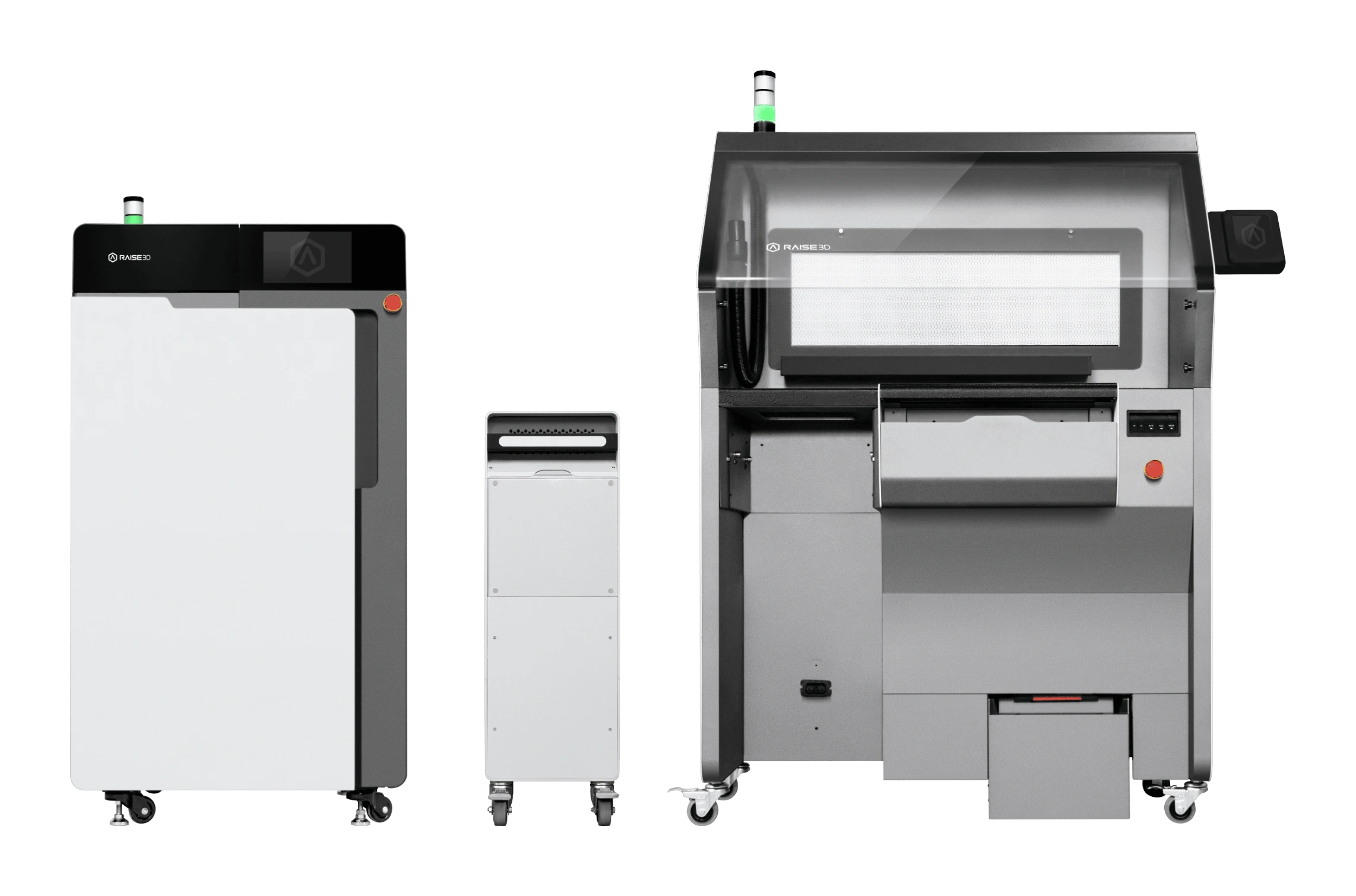
¶ Product Catalog
¶ Slicer
For RMS220 printer slicing software - ideaMaker, please click to download. For more information about IdeaMaker, please click here 👉.

¶ Powder
The RMS220 printer is currently compatible with the following powders:
- Raise3D PA12 Black Powder/ Raise3D PA11 Black Powder/ Raise3D PA12 GB Black Powder/
- Raise3D TPU90A Black Powder/ Raise3D TPU90A White Powder/
- Raise3D TPU86A Black Powder/ Raise3D TPU86A White Powder
- Support selected third-party materials
- Optional fully open material license available
Note: The list of compatible powers is subject to change. For the latest list, please visit the Raise3D website or contact customer service.
¶ FAQ
¶ SLS 3D Printing Technology
1. What is SLS 3D printing technology?
SLS stands for Selective Laser Sintering, a 3D printing technology that uses a high-power laser to fuse fine particles of powdered material—typically nylon or other polymers—into solid objects.
2. Why is SLS better than FDM or resin printers?
- No support structures are needed, offering exceptional design freedom (unsintered powder naturally supports the part).
- Printed parts exhibit strength, durability, mechanical properties, and surface feel comparable to injection-molded components.
3. Is SLS technology dangerous?
- SLS itself is not hazardous, but basic safety precautions should be followed.
- Do not confuse SLS with SLM (Selective Laser Melting): SLM uses flammable and explosive metal powders requiring explosion-proof facilities, whereas SLS typically uses polymer powders, which are relatively safe.
- SLS powders—especially fiber-reinforced types—may irritate the respiratory system or skin if inhaled over prolonged periods. It is recommended to wear an N95 mask and protective gloves. With proper handling, the powder is safe.
4. How does SLS technology work?
- Before printing begins, a recoater roller evenly spreads a thin layer of powder across the build platform.
- A laser scans the powder according to sliced 3D model data, precisely sintering particles to form a solid layer.
- The build platform lowers by one layer thickness, and the process repeats—recoating and sintering—until the entire part is complete.
- Unsintered powder naturally acts as support. After printing, the part is extracted from the "powder cake" through sieving, air blasting, and other post-processing steps.
5. Does SLS printing require support structures?
No. In SLS, unsintered powder surrounds the forming part and provides natural support. This enables the freeform fabrication of complex geometries such as overhangs, nested structures, and lattices—one of SLS’s core advantages.
6. Which industries use SLS printers?
SLS is widely adopted in sectors demanding functionality, durability, and geometric complexity:
- Automotive: Lightweight brackets, intake manifold prototypes, interior components.
- Aerospace: Ducts, jigs, non-load-bearing structural parts.
- Medical: Surgical guides, prosthetics, dental models.
- Consumer Goods: Midsoles for athletic shoes, eyewear frames, power tool housings.
- Industrial Manufacturing: Jigs, fixtures, low-volume end-use parts.
¶ RMS220 Related
1. What type of laser is used?
75W fiber laser with a wavelength of 1064 nm. Competitors typically use lasers averaging 10–30W; higher power enables faster printing and broader material compatibility.
2. What is the laser spot size?
##0.2 mm##. This size strikes an optimal balance between print speed and detail resolution: too small reduces efficiency, while too large compromises fine features.
3. What is the scan speed (galvo speed)?
Up to 30,000 mm/s. Competitors average around 15,000 mm/s, with top models reaching only 20,000 mm/s. Equipped with high-performance industrial-grade galvanometers for significantly improved efficiency.
4. What is the maximum chamber temperature?
Up to 220°C (competitors average ~200°C), enabling stable sintering of advanced engineering materials such as high-temperature nylons or composite powders.
5. What is the actual usable build volume?
The nominal build volume of 220 × 220 × 350 mm represents the net usable space, already accounting for safety margins. While the physical chamber is slightly larger, exceeding this range may compromise print quality or feasibility.
6. What are the N₂ (nitrogen) supply requirements?
Peak flow rate: 15 L/min; average flow rate: 7.5 L/min; pressure range: 0.1–0.9 MPa.
7. Does powder recoating use a roller or a blade?
A roller is used for powder spreading, ensuring uniformity and repeatability.
8. What is the material hopper capacity?
Internal hopper capacity is 31.5 L; with the C220 material cartridge expansion, it reaches 40 L—sufficient for full-chamber prints.
9. What are the power requirements?
Single-phase power supply supported; a dedicated circuit is recommended. Peak power consumption: 2800 W; average: ~1000 W.
10. What equipment is needed to run a complete SLS system (e.g., RMS220)?
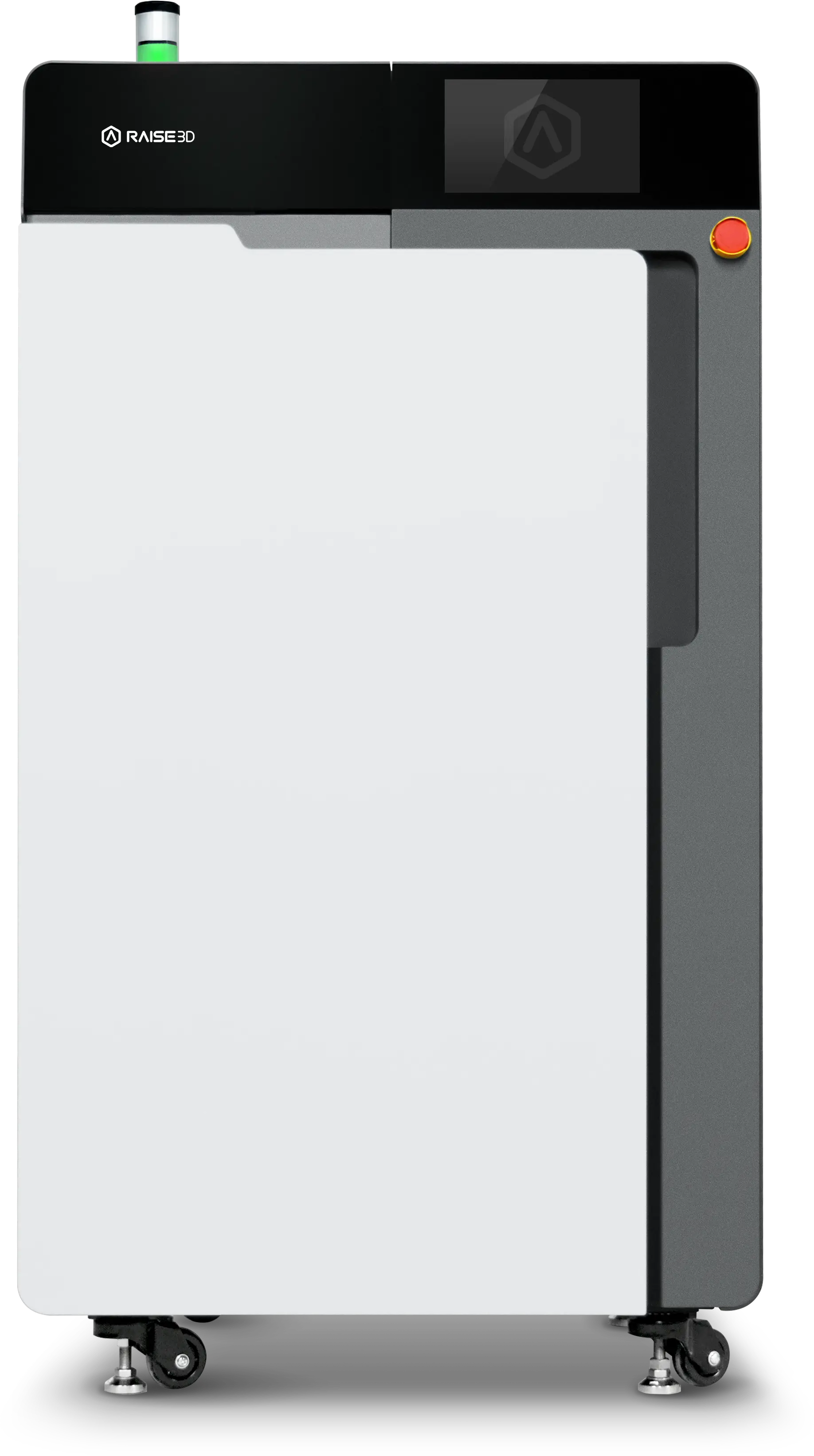
- SLS 3D Printer: e.g., RMS220, for laser sintering powder into parts.
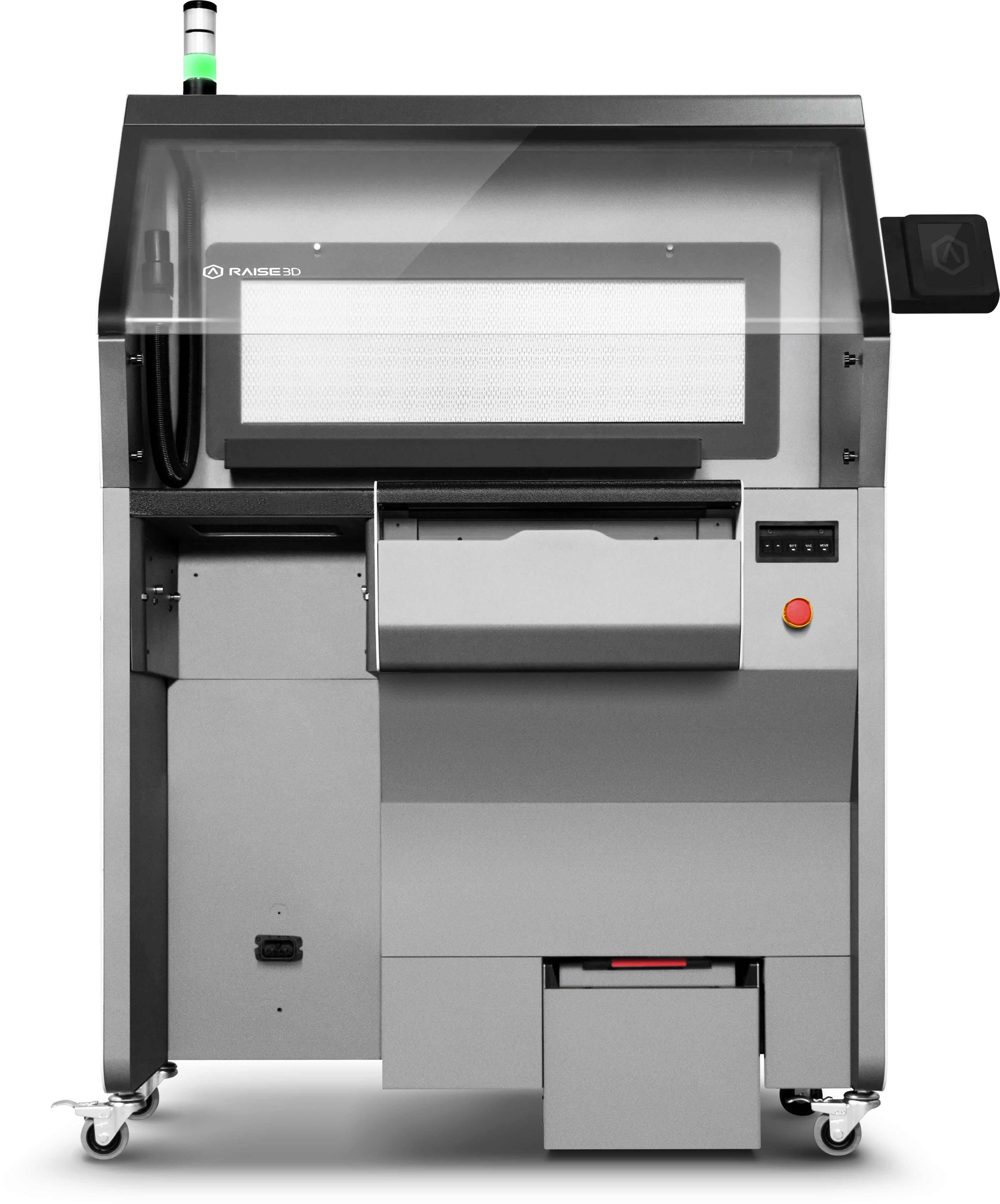
- Cleaning Station: e.g., Raise3D C220-P Powder Cleaning Station, for safely extracting parts from the “powder cake” and recovering unsintered powder. Manual cleaning is inefficient, wasteful, dusty, and risks damaging electronics.
- Blaster: e.g., Raise3D B520 (recommended but optional), for deep cleaning and light surface finishing to significantly enhance part quality.
- ATEX-Certified Industrial Vacuum: e.g., Delfin 301, designed specifically for ultrafine powders. Household vacuums must never be used—they can be damaged or cause hazards.
- Nitrogen Supply: Not mandatory, but improves print speed and part quality. Options include nitrogen cylinders (low cost but cumbersome) or nitrogen generators (more convenient, starting at ~$5,000–$6,000).
- Air Compressor System: Atmosphere Mode: Air Mode/Nitrogen Mode (RMS220 has a built-in nitrogen generator; compressed air is required).
Recommended nitrogen mode parameters: Pressure 0.1-0.8 MPa, flow rate ≥ 20 SLPM, purity ≥ 98%.
Recommended compressed air parameters: Pressure 0.5-0.8 MPa, flow rate ≥ 20 SLPM. Inlet air must be oil-, water-, and dust-free. We recommend installing a three-way fitting. - Personal Protective Equipment (PPE): N95 or higher-grade respirator and safety goggles are recommended to prevent inhalation or skin/eye irritation from fine powder.
11. What is the turnaround time between two prints?
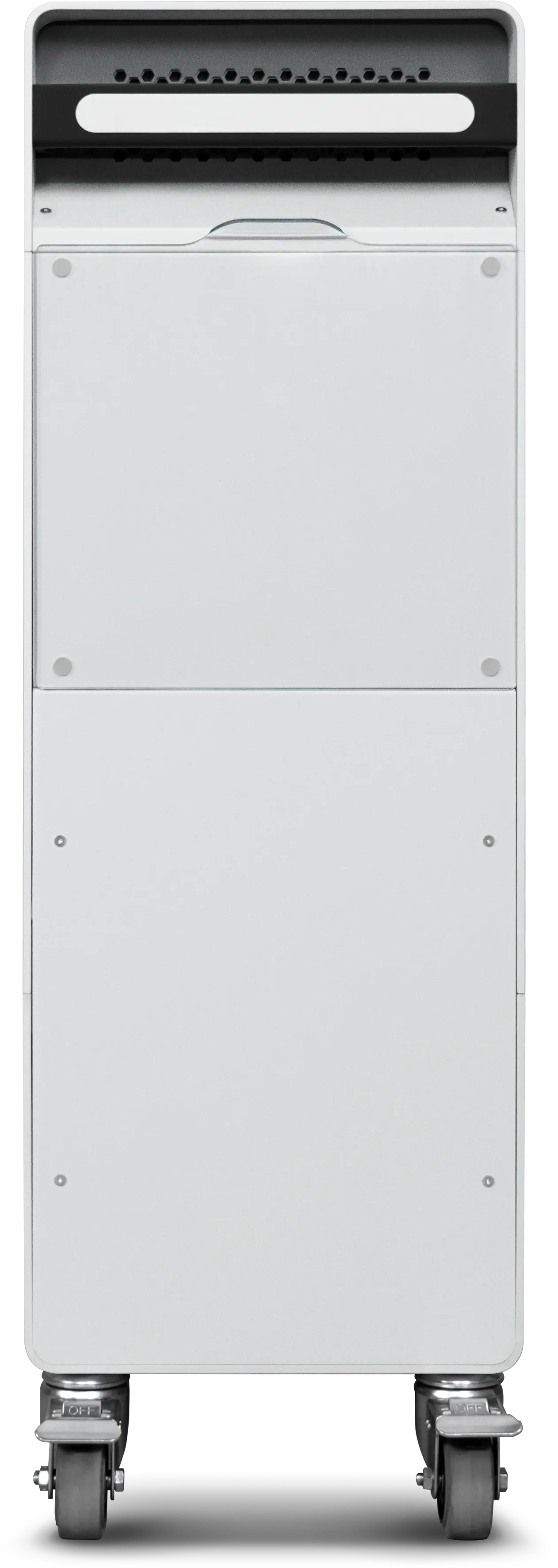
- With an extra Build Unit 220: Turnaround can be kept under 1 hour.
The printer features optimized internal airflow to minimize airborne powder, reducing contamination on viewports and laser optics. Dedicated service ports allow rapid maintenance of optical and critical components. - Without an extra Build Unit 220: The “powder cake” must cool naturally to room temperature before depowdering and cleaning—typically 6–8 hours, significantly extending downtime.
12. How long is the downtime when switching materials?
- With an extra Build Unit (Build Unit 220): Material change and system cleaning can be completed within 1 hour, enabling highly efficient workflows.
- Without an extra Build Unit 220: The entire print chamber must be thoroughly cleaned of residual powder and dust, which takes considerably longer depending on cleanliness standards and operator experience.
13. Can the RMS220 produce end-use parts?
Yes. Thanks to its excellent mechanical properties, material stability, and support-free design, SLS is widely used to directly manufacture end-use parts, especially for low-volume, customized, or geometrically complex applications. Examples include:
- Fluid ducts in automotive systems
- Custom orthotics in healthcare
- Wear-resistant gears or connectors in industrial equipment
As long as the chosen material meets the application’s environmental requirements (e.g., temperature, load, chemical exposure), SLS parts are fully suitable for final-product use.
For specific technical specifications or material compatibility of the RMS220, please refer to official documentation from the manufacturer.
¶ Powder Related
1. What powder materials are currently compatible with the RMS220?
The RMS220 supports the following official Raise3D powder materials:
- Raise3D PA NEXT Black Powder
- Raise3D PA NEXT GB Black Powder
- Raise3D PA11 Black Powder
- Raise3D PA12 GB Black Powder
- Raise3D TPU90A Black / White Powder
- Raise3D TPU86A Black / White Powder
- Raise3D PA12 Black Powder
Selected third-party materials are also supported, with an optional full Open License available.
2. Why can’t we use 100% recycled powder?
SLS powder gradually degrades chemically and physically after repeated heating/cooling cycles and high-temperature exposure. This degradation can lead to reduced print quality, weakened mechanical properties, and even persistent print failures. Blending recycled powder with a proportion of fresh powder effectively restores material performance, ensuring print reliability and part quality while preserving the material’s original characteristics.
3. How should powder be stored properly?
- Storage environment: 20–25°C, 30–60% RH (no condensation)
- Unused powder should remain sealed in its original packaging; after opening, reseal in moisture-proof bags or airtight containers
- Store in a cool, dry, well-ventilated area away from direct sunlight
- Keep away from heat and ignition sources; store separately and never mix with chemicals
4. What is the maximum packing density?
- Definition: Weight of sintered powder ÷ Total powder weight
- Upper limit: 50% (by weight)
- Recommended range: 10%–20%
- Packing density >40% may cause chamber overheating or sintering failure
- If packing density is lower than the refresh rate, old powder accumulates continuously, compromising print stability
For material information, visit Raise3D Powder
Read the official Raise3D powder guide: Deep Dive into SLS Materials: The Complete Raise3D Guide
¶ Other Questions
1. Do you offer warranty coverage?
Raise3D provides a standard one-year warranty. Customers may also purchase RaiseShield or RaiseShield Pro service plans to extend coverage to two to four years.