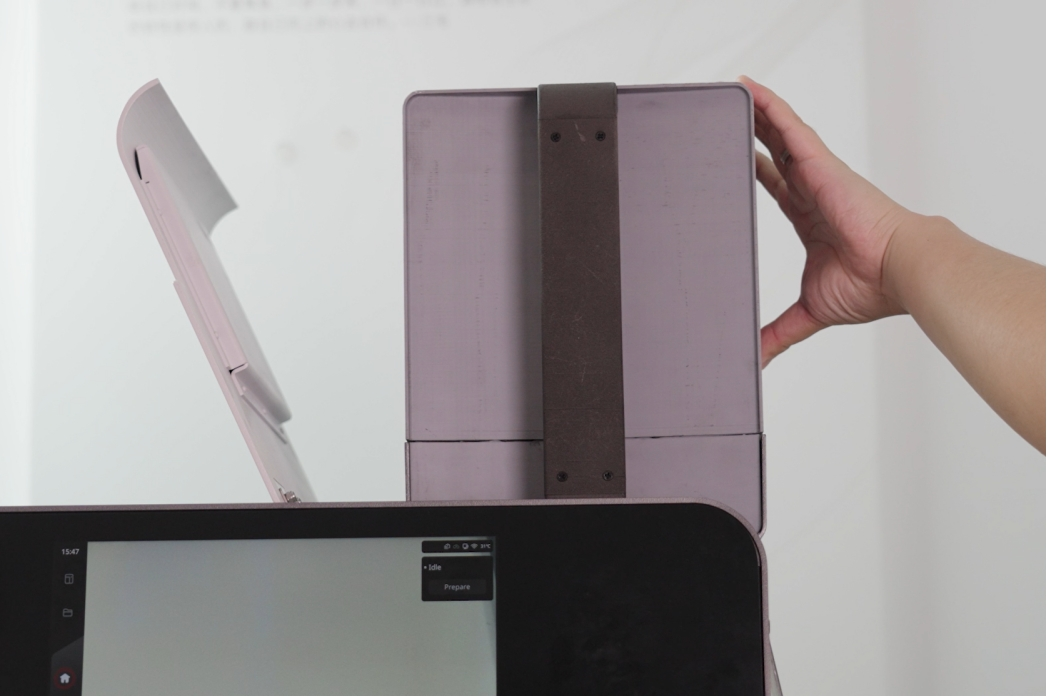
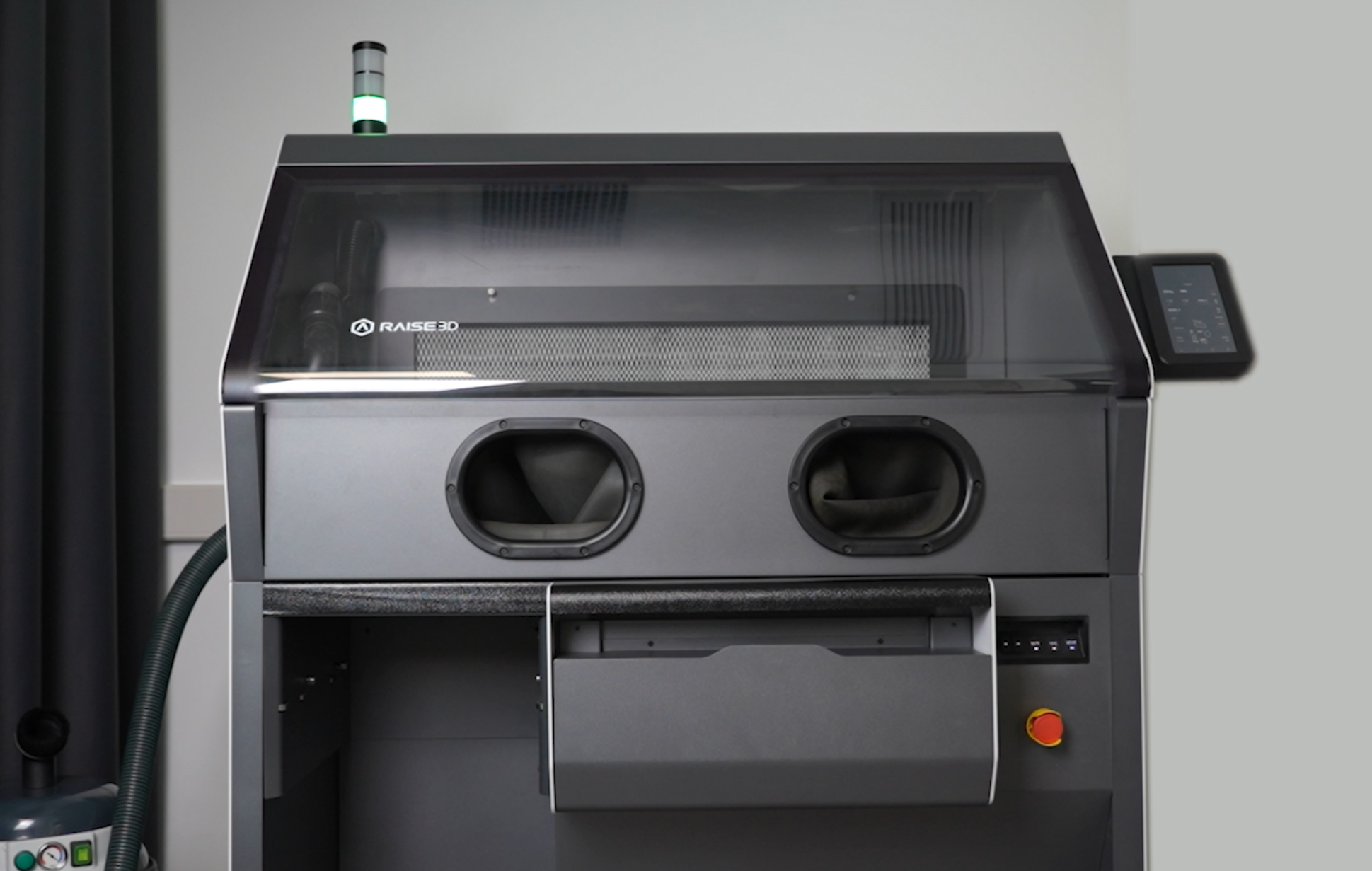
The Raise3D C220-P Cleaning Station is a compatible powder cleaning station for the RMS220 printer. If you have already purchased the C220-P Cleaning Station, please install it first. You must always prepare the powder on the C220-P.
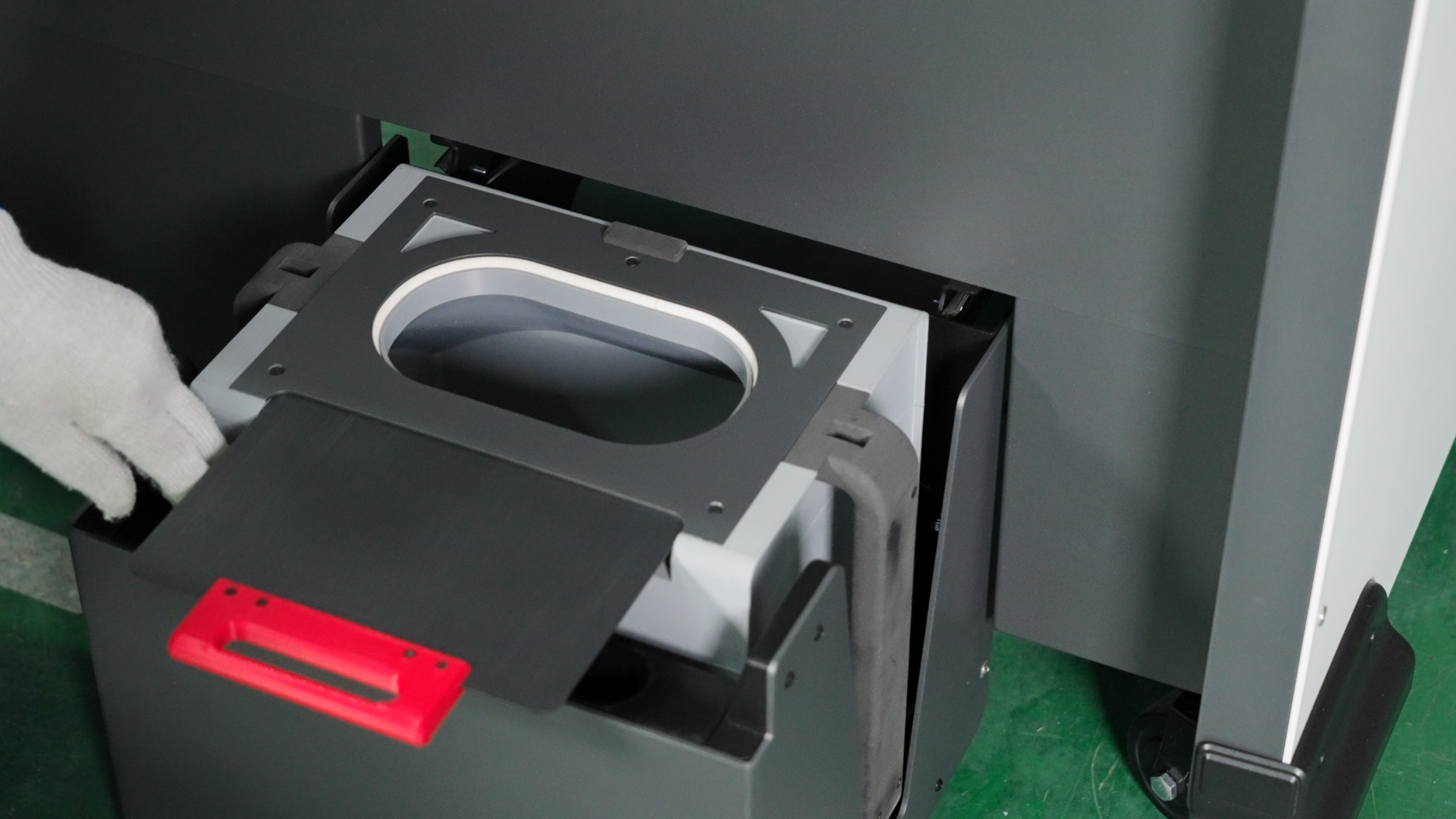
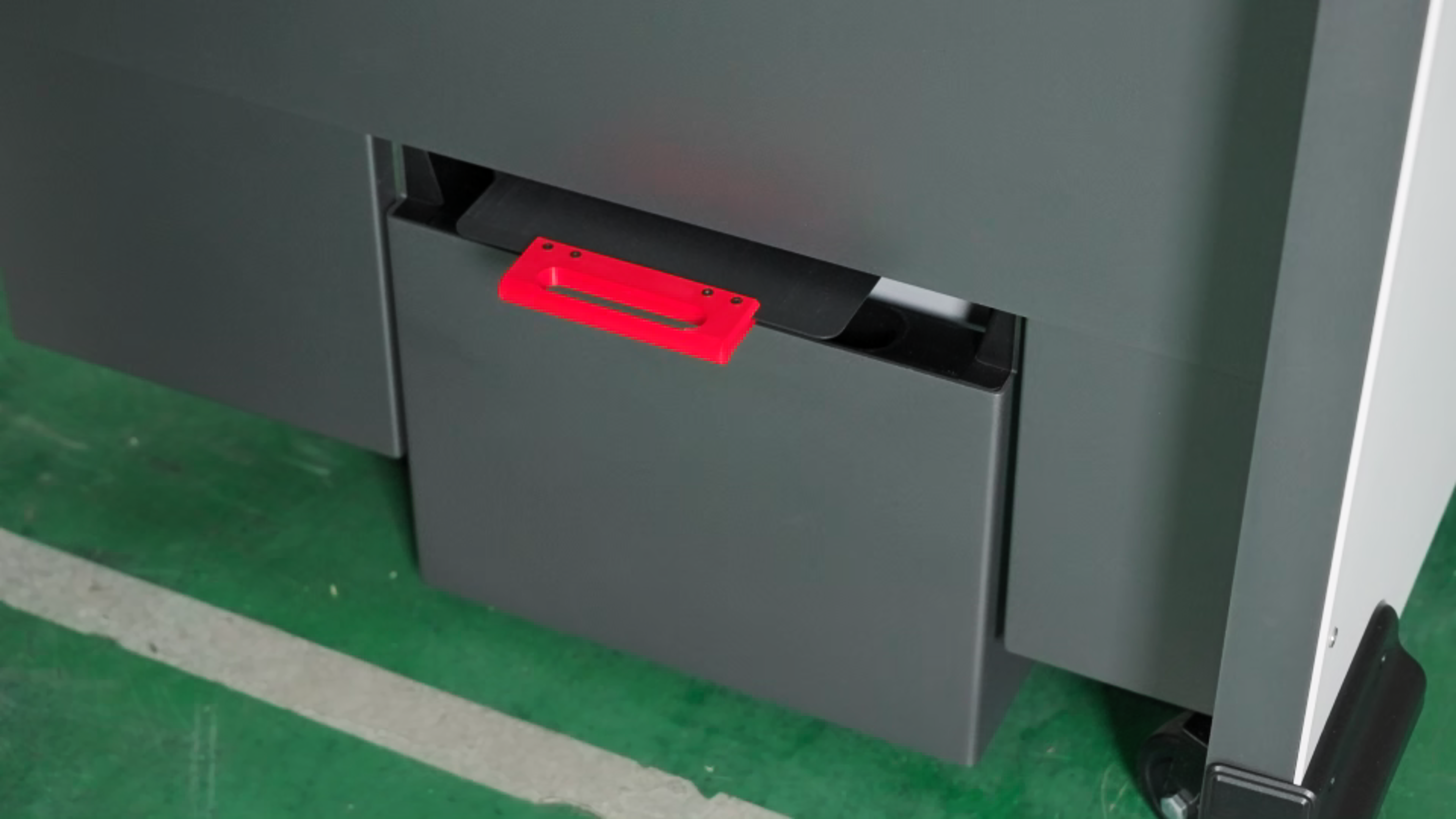
- Open the powder box valve and place it in the drawer at the bottom of the cleaning station. The red handle is facing out.
Note: The resistance of the powder cartridgevalve is large, please open it with force.
-
Close the weighing mechanism at the bottom.
-
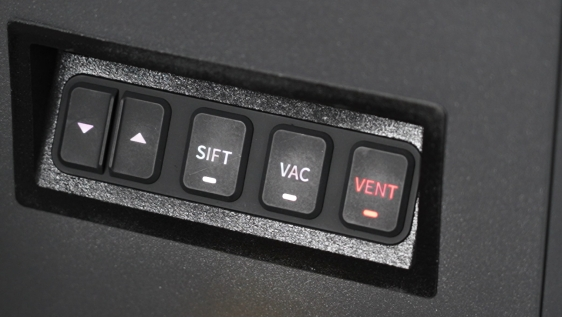
Press the "VENT" button on the front right side of the operation panel of the cleaning station to open the ventilation and lighting of the equipment operation platform.
-
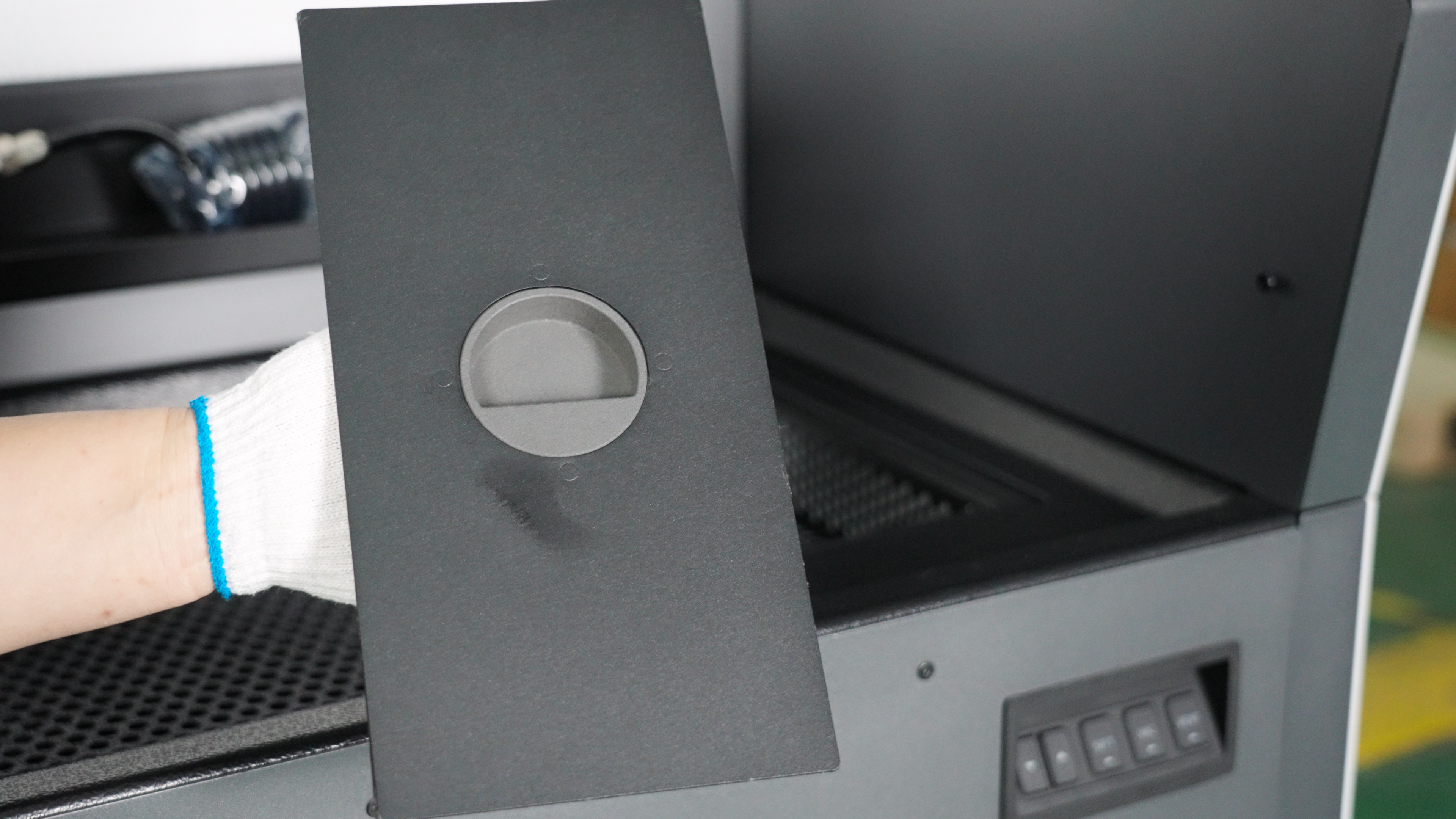
Open the new powder hopper cover on the right side , and pour the new powder. You can use gloves to prevent dust pollution.
-
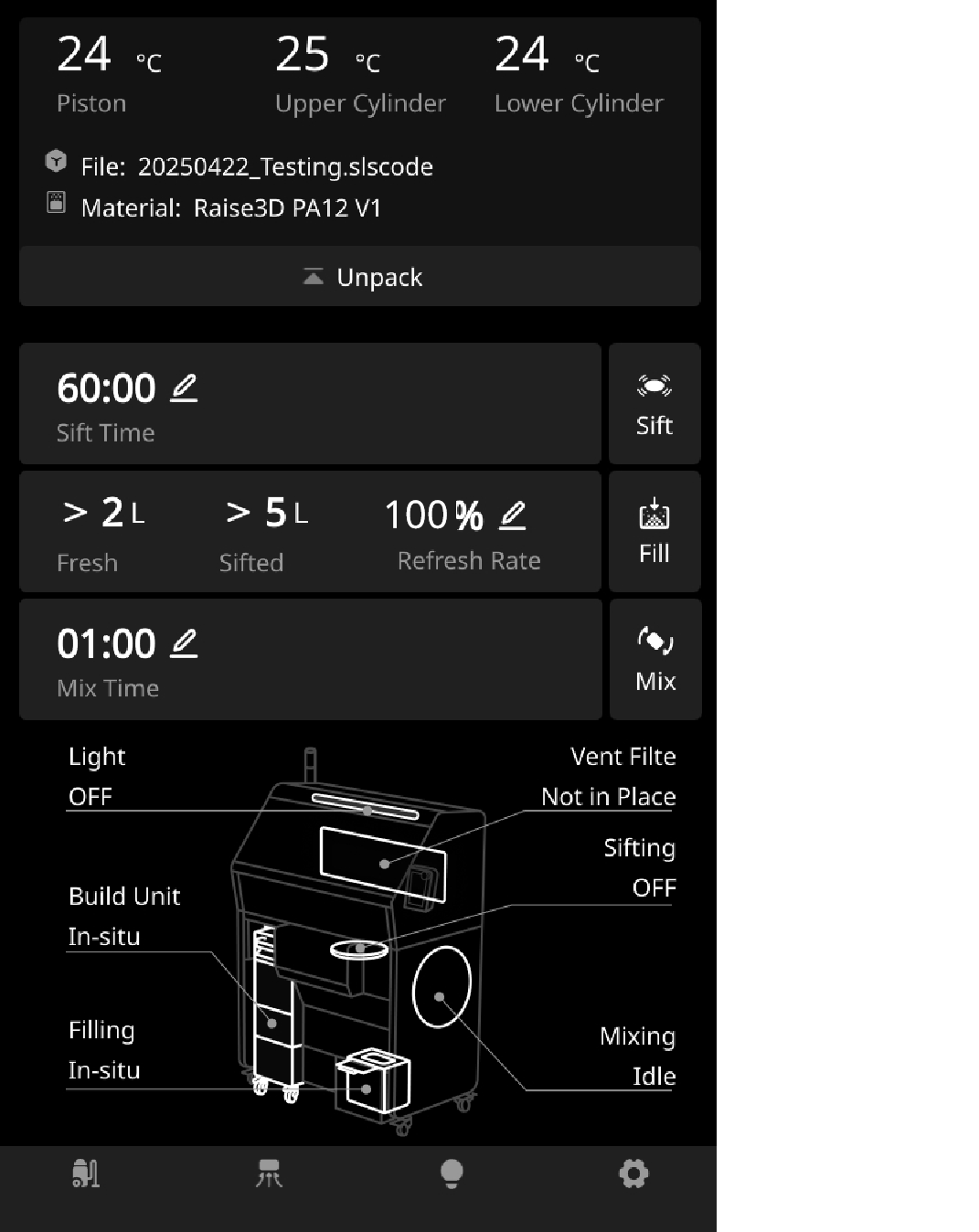
Since you are installing new powder, you need to output "100%" on the touch screen and click the “Mix”button. Wait for the mixing to complete.
-
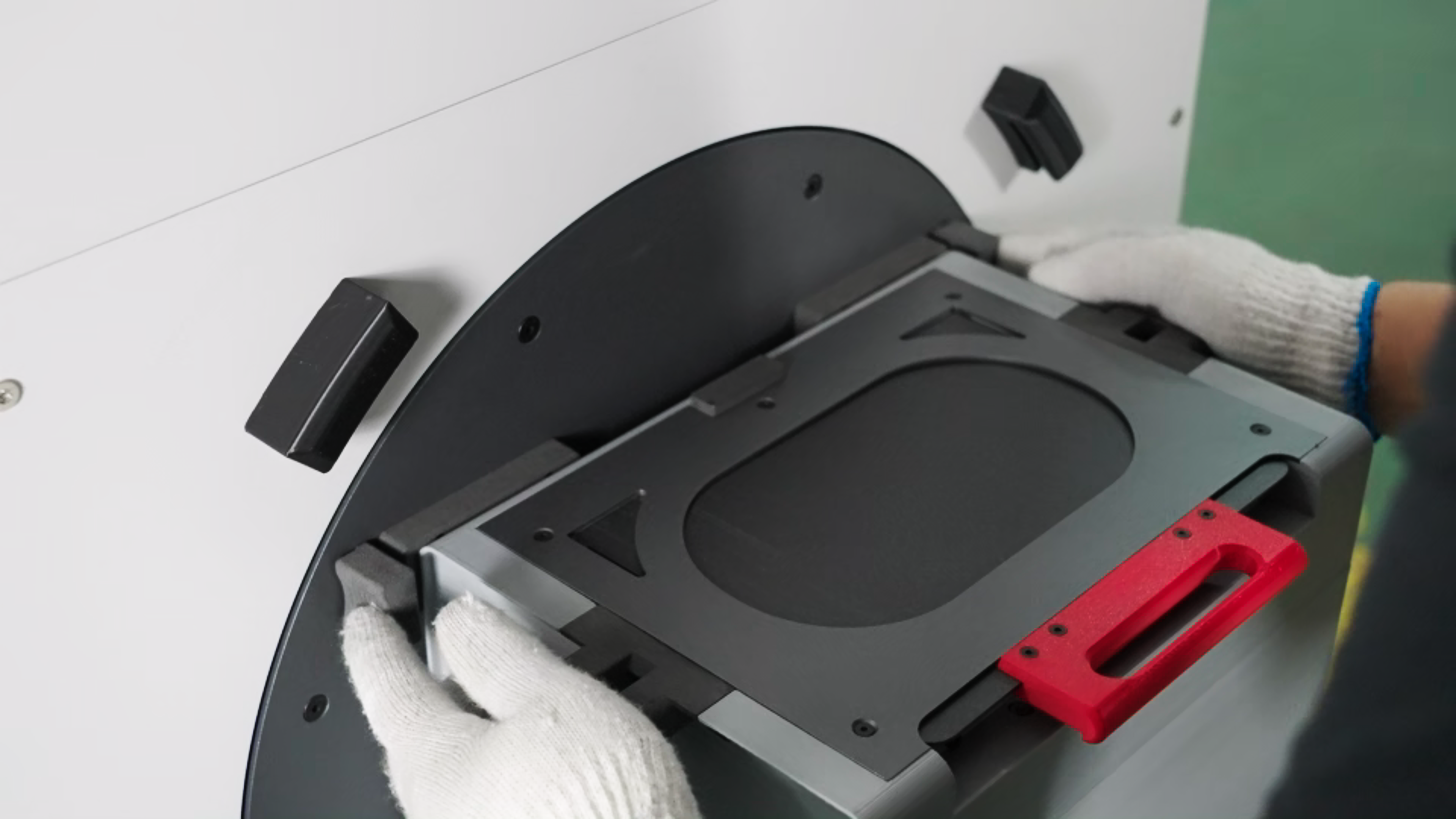
After mixing the powder, close the powder cartridge cover and transfer the powder cartridge to the powder mixer on the right side of the machine. Align the long slot at the bottom of the powder cartridge with the buckle below the powder mixer, and align the two slots at the top of the powder cartridge with the buckle above the powder mixer. Install the powder cartridge into the powder mixer.
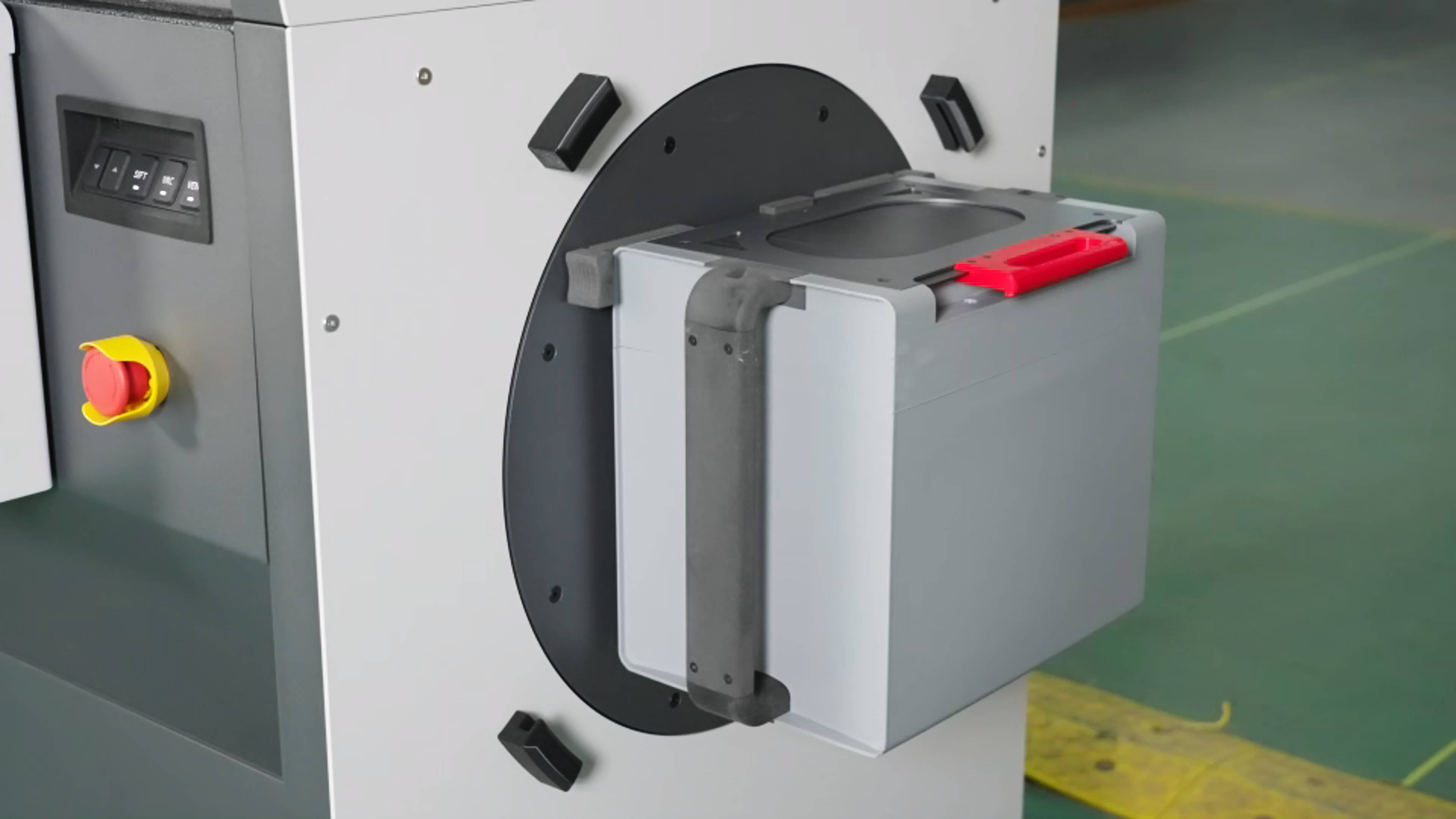
-
Cover with the transparent protective cover, making sure it is secured to the clips.
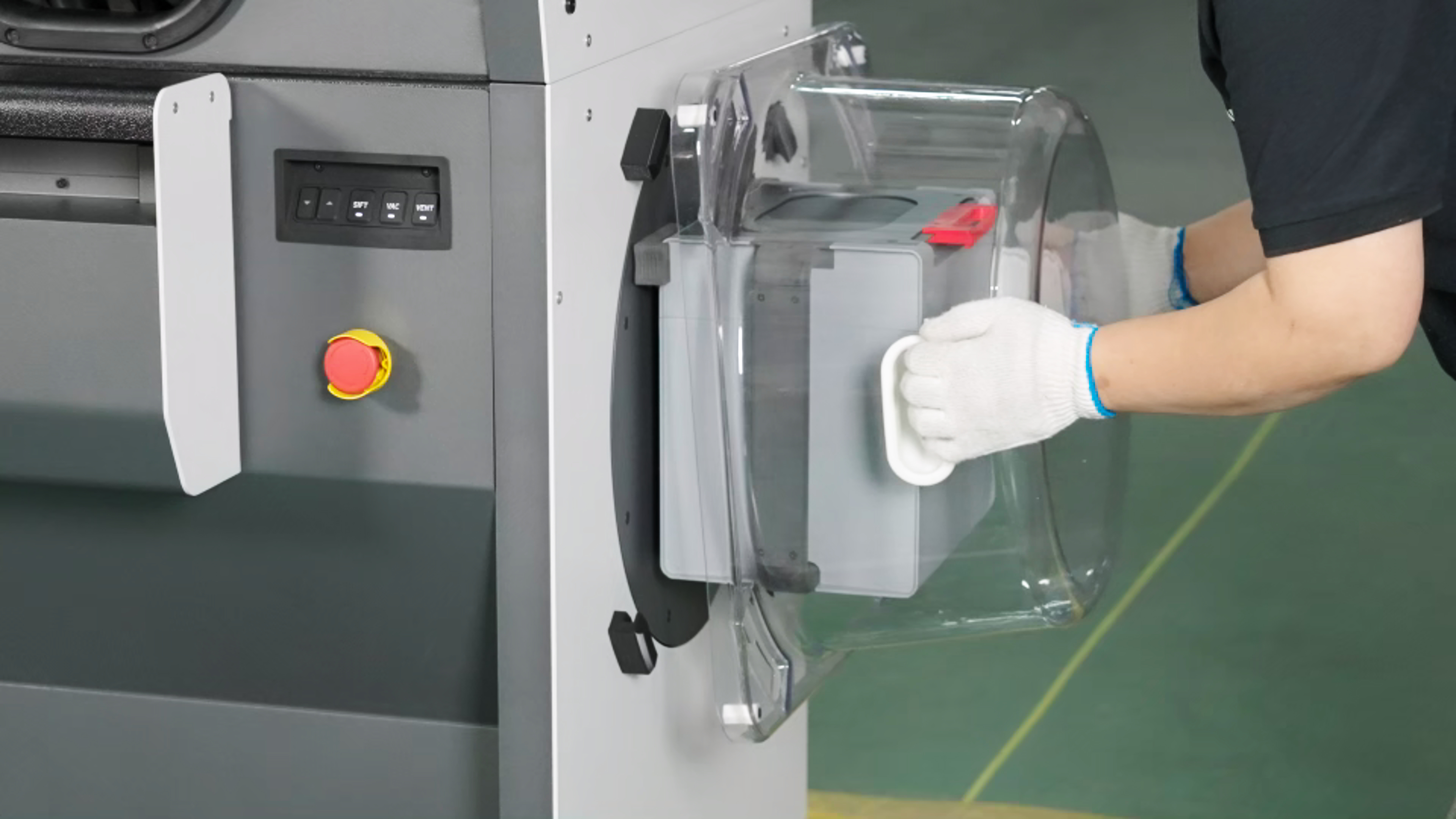
-
Click the "Mix" button on the touch screen to let the C220-P mix the powder until it stops.
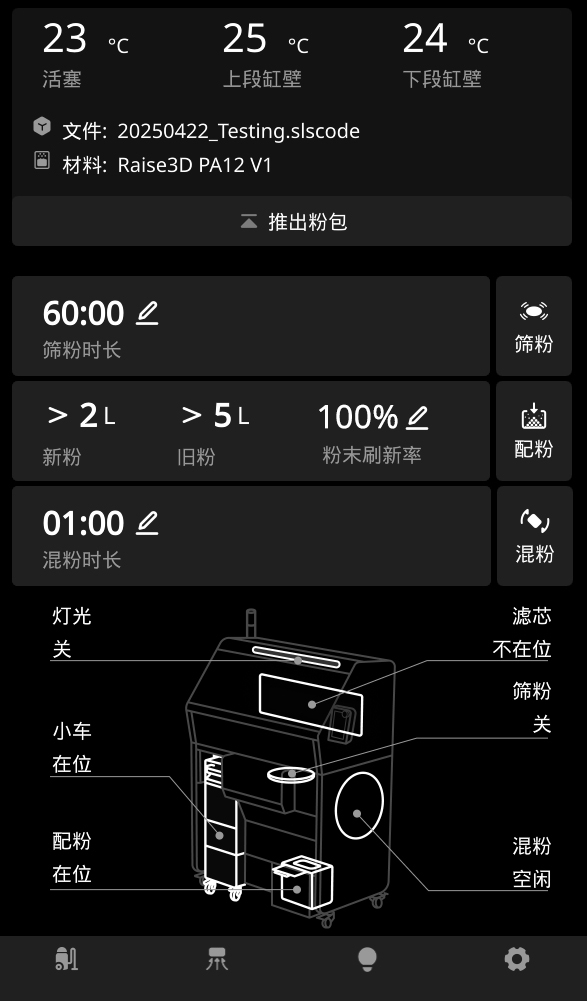
-
After mixing the powder, remove the transparent protective cover, and then pinch the buckle to remove the powder cartridge.
-
Transfer the cartridge to the top of the RMS220 hopper. Open the cartridge cover. Place the cartridge upside down on top of the hopper with the handle (red part) facing outward.
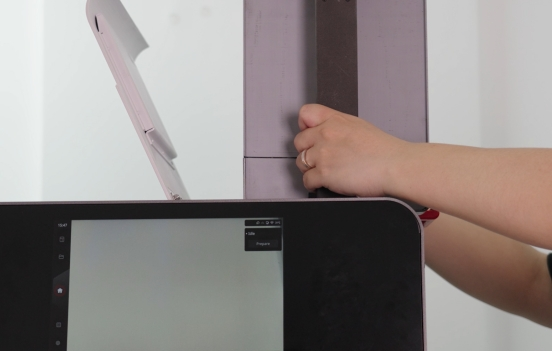
-
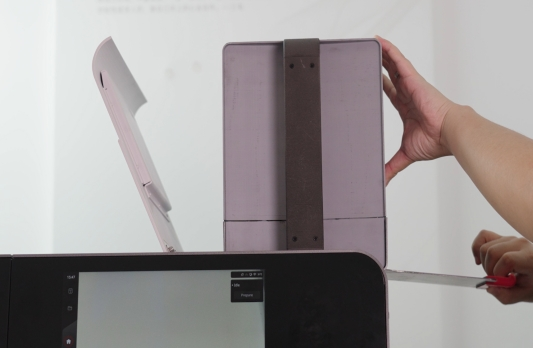
Pull the cartridge valve handle. Wait for the powder to fall into the hopper. Do not move the cartridge, otherwise the powder will spill out. You can wait until all the powder has settled and fallen to the bottom of the hopper.
-
Wait until all powder has entered the hopper. Push back the valve handle to close and remove the powder cartridge. Alternatively, you may leave the cartridge handle open to use it as a supplementary storage cartridge. The hopper has a capacity of approximately 31.5 kilograms. Placing the powder cartridge on it will provide an additional 4-8 liters of powder, sufficient to complete a full printing build.