-
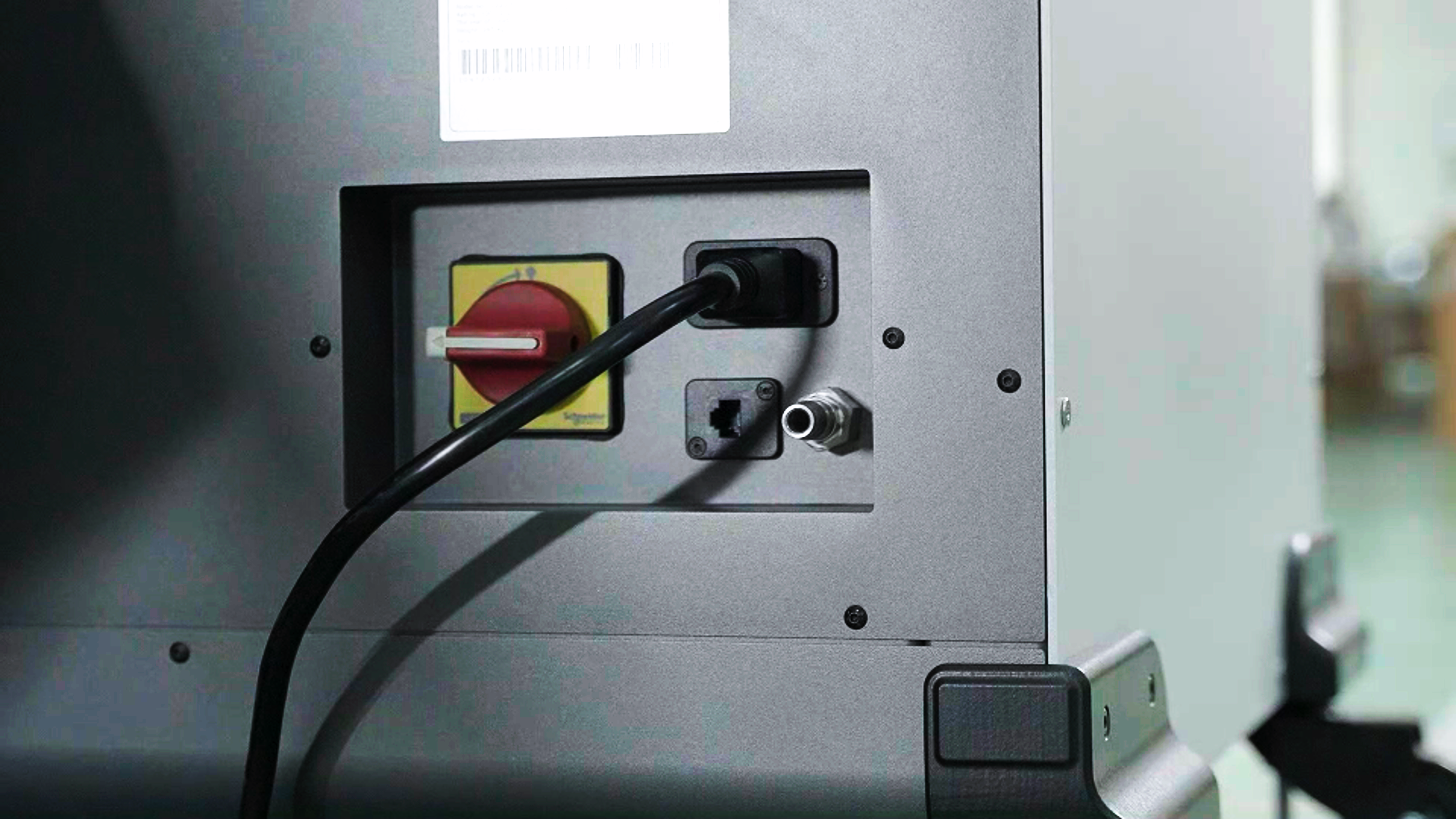
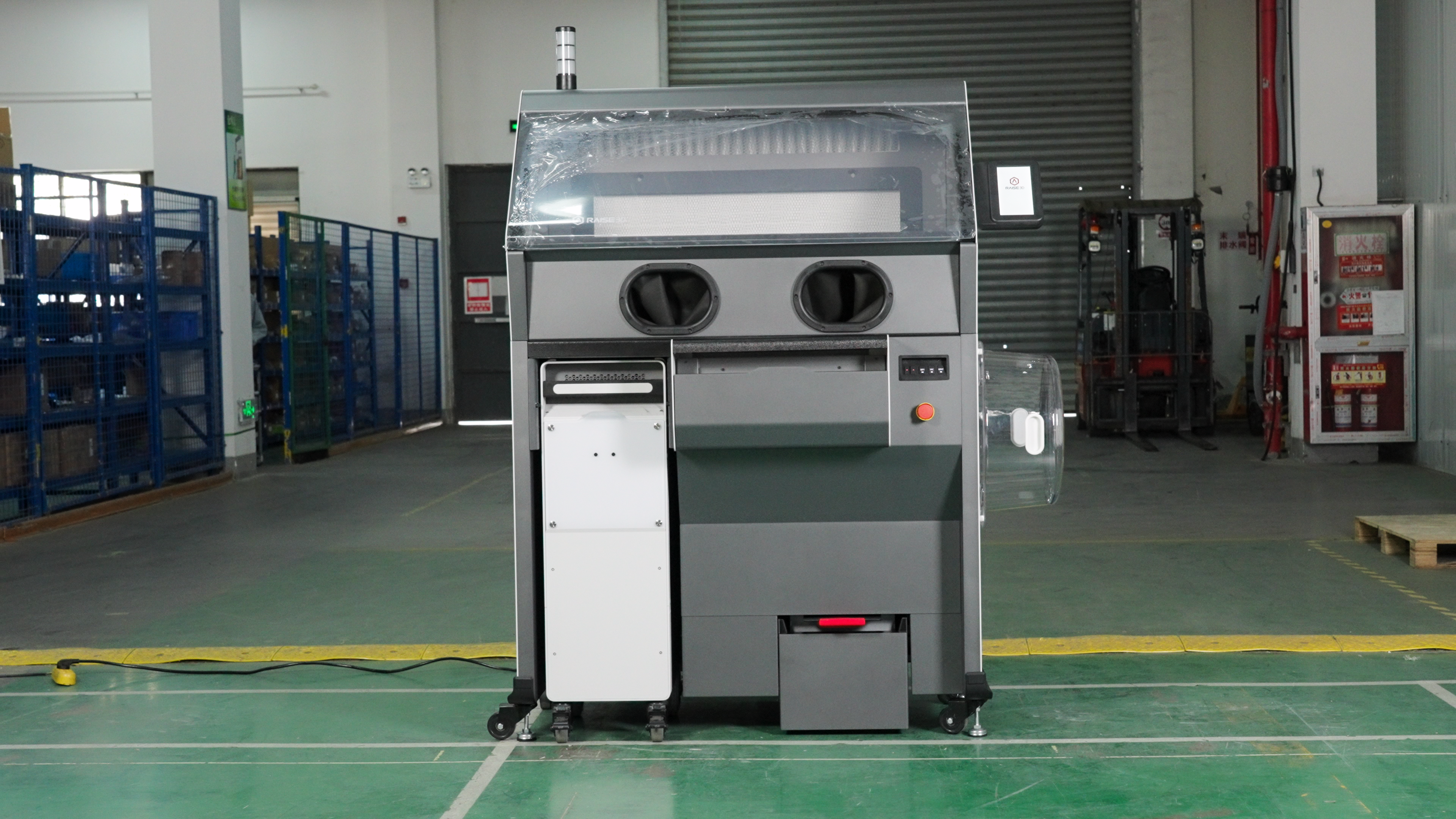
Connect the power cord. The power interface is on the back.
-
Release the emergency stop button.
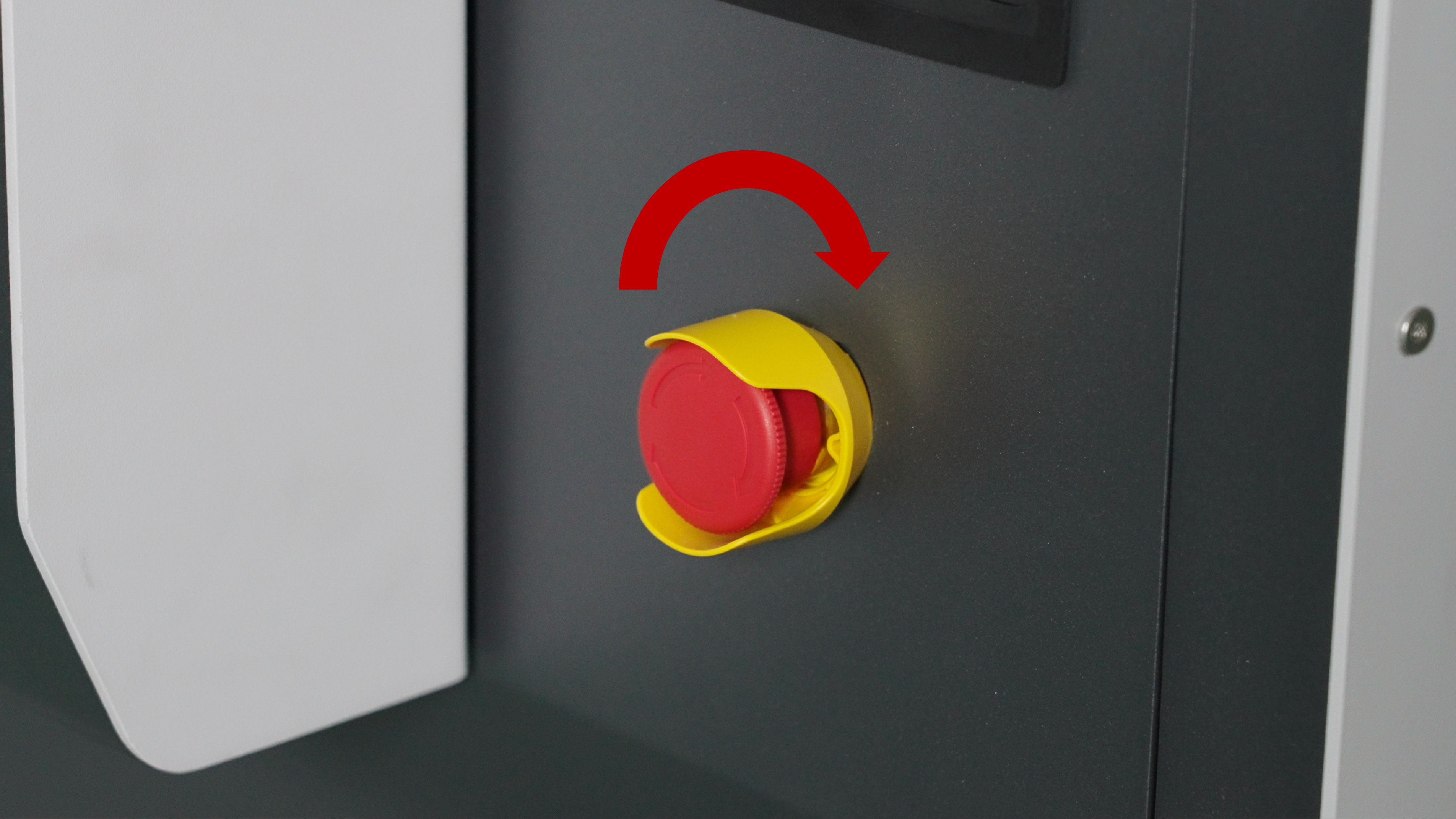
Before turning on the power, be sure to press and hold the emergency stop button and turn it clockwise to release it. Otherwise, the Cleaning Station will report an error after powering on.
-
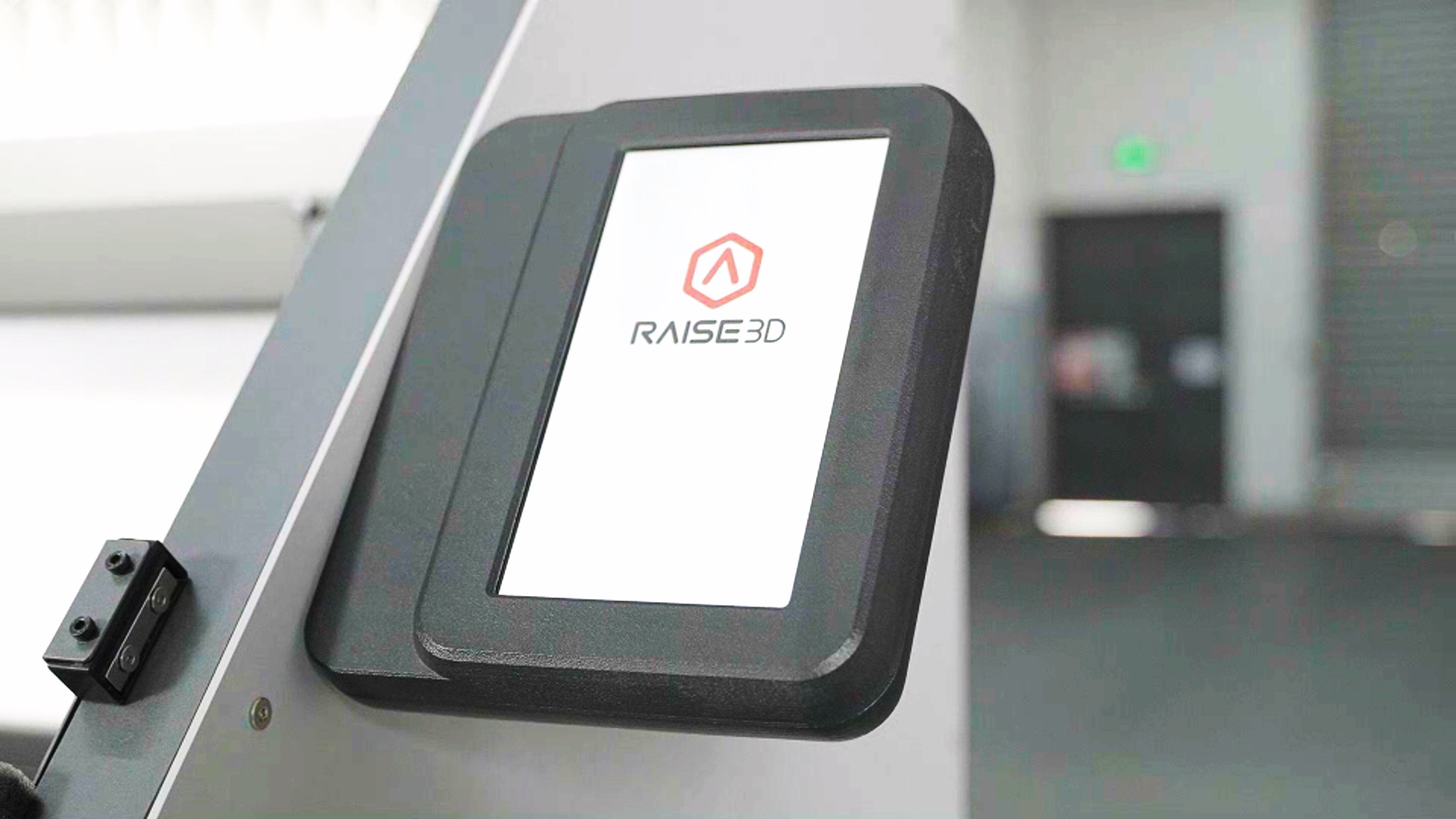
Turn on the power.Wait for the screen to turn on, and you can start using the C220-P Cleaning Station.
-
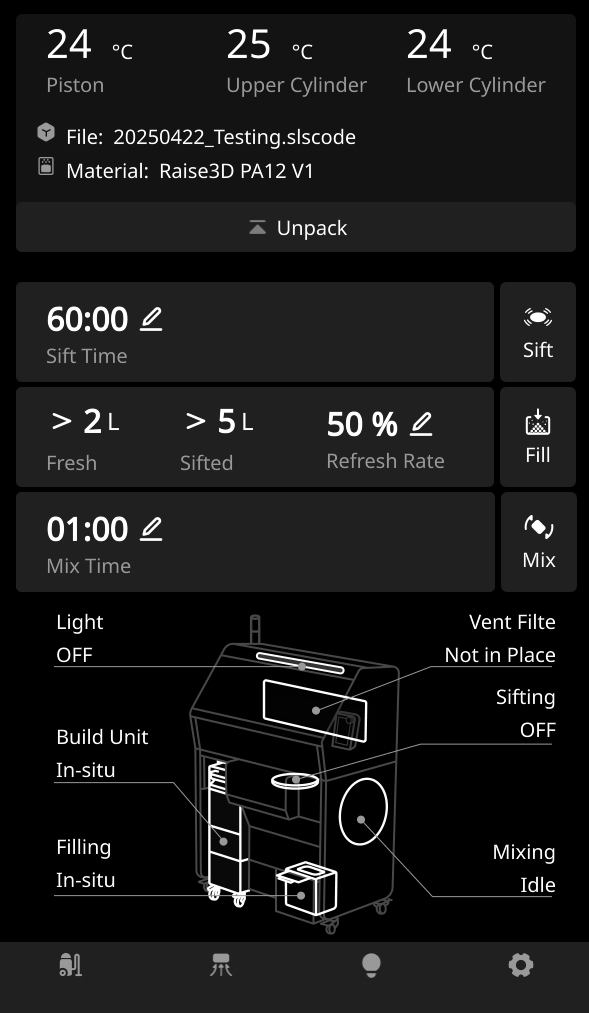
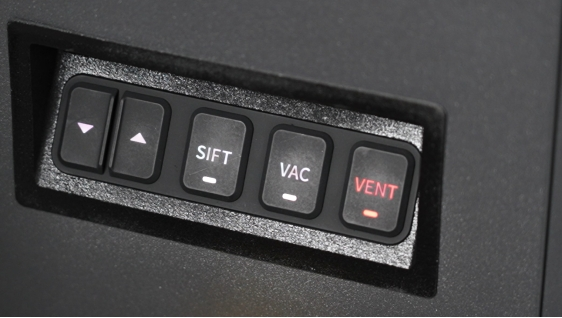
Press each button to check if the Cleaning Station is working properly.
-
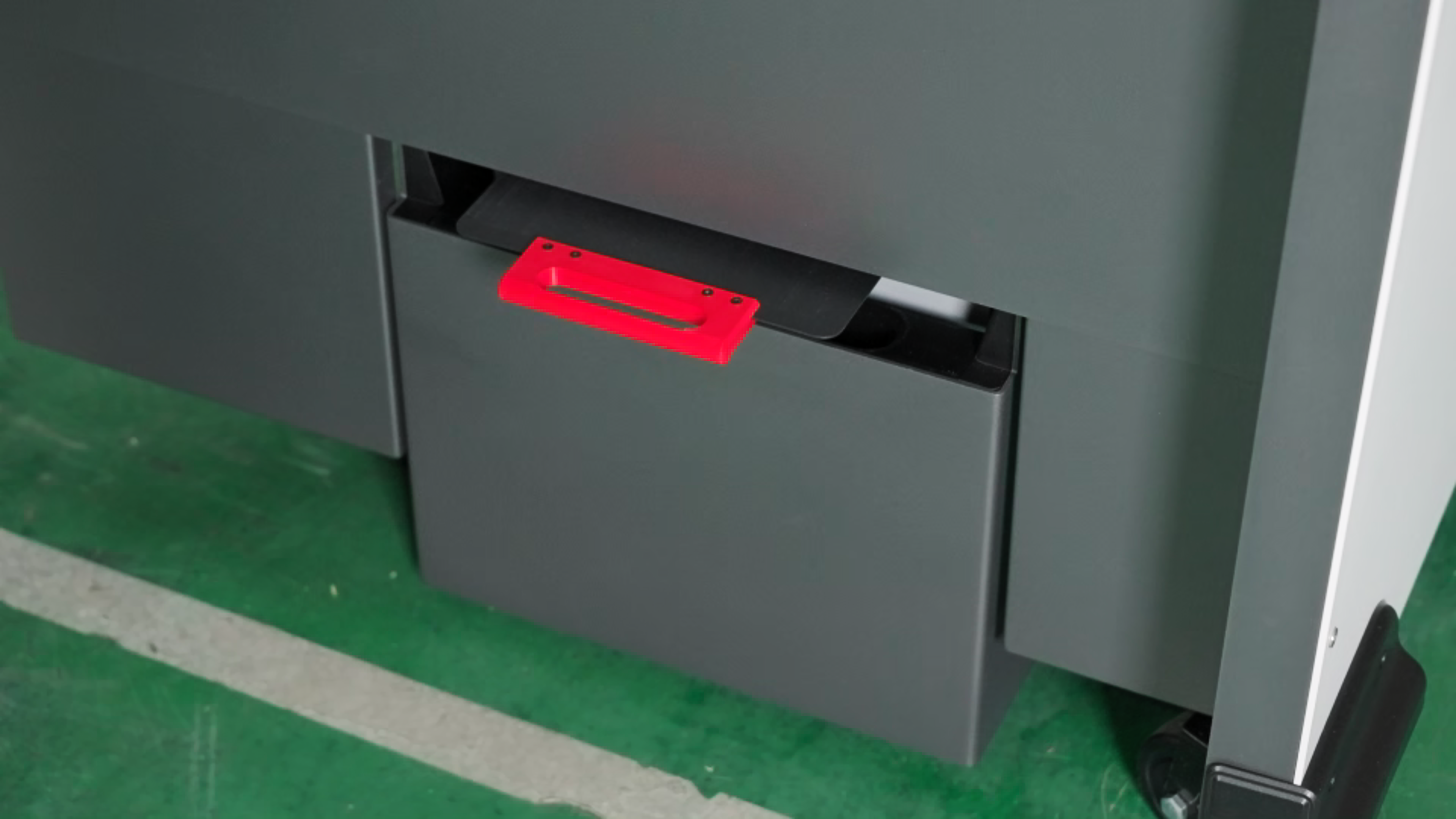
Tare the powder cartridge. Before using the Cleaning Station for the first time, please tare the powder cartridge.
-
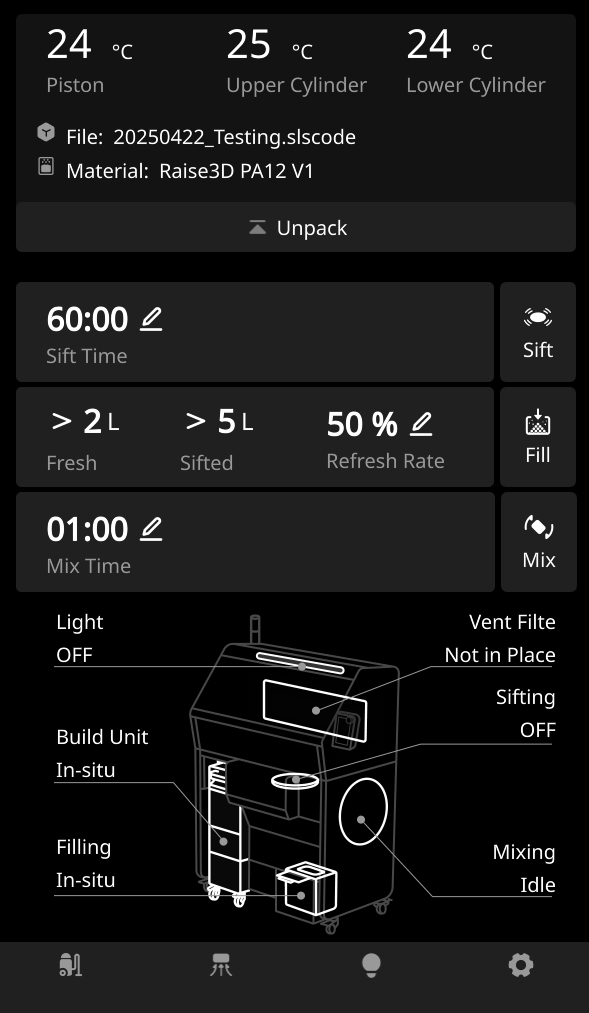
Ensure the powder cartridge are placed in the Cleaning Station, then click "Settings > Maintenance > Sensor Calibration > Tare".
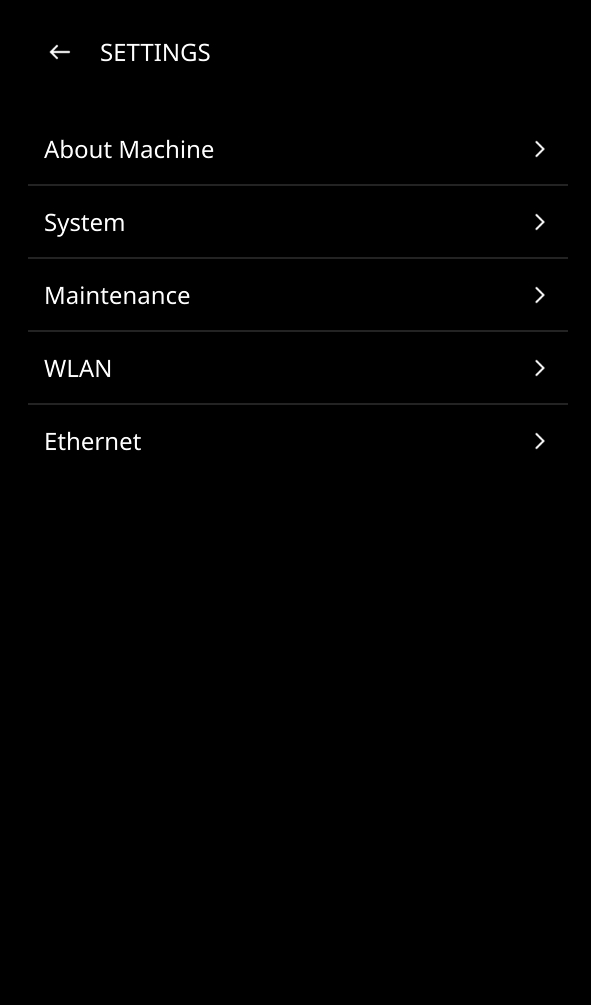
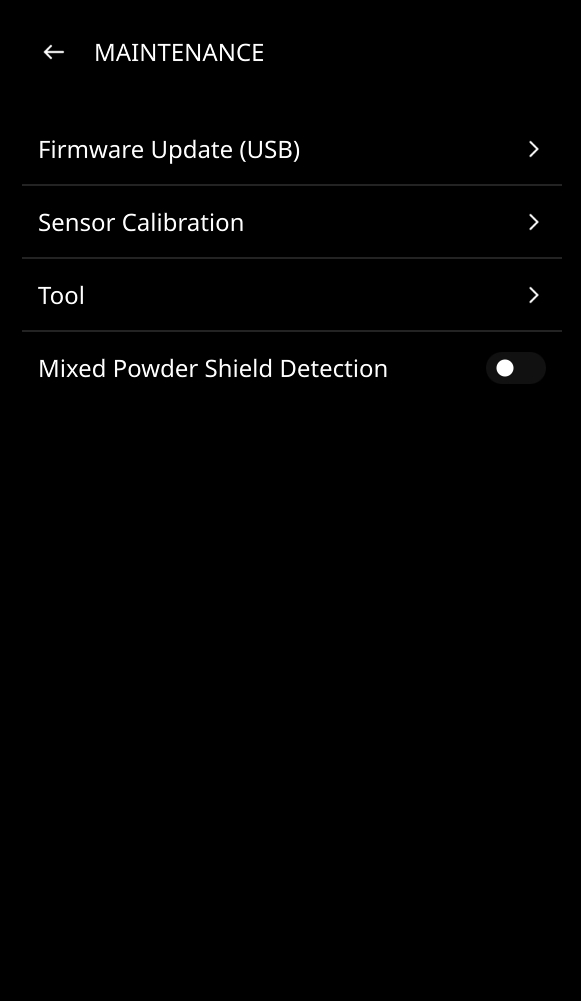
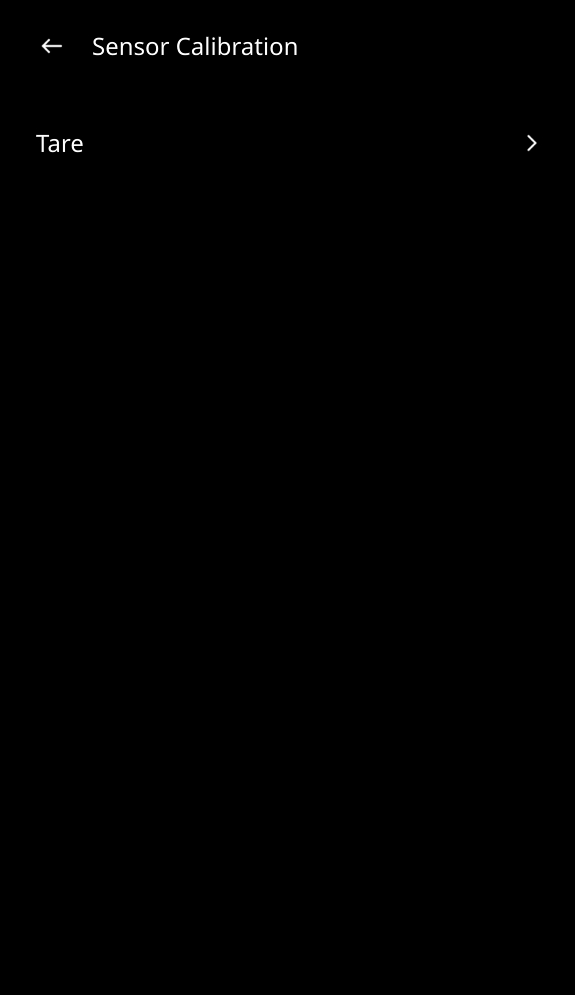
-
Click "Tare" and wait for the data to return to zero to complete the tare process. You can now start using the C220-P Cleaning Station.
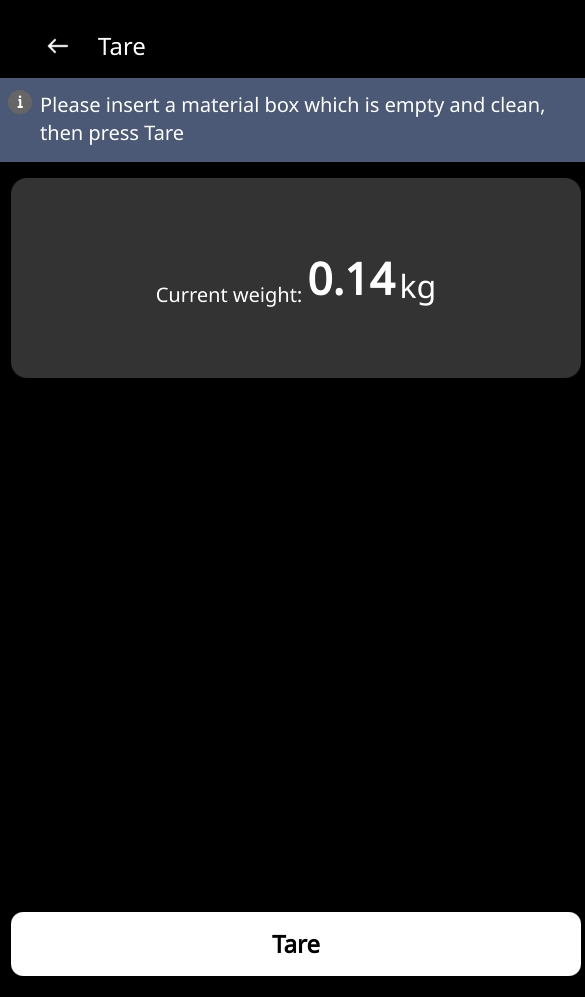
-
Check the powder mixer. Remove the cartridge and close the cartridge valve. Install it on the powder mixer.
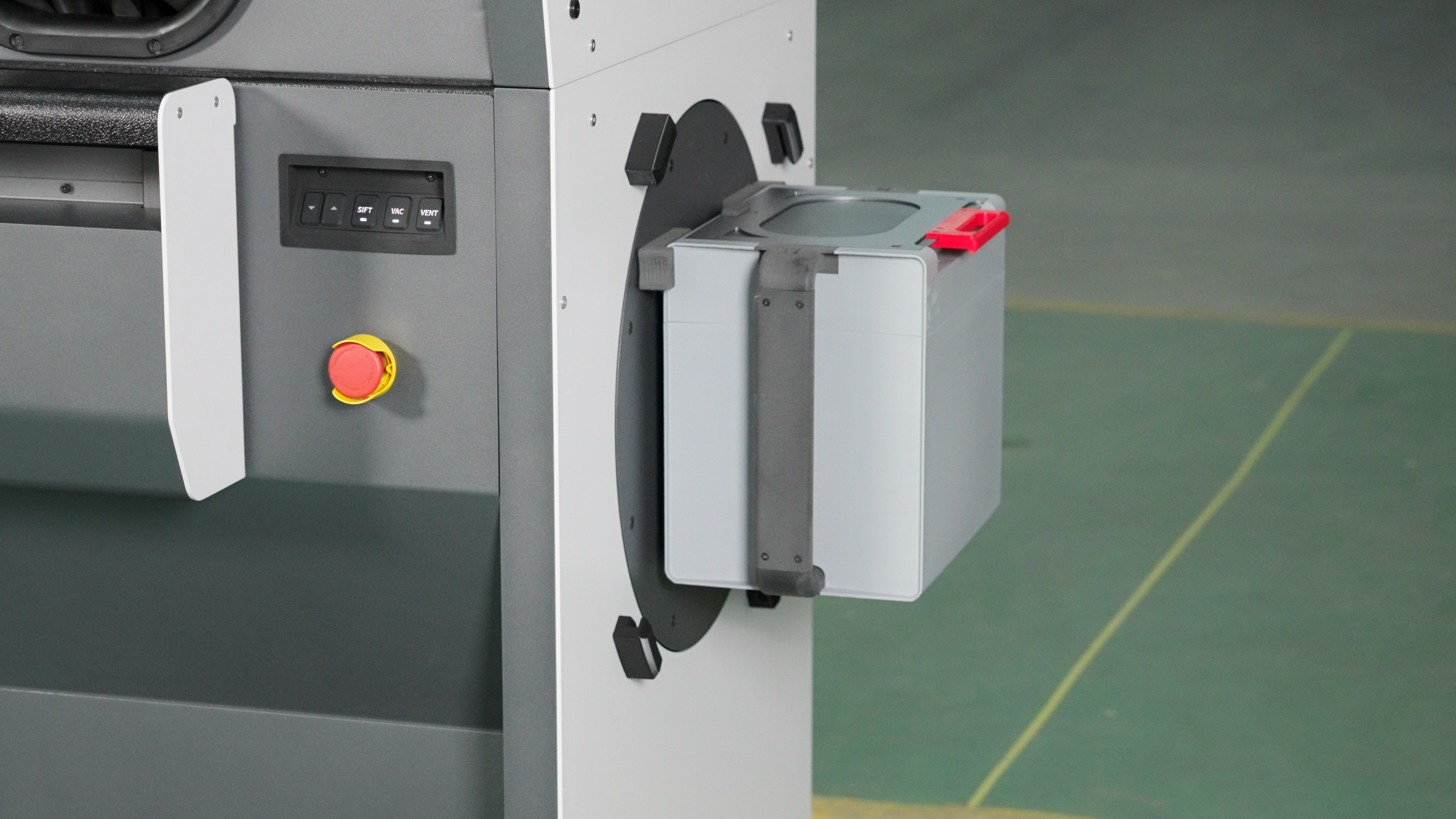
-
Put on the transparent protective cover.
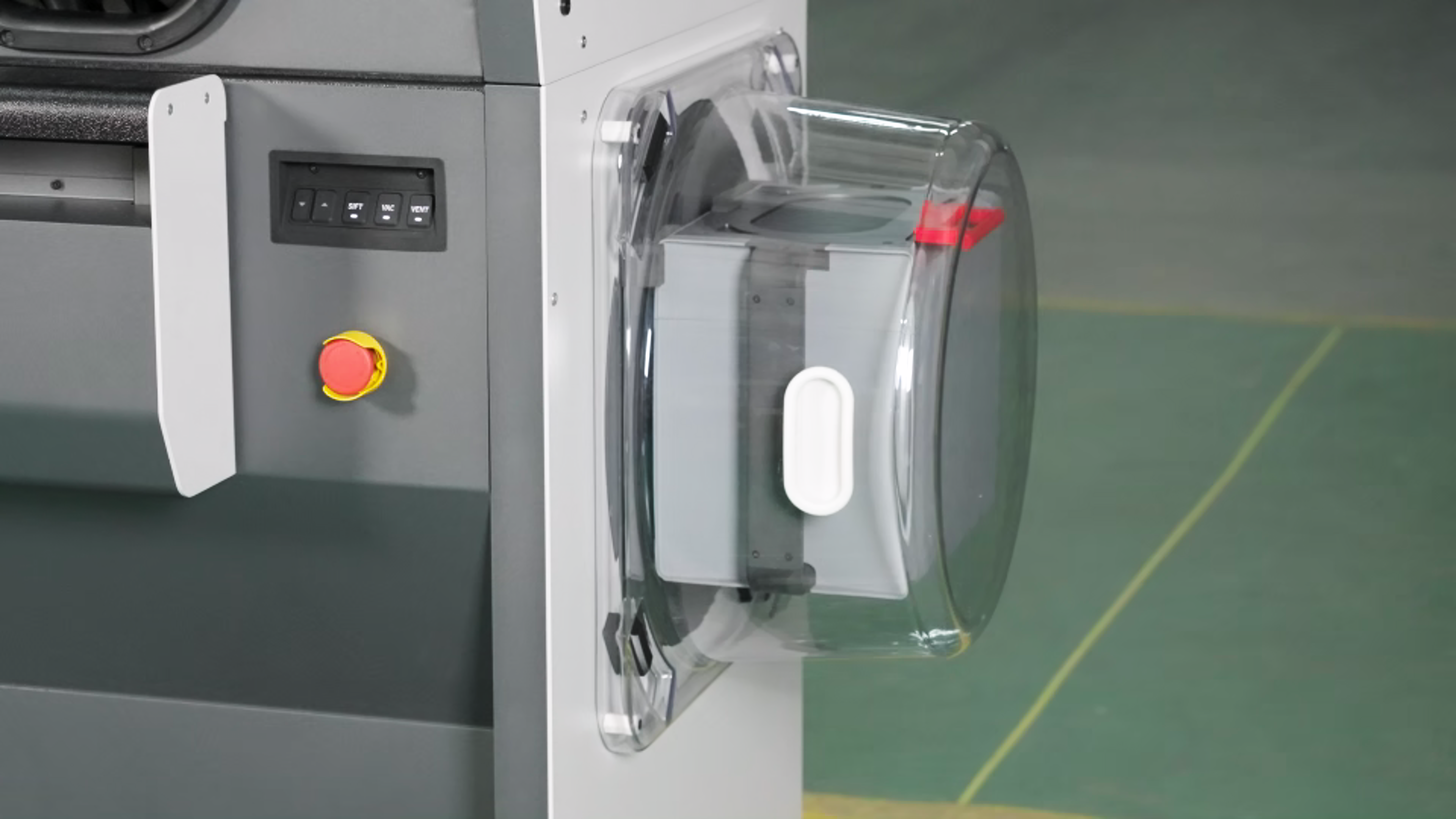
-
Set the mixing time on the screen and click "Mix". Check if the powder mixer rotates normally. If it rotates normally, the function is working properly. If it does not rotate, please contact Raise3D after-sales personnel.