-
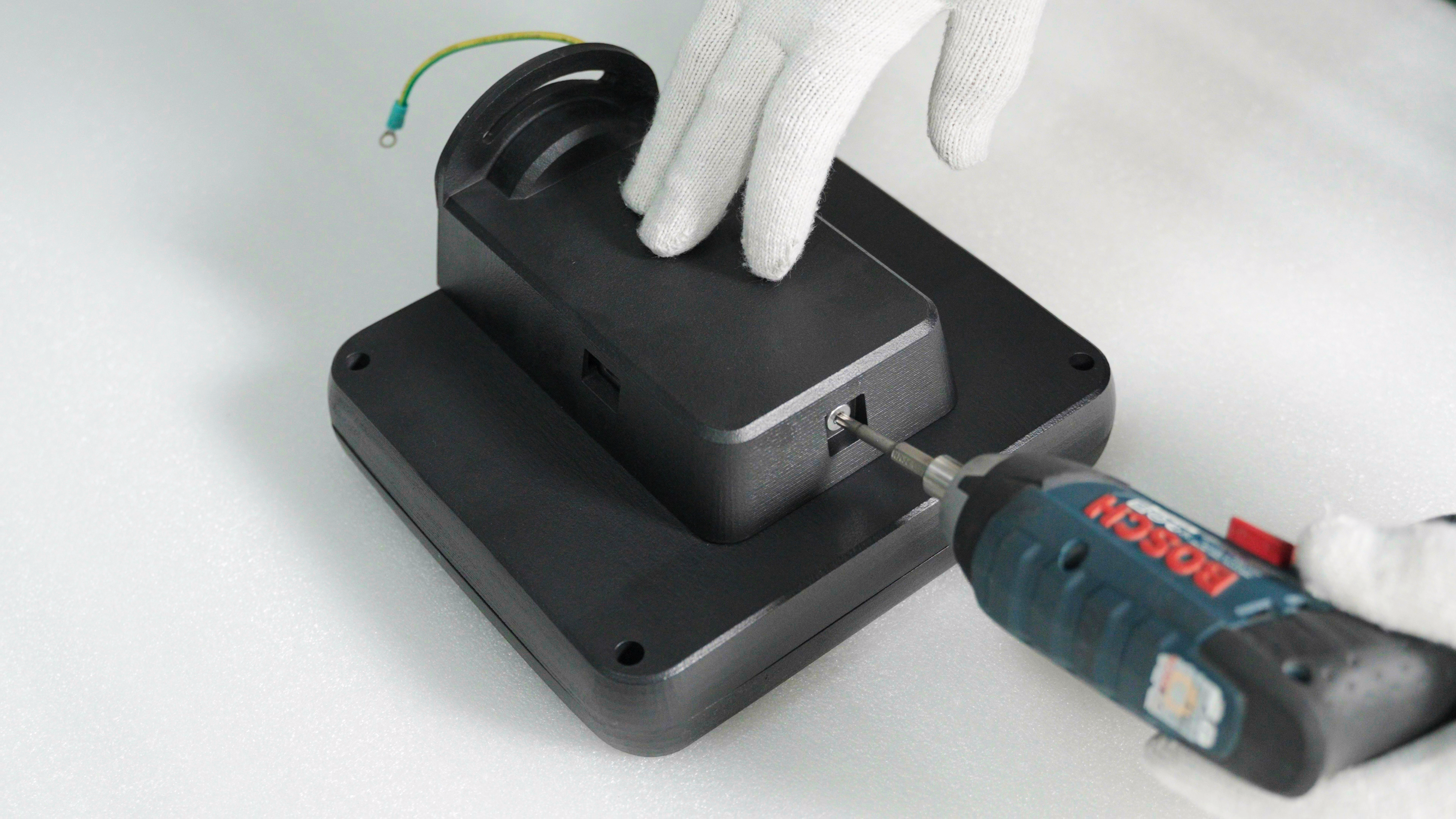
Take out the touchscreen assembly and use a power drill to remove the screws securing the cover.
-
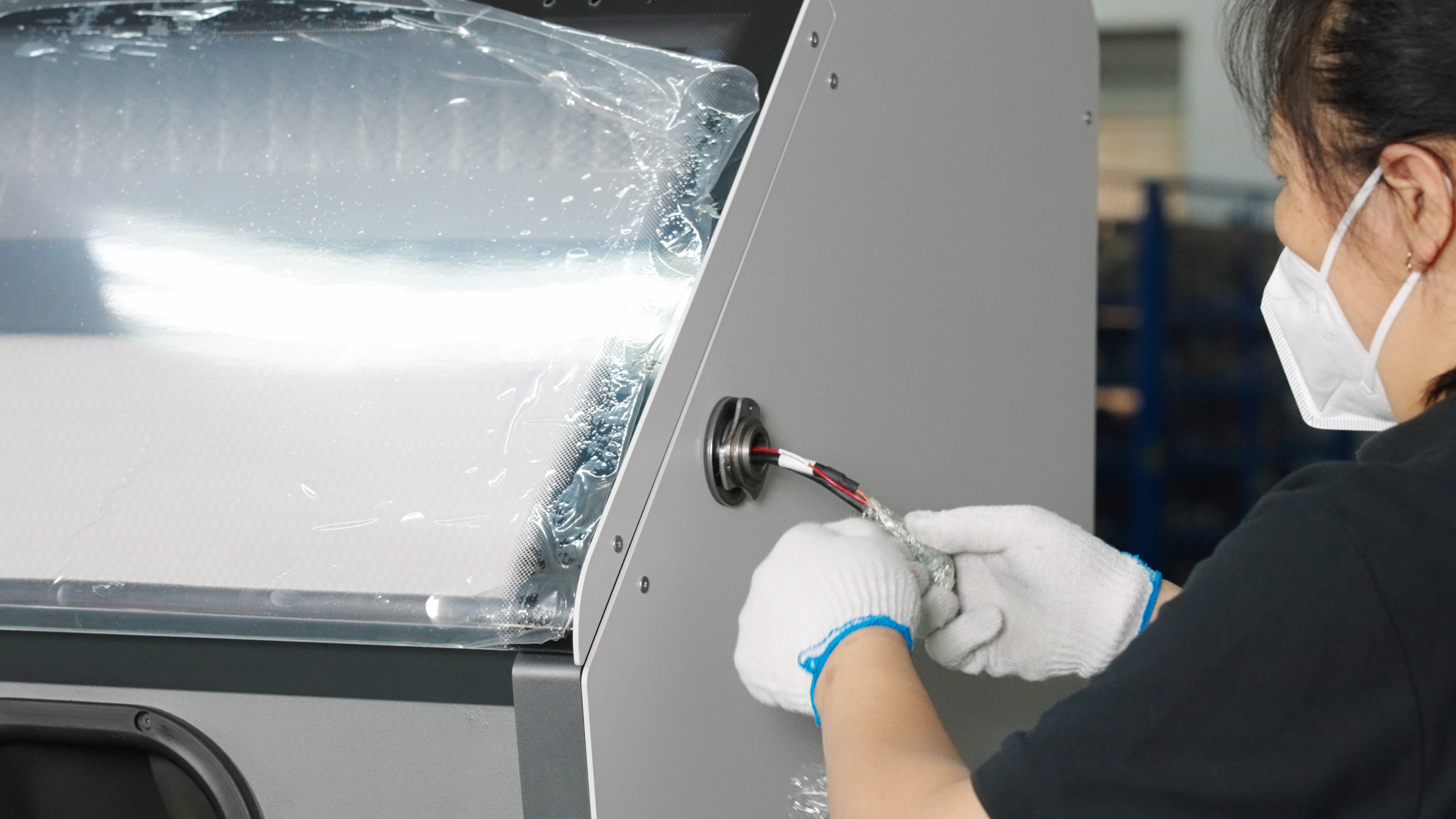
The touchscreen assembly should be installed on the right side of the Cleaning Station, and the plastic packaging outside the wires should be removed.
-
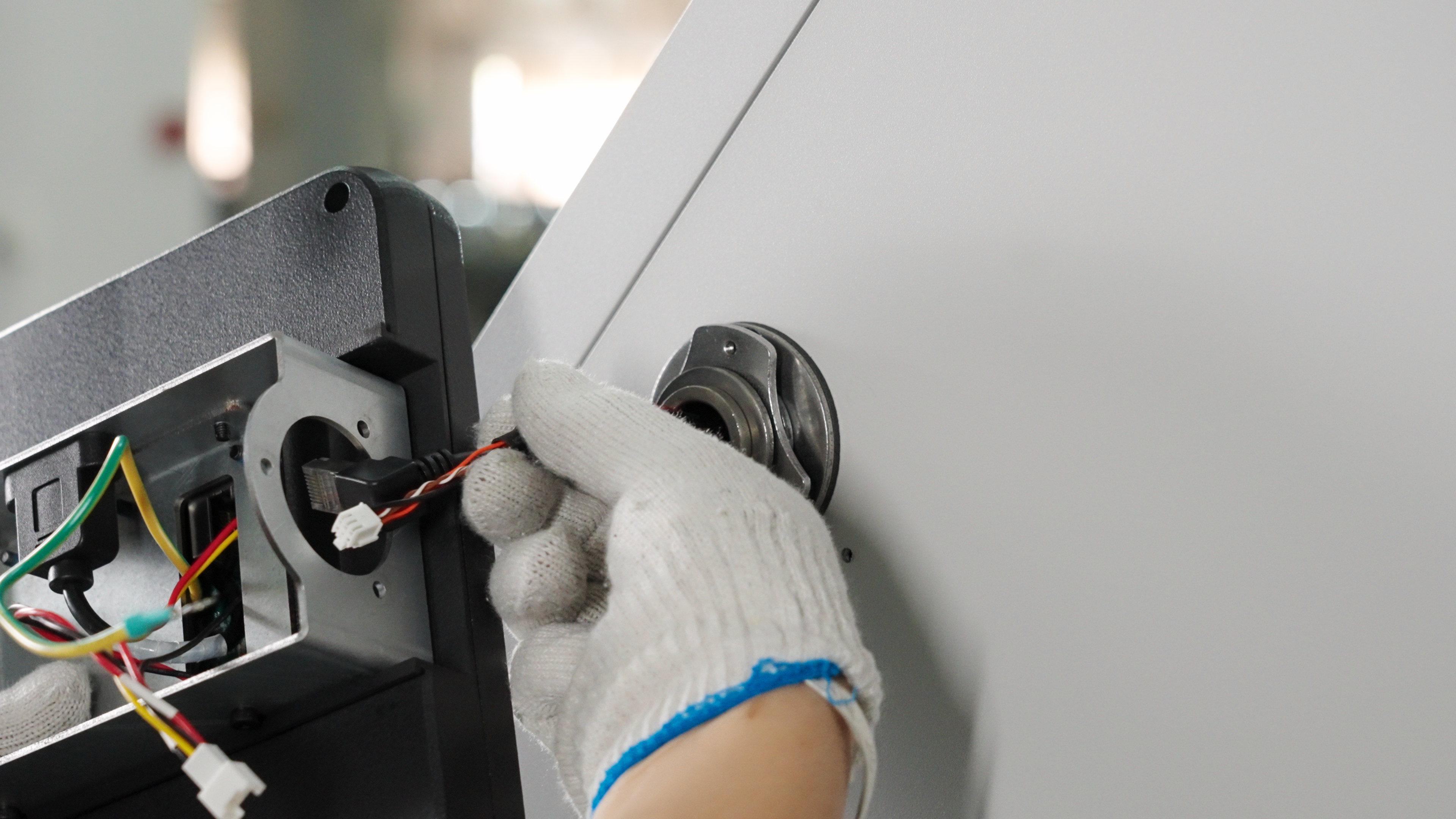
Thread the wire through the hole in the bracket.
-
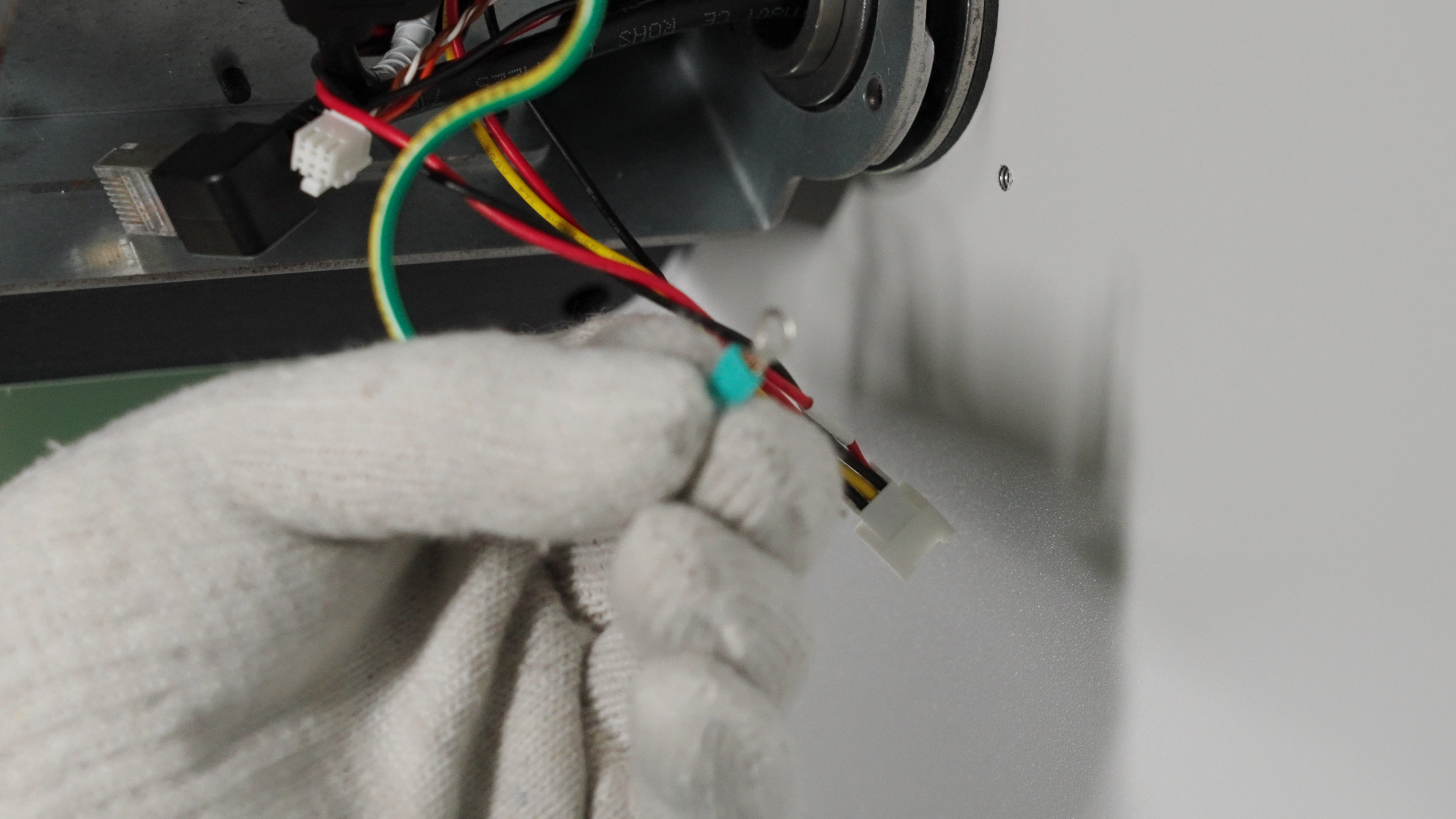
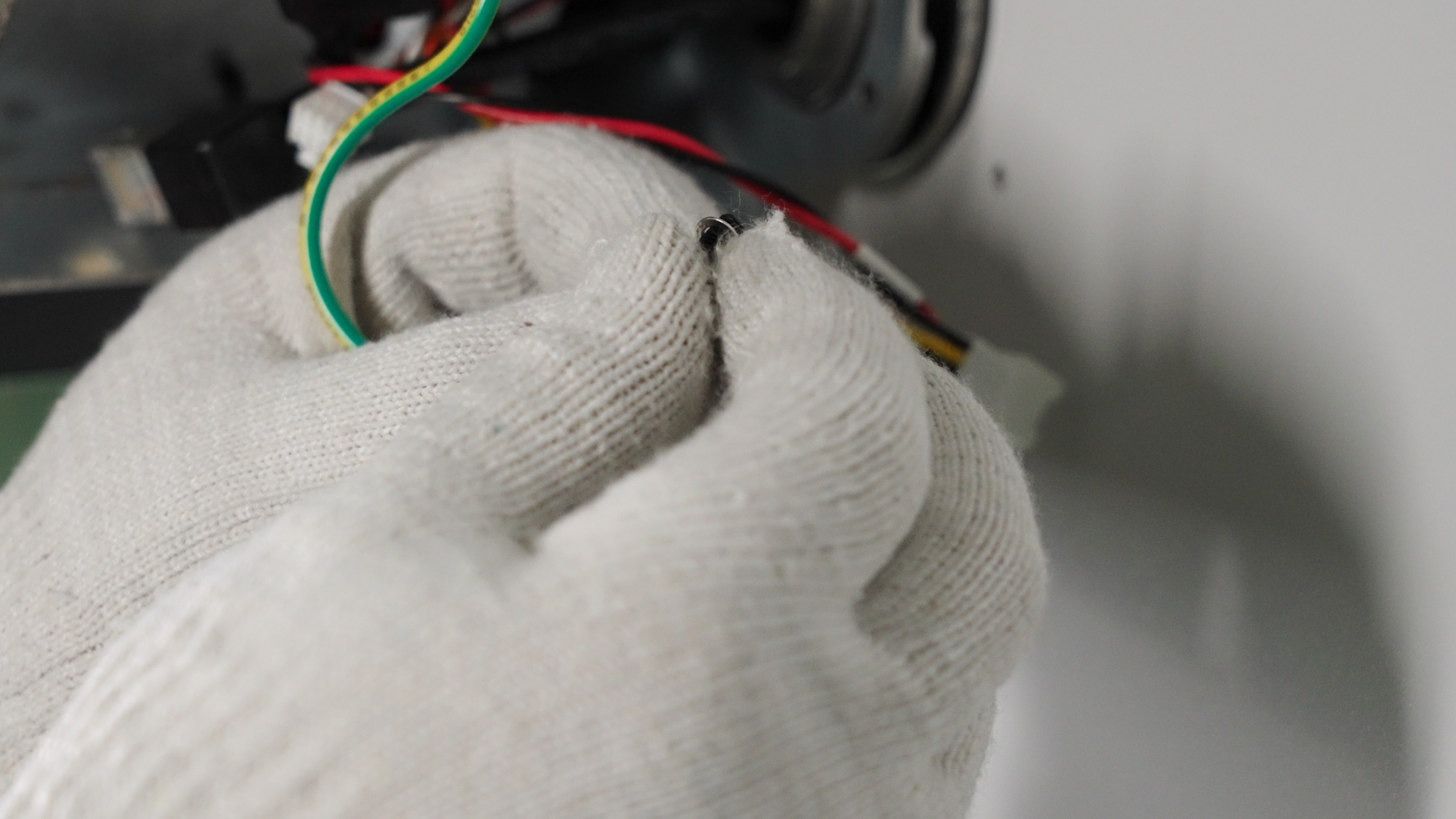
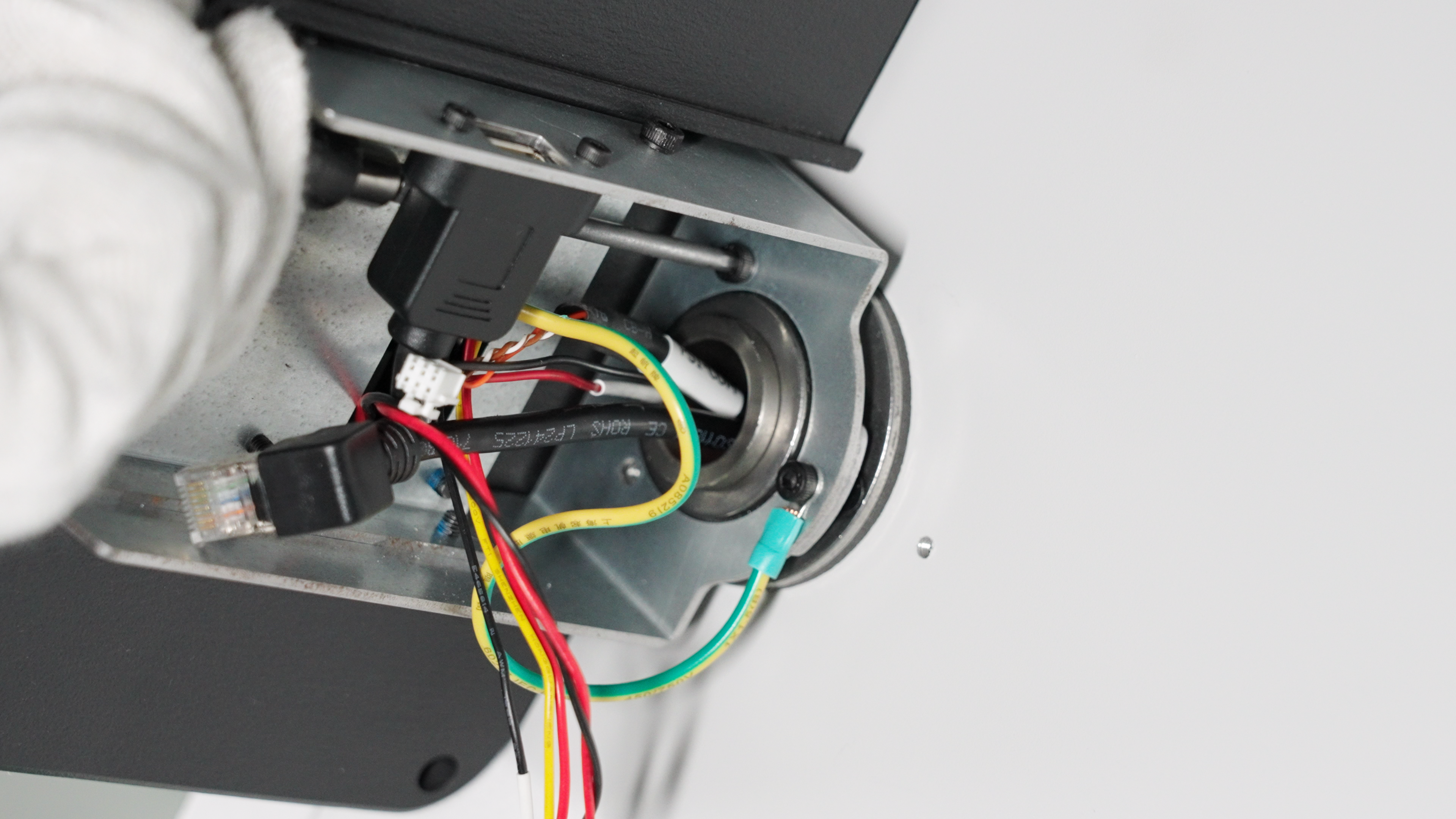
Thread the included screw through the green ground wire on the screen box, and then secure it to the Cleaning Station using the screw.
-
Install the remaining 2 fixing screws.
-
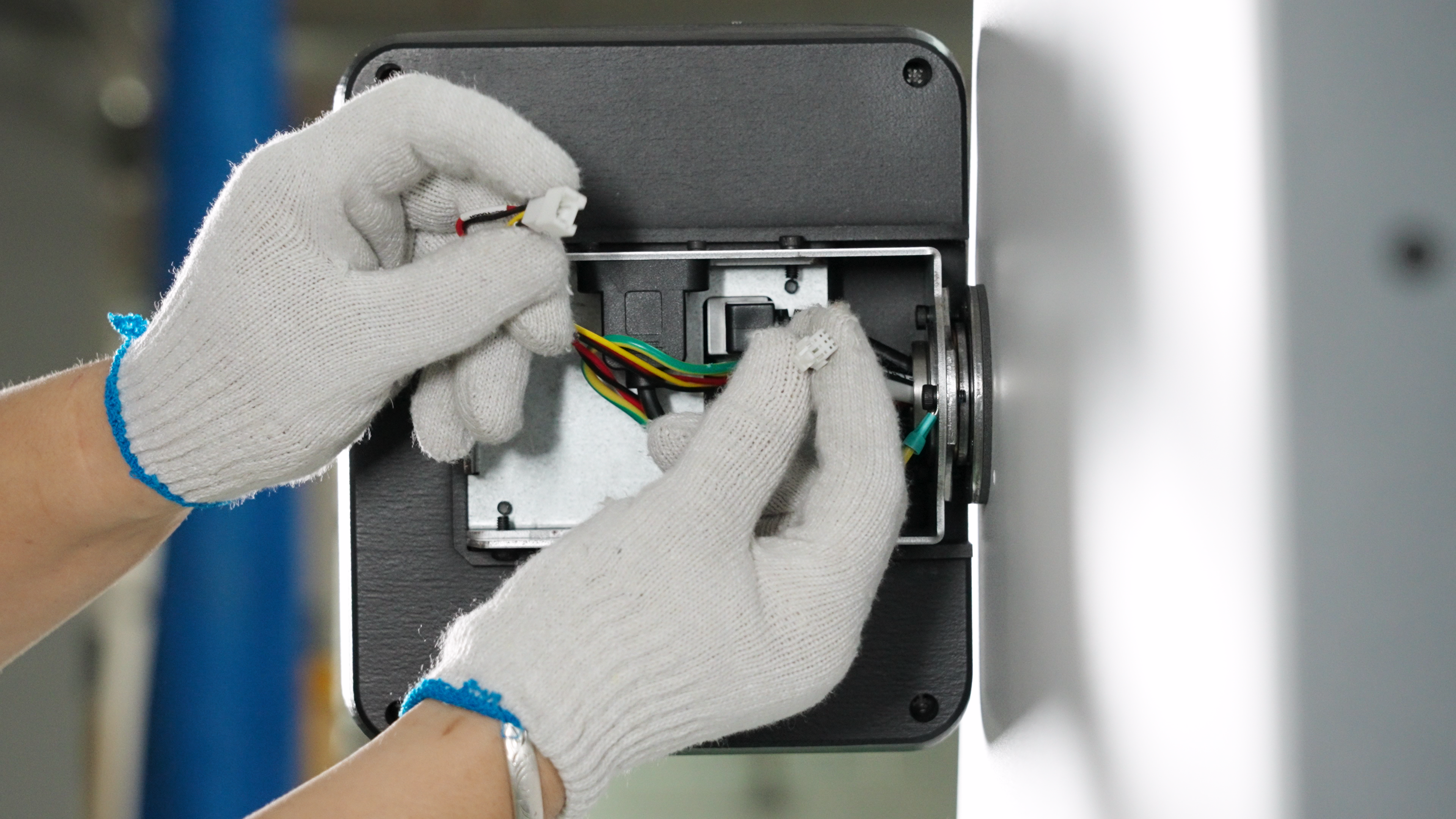
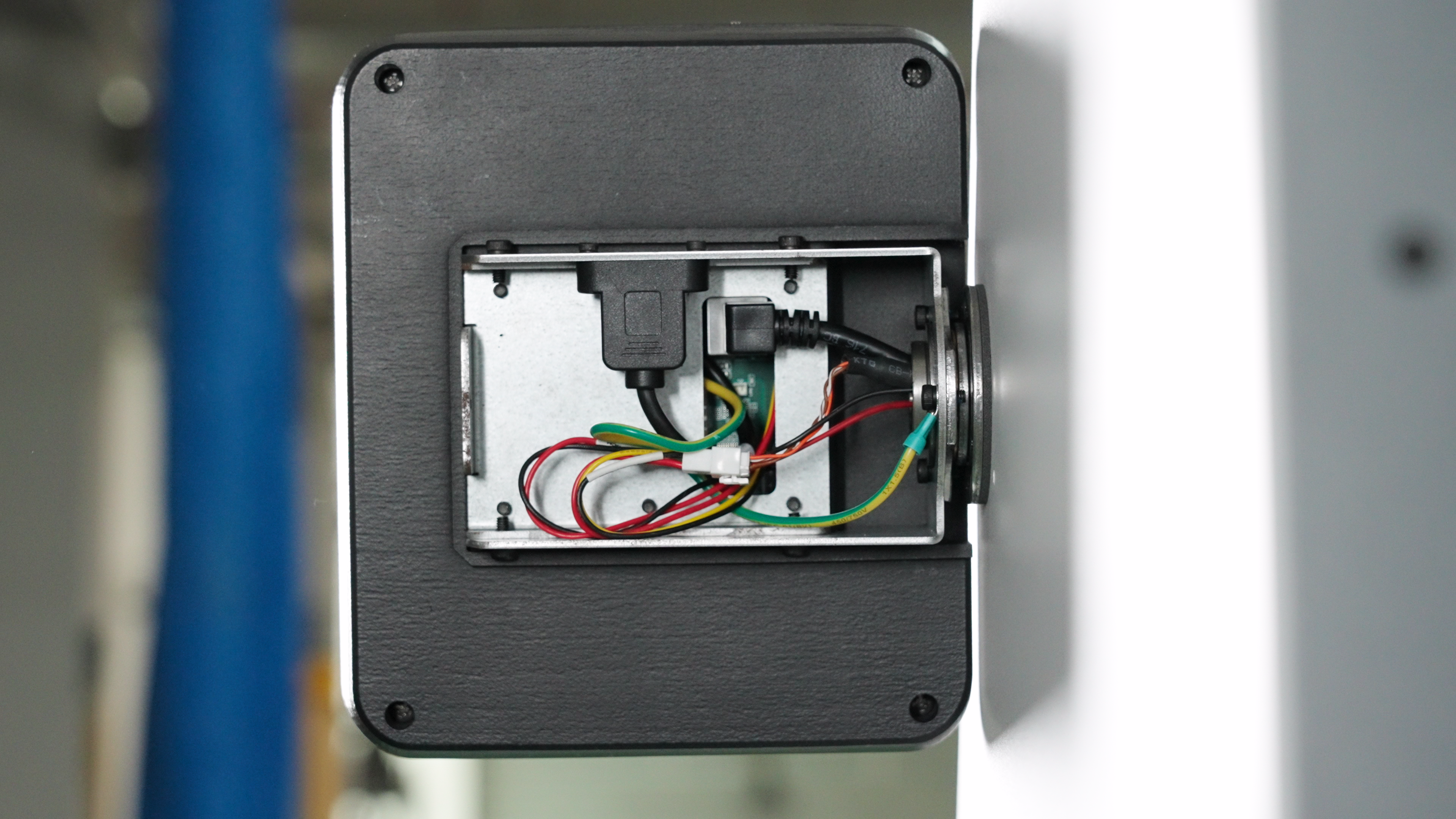
Connect the network cable and power cord.
-
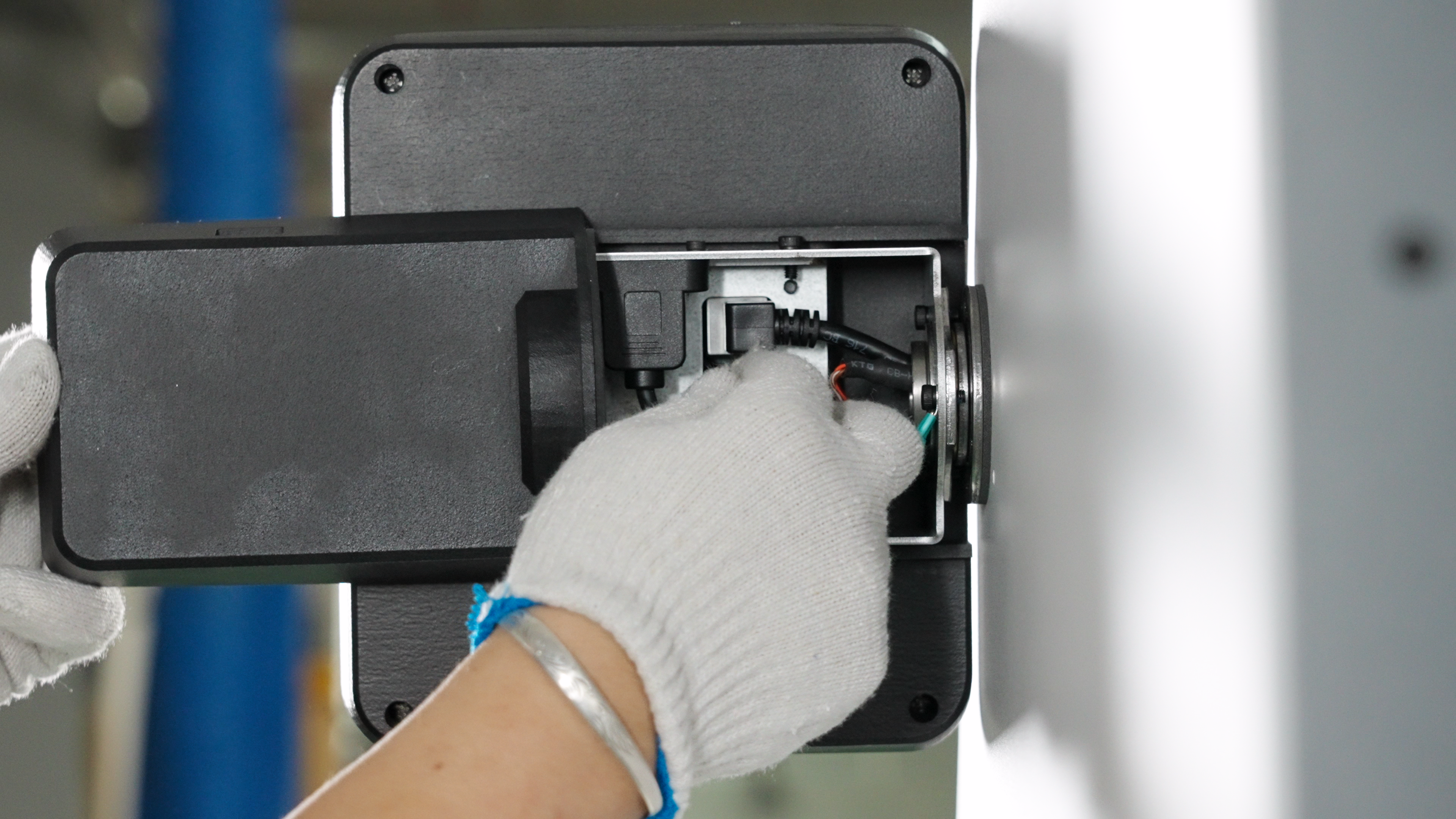
Install the touchscreen back cover onto the bracket along the direction of the rear slide groove.
-
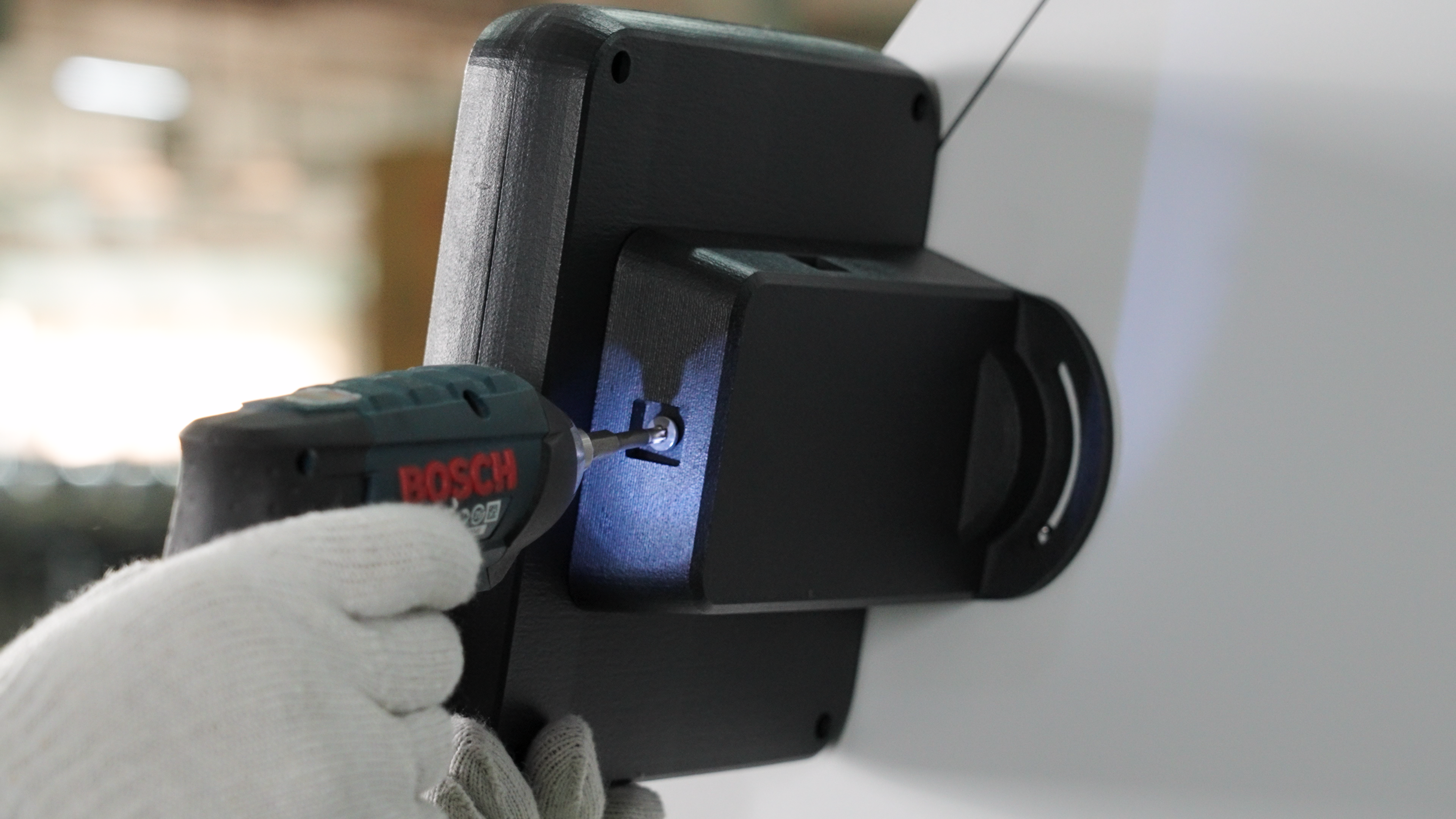
After adjusting the touchscreen angle, use an electric drill to tighten the screws on the back.
-
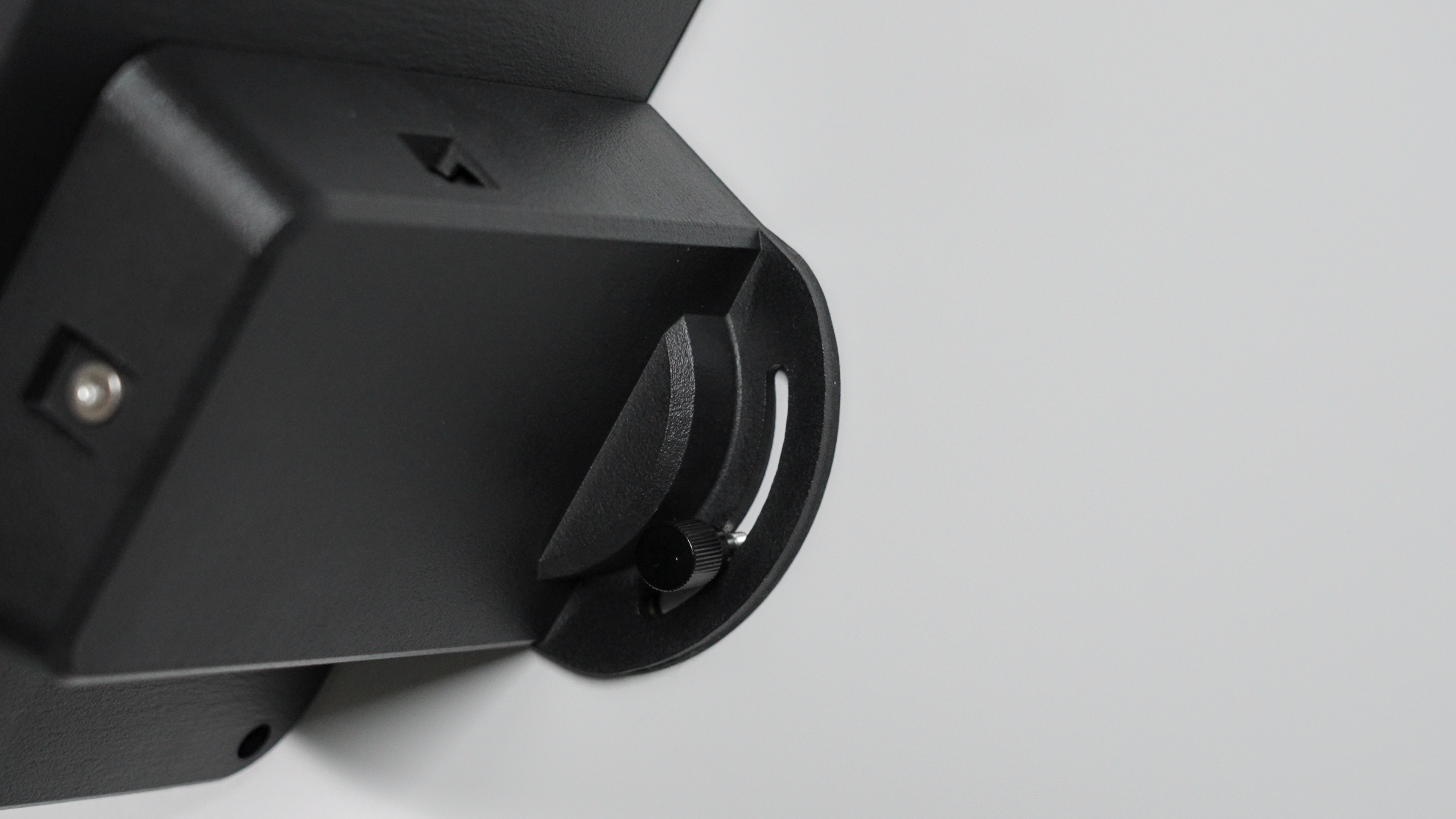
Install and tighten the adjusting bolts.